Official Website
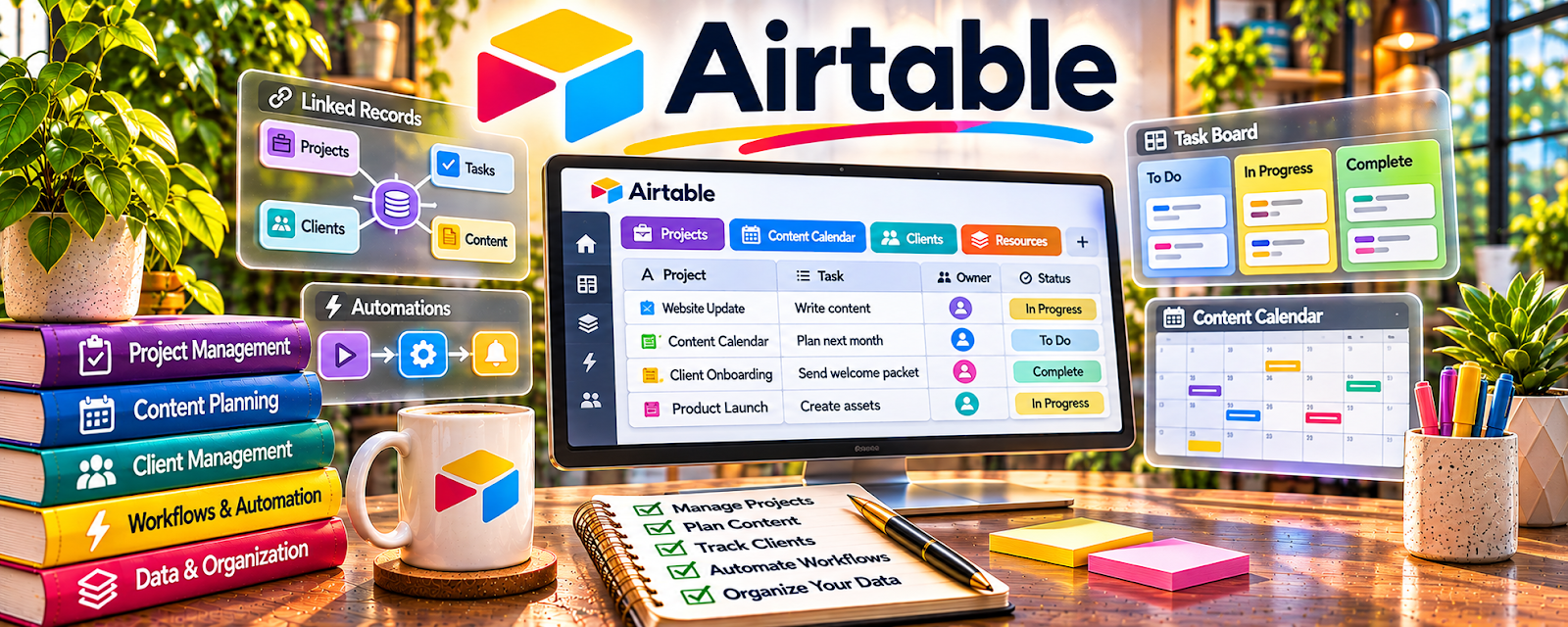
Airtable is a database tool for tracking workflows, production, and collaborators.
🔗 Visit Official Website — Airtable
Domain: www.airtable.com
What This Website Is
Airtable is a database tool for tracking workflows, production, and collaborators. For ▶️ YouTube Automation, it helps you manage a content pipeline (ideas → scripts → voiceover → edit → upload) and keep everything organized.
How to Apply It to YouTube Automation
Use Airtable as your “production tracker”: one record per video with statuses, owners, and links to scripts/assets.
Step-by-Step Implementation:
- Create fields: Topic, Script link, VO link, Edit link, Status, Publish date.
- Create a Kanban view by Status.
- Add an “Owner” field for each step (writer, VO, editor).
- Track turnaround time and bottlenecks weekly.
- Standardize checklists per stage (script, VO, edit, upload).
When to Use This
- You have multiple videos in production at once
- You work with freelancers
- You want fewer missed handoffs and deadlines
Best Tasks to Use It For
- Video pipeline tracking
- Outsourcing coordination
- Status reporting
- Asset linking + organization
Getting Started Steps
- Build a base with a Videos table and a People/Vendors table.
- Create statuses: Ideas, Script, VO, Edit, QC, Scheduled, Published.
- Add your next 10 video ideas.
- Assign owners for script/VO/edit.
- Track time-in-stage weekly.
- Create a QC checklist and require it before “Scheduled”.
- Review performance monthly and refine topics.
Good Beginner Search Terms
- youtube automation production workflow
- airtable content pipeline template
- qc checklist for youtube videos
Monetization Angle
A reliable pipeline increases upload consistency, which improves watch time and revenue while reducing expensive rework.
Pros
- Flexible workflow views
- Easy linking to assets
- Works well with teams
Cons
- Needs ongoing maintenance
- Can become complex if overbuilt
Who Should Use This
YouTube automation creators coordinating multiple freelancers and videos at once.
Who Should Skip This
Solo creators producing one video at a time with no handoffs.
Practical Applications
- Track original video briefs, scripts, asset rights, and production stages.
- Assign owners and deadlines for review and delivery.
- Maintain a pre-publication checklist for factual accuracy, media permissions, and quality.
Important Considerations
- An operations tracker does not create original value or ensure monetization eligibility.
- Check current storage, permissions, and automation limits and do not expose confidential collaborator or channel credentials.
Related Resources
 YouTube Partner Program — Connects the production pipeline to the channel’s monetization goals and eligibility tracking.
Adobe Premiere Pro — Handles editing once Airtable tracks scripts, assets, owners, and handoffs.
Notion — Stores SOPs, briefs, research notes, and checklists alongside Airtable production records.
Related Side Hustles
 YouTube Automation: Make Money Without Showing Your Face — Airtable manages video ideas, scripts, voiceovers, edits, owners, publish dates, and production status.
Faceless Video Content Creation: Go Viral Without Showing Your Face — Faceless video teams use the same asset, script, edit, and upload tracking workflow.
UGC Creation — UGC creators can track briefs, deliverables, revisions, and approvals in a similar pipeline.