Official Website
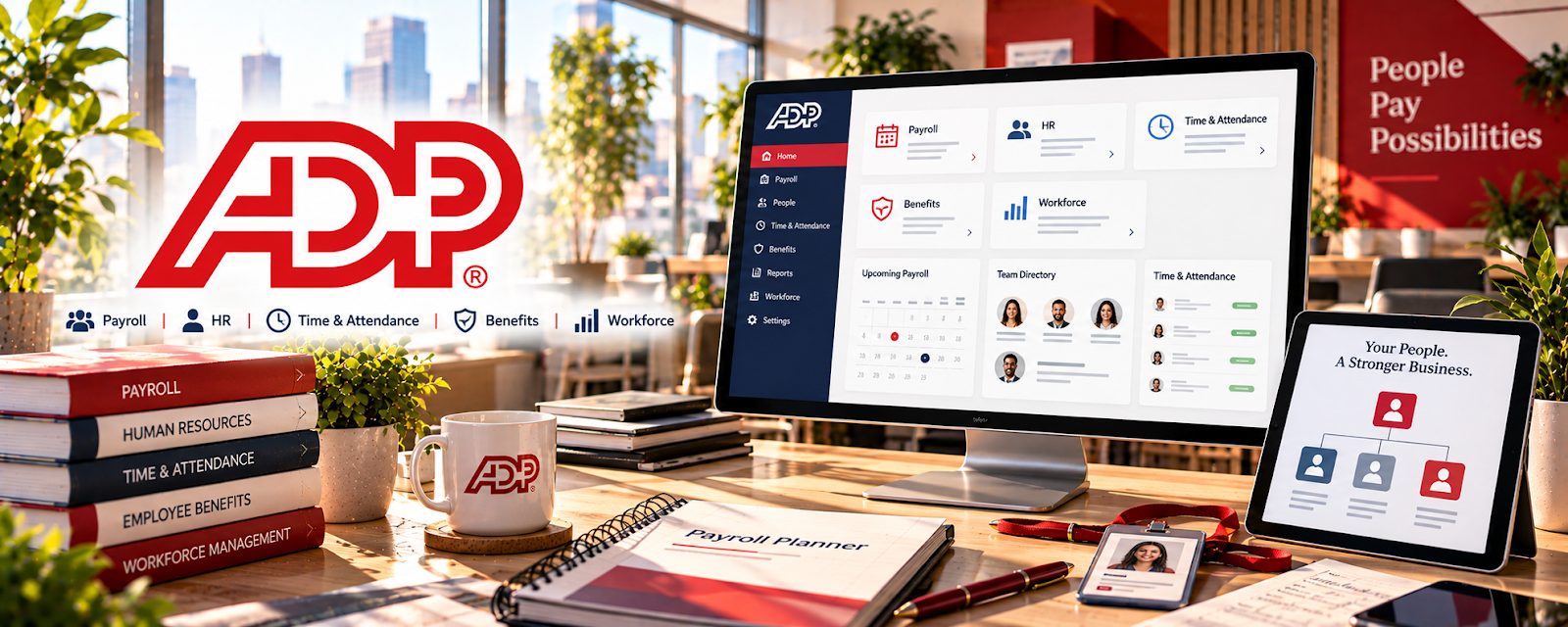
ADP is a payroll and HR platform used by businesses to run payroll, manage tax filings, and handle employee administration.
🔗 Visit Official Website — ADP
Domain: www.adp.com
What This Website Is
ADP is a payroll and HR platform used by businesses to run payroll, manage tax filings, and handle employee administration. For 📊 Online Bookkeeping, it can be relevant when supporting clients who need payroll coordination and payroll reporting.
How to Apply It to Online Bookkeeping
Use ADP as your “payroll workflow”: verify employee data, run payroll on schedule, reconcile payroll reports, and keep tax filing documentation organized.
Step-by-Step Implementation:
- Confirm the client’s authorization, your role, payroll responsibilities, and review or approval requirements.
- Use appropriate access controls and verify required source information and deadlines before any payroll action.
- Reconcile authorized reports and related bank and ledger entries and investigate discrepancies through the agreed process.
- Protect employee data and retain appropriate records, referring payroll, tax, or legal judgments beyond your competence to qualified professionals.
When to Use This
- A client uses ADP for payroll
- You reconcile payroll expenses monthly
- You support onboarding/employee changes
Best Tasks to Use It For
- Payroll runs and approvals
- Payroll report exports
- Tax filing documentation
- Employee change tracking
Getting Started Steps
- Confirm your access level with the client.
- Learn payroll schedule and cutoff dates.
- Export payroll reports needed for bookkeeping.
- Reconcile payroll entries to bank transactions.
- Track reimbursements/benefits deductions.
- Store payroll tax filings and confirmations.
- Build a monthly payroll reconciliation checklist.
Good Beginner Search Terms
- payroll reconciliation checklist
- how to book payroll journal entries
- adp payroll reports explained
Monetization Angle
Payroll coordination is high-trust work. Bookkeepers who can run and reconcile payroll reliably can charge higher retainers.
Pros
- Industry-standard payroll system
- Strong reporting
- Handles tax workflows
Cons
- Complex permissions and processes
- Paid platform
Who Should Use This
Bookkeepers supporting clients who already run payroll through ADP.
Who Should Skip This
Solo bookkeepers without payroll responsibilities or clients on simpler payroll tools.
Practical Applications
- Clarify whether your bookkeeping engagement includes authorized payroll support.
- Map client approvals, payroll inputs, and reporting deadlines.
- Reconcile authorized payroll reports to bookkeeping entries and supporting records.
Important Considerations
- Confirm the actual ADP service, responsibilities, permissions, and current pricing with the client.
- Payroll rules vary by jurisdiction; software does not eliminate filing, classification, confidentiality, or professional-scope obligations.
Related Resources
QuickBooks Online — Receives payroll journal entries and payroll expense reconciliations after ADP reports are exported.
Trello — Tracks payroll deadlines, monthly close tasks, and reconciliation checklists.
Notion — Stores payroll SOPs, client notes, cutoff dates, and report documentation.
Related Side Hustles
 Online Bookkeeping: Earn Steady Income by Helping Businesses Stay Organized — ADP supports payroll runs, tax documents, employee changes, and payroll report reconciliation for bookkeeping clients.
 Virtual Assistance — VAs may coordinate payroll admin, reminders, employee records, and document collection.
Consulting: Get Paid for What You Know — Consultants can advise on payroll workflows, reporting, controls, and process cleanup.