Official Website
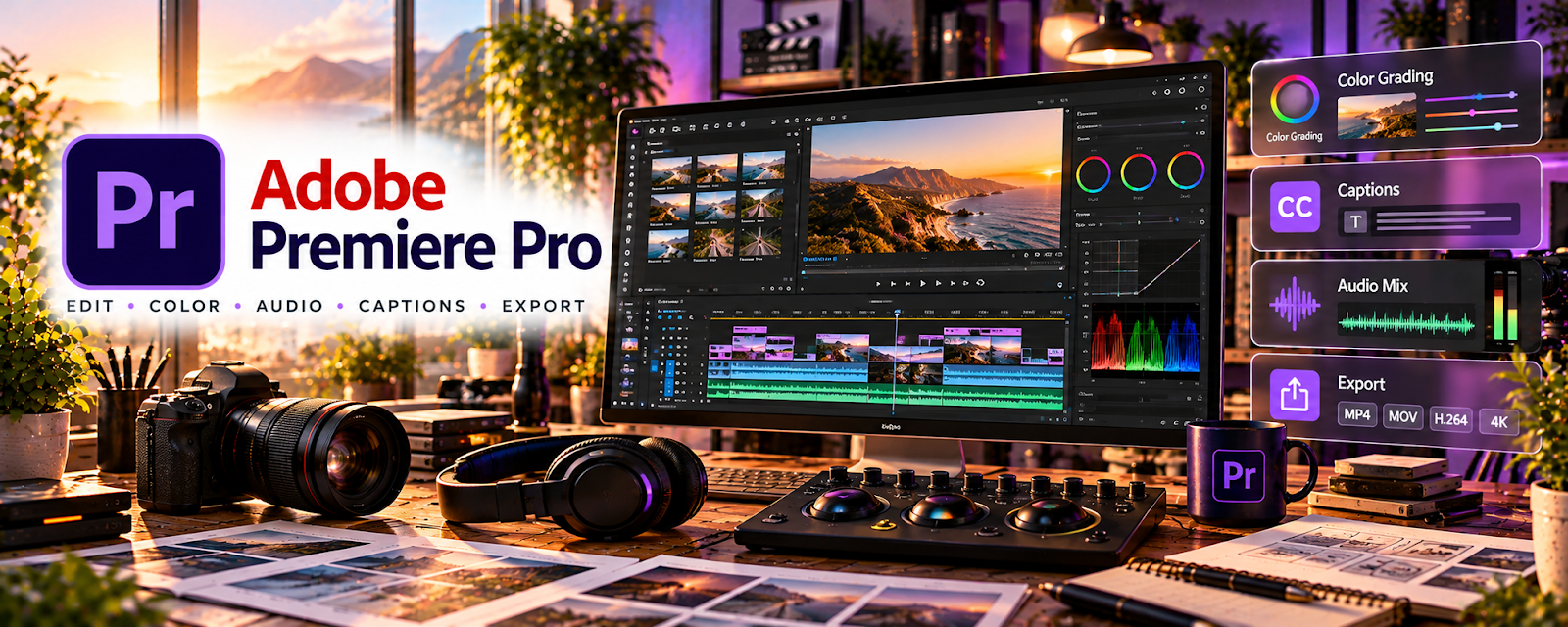
Adobe Premiere Pro is a professional video editing tool for long-form videos, short clips, motion graphics, audio cleanup, and high-quality exports.
🔗 Visit Official Website — Adobe Premiere Pro
Domain: www.adobe.com
What This Website Is
Adobe Premiere Pro is a professional video editing tool for long-form videos, short clips, motion graphics, audio cleanup, and high-quality exports. For ▶️ YouTube Automation, it can be used to produce repeatable, polished videos at scale.
How to Apply It to ▶️ YouTube Automation
Use Premiere Pro as your “production editor”: import assets → edit timeline → add graphics → mix audio → export.
Step-by-Step Implementation:
- Build a reusable project template with folders, sequences, captions, and export presets.
- Import scripts, voiceovers, b-roll, music, and graphics.
- Edit for pacing, retention, and clarity.
- Export with consistent naming and upload settings.
When to Use This
- You need professional long-form editing
- You manage repeatable video production
- You want precise control over pacing and visuals
Best Tasks to Use It For
- Long-form YouTube edits
- B-roll and timeline assembly
- Reusable production templates
Getting Started Steps
- Create a channel project template.
- Add intro, lower-third, caption, and export presets.
- Edit one sample video from script to export.
- Save the workflow as a checklist for future videos.
Good Beginner Search Terms
- Premiere Pro YouTube editing workflow
- YouTube automation video editing
- Premiere Pro export settings YouTube
Monetization Angle
Consistent editing systems can increase output quality and retention, which supports more views, better monetization, and scalable production.
Pros
- Professional editing control
- Strong export and timeline tools
- Good for repeatable production workflows
Cons
- Paid subscription
- Steeper learning curve
- Can be overkill for simple clips
Who Should Use This
YouTube operators who need polished, repeatable editing for long-form or higher-volume content production.
Who Should Skip This
Beginners who only need simple short-form edits and would move faster in a lighter tool.
Practical Applications
- Assemble an original video from reviewed script, narration, and licensed media.
- Create a repeatable edit and technical-review checklist.
- Test the final export on the intended publishing workflow.
Important Considerations
- Confirm current software, hardware, plugin, and asset requirements and costs.
- Polished or high-volume editing does not prove originality, factual accuracy, or monetization eligibility; check rights and publication policies independently.
Related Resources
CapCut — Provides a faster lightweight option for shorts and simple video edits.
VEED — Supports quick browser-based edits, captions, and social-friendly exports.
 YouTube Studio — Publishes the finished videos and tracks channel performance.
Related Side Hustles
 YouTube Automation: Make Money Without Showing Your Face — Premiere Pro directly supports the production quality and repeatable editing this model requires.
Faceless Video Content Creation: Go Viral Without Showing Your Face — Timeline editing, b-roll, captions, and voiceover assembly transfer directly to faceless channels.