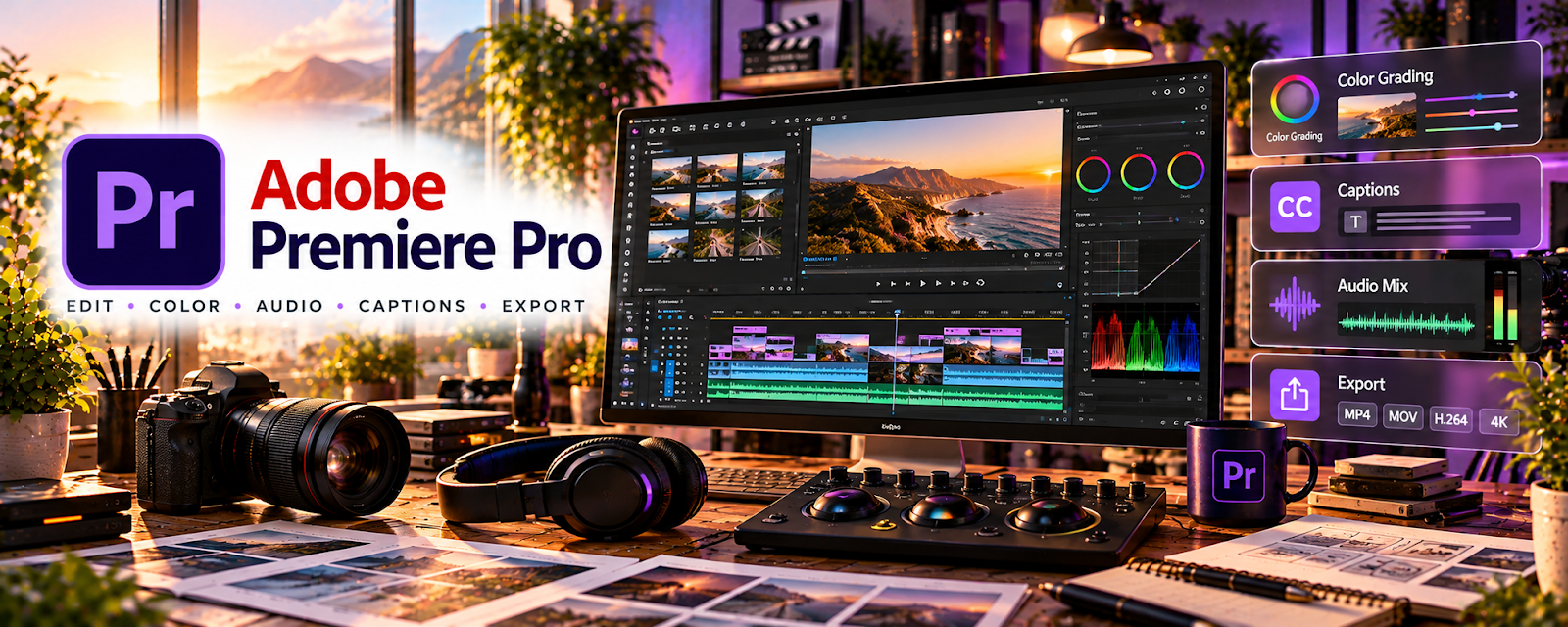
Official Website
Adobe Premiere Pro is a professional video editing tool.
🔗 Visit Official Website — Adobe Premiere Pro
Domain: www.adobe.com
What This Website Is
Adobe Premiere Pro is a professional video editing tool. For the 🤳 UGC Creation side hustle, it’s useful when you want polished edits, consistent templates, and client-ready deliverables at a higher production quality.
How to Apply It to 🤳 UGC Creation
Use Premiere Pro as a practical work tool for a pro UGC pipeline: ingest → edit → captions → color/audio polish → export variants.
Step-by-Step Implementation:
- Phase 1: Build a project template (bins, sequences, caption style, export presets).
- Phase 2: Edit in batches using a repeatable structure (hook → demo → proof → CTA).
- Phase 3: Export multiple versions (9:16, 1:1, 16:9) and deliver clean client packages.
Common Use Cases for this Side Hustle:
- Scenario A: Higher-paying clients who want premium editing quality.
- Scenario B: Editing many variations of the same ad.
- Scenario C: Building a consistent portfolio look.
When to Use This
- Clients expect professional-quality edits.
- You need advanced control (audio, color, workflow).
- You want export presets for many formats.
- You’re scaling and need templates.
Best Tasks to Use It For
- Editing UGC ads
- Multi-format exports
- Captioning and motion graphics basics
- Audio cleanup
- Color correction
Getting Started Steps
- Install Premiere Pro.
- Create a template project with folders and sequences.
- Build export presets for TikTok/Reels/YouTube.
- Edit one UGC ad using a standard structure.
- Add captions and basic motion.
- Clean audio and adjust color.
- Export and deliver a packaged folder to clients.
Good Beginner Search Terms
- Premiere Pro UGC workflow
- UGC ad editing structure hook proof CTA
- Premiere Pro caption workflow
- export presets TikTok Reels
- basic color correction Premiere Pro
- dialogue audio cleanup Premiere Pro
Monetization Angle
Higher-quality edits can justify higher rates. Templates and presets also reduce turnaround time, so you can take more clients.
Pros
- Pro-level control and quality
- Strong presets and workflow
- Scales well for many deliverables
Cons
- Paid subscription
- Steeper learning curve
- Can be slower than mobile editors for quick clips
Who Should Use This
UGC creators working with brands who want premium edits and fast multi-format delivery.
Who Should Skip This
Skip this if you’re early-stage and need the fastest possible editing workflow on a tight budget.
Practical Applications
- Assemble an edit that matches an approved UGC brief.
- Prepare agreed aspect-ratio or hook variants without changing supported product claims.
- Review audio, captions, and export settings before brand delivery.
Important Considerations
- Secure licenses and permissions for music, footage, fonts, and any AI-assisted assets.
- Check subscription and hardware requirements and define revision scope, usage rights, and client approvals separately from the editing workflow.
Related Resources
CapCut — Provides a faster lightweight editor for quick UGC variants.
Milanote — Organizes campaign concepts, shot lists, and visual references before editing.
Google Docs — Stores briefs, scripts, and client feedback for UGC projects.
Wave — Tracks invoices and payments after UGC deliverables are sent.
Related Side Hustles
 UGC Creation — This is the direct brand-content workflow Premiere Pro supports.
Faceless Video Content Creation: Go Viral Without Showing Your Face — Premium video editing skills transfer into faceless content production.