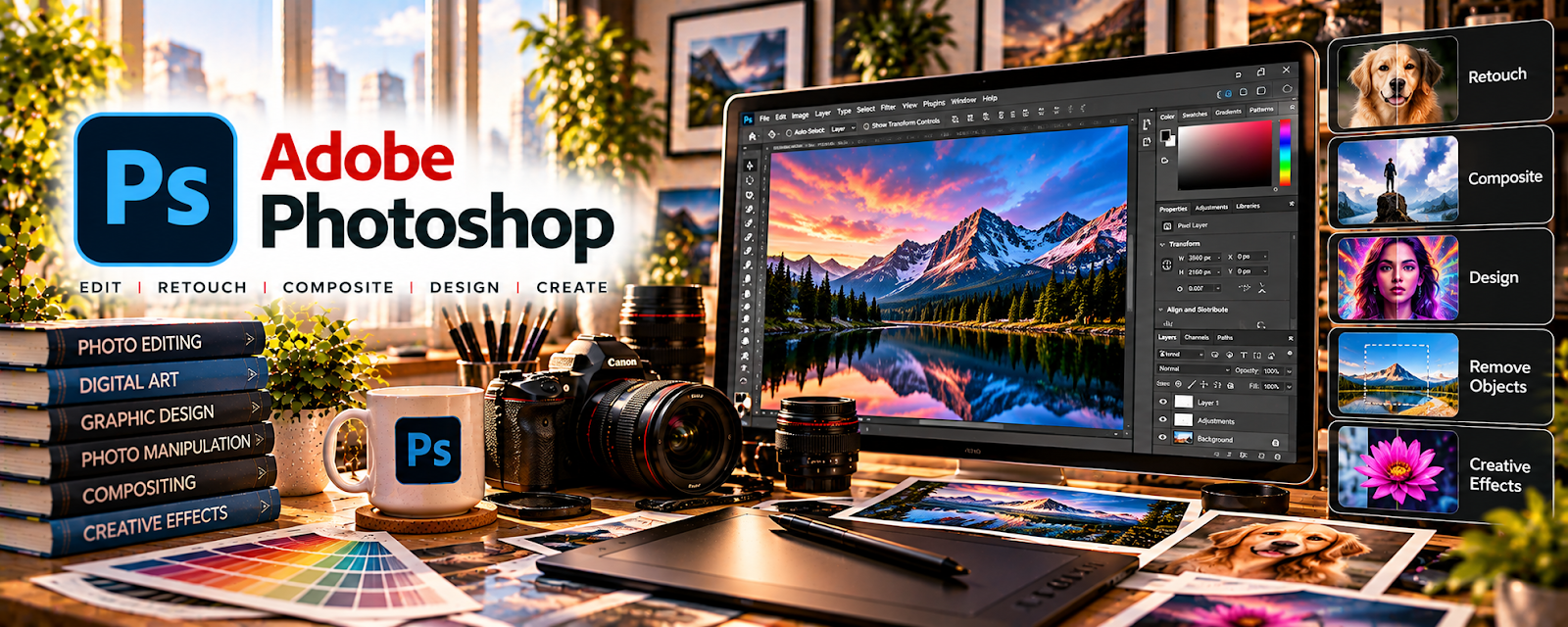
Official Website
Adobe Photoshop is a paid image editing tool with photo manipulation, typography, and design features related to creating high-impact visuals.
🔗 Visit Official Website — Adobe Photoshop
Domain: www.adobe.com
What This Website Is
Adobe Photoshop is a paid image editing tool with photo manipulation, typography, and design features related to creating high-impact visuals. For a ▶️ YouTube Automation side hustle, it can be used to create clickable thumbnails, consistent channel branding, and template-based designs that improve CTR.
How to Apply It to YouTube Automation
Use Photoshop to build a repeatable thumbnail system: templates, fonts, effects, and a workflow that lets you create 3–10 thumbnails in one batch session.
Step-by-Step Implementation:
- Phase 1: Research 50 top thumbnails in your niche and define 2–3 repeatable styles
- Phase 2: Build thumbnail templates (layers, text styles, effects) and save as reusable PSDs
- Phase 3: Batch-produce thumbnails for your pipeline and iterate based on CTR and retention
Common Use Cases for this Side Hustle:
- Scenario A: If CTR is low, redesign thumbnails with stronger contrast, faces/emotion (if used), and clearer hooks
- Scenario B: If production is slow, use templates and smart objects to batch create faster
When to Use This
- You want higher CTR from better thumbnails
- You need a consistent channel brand
- You want layered templates for speed
- You’re testing multiple titles/topics
- You need pro-level image editing
Best Tasks to Use It For
- Thumbnail creation
- Channel branding assets
- A/B style variations
- Template building with layers
- Batch export workflows
Getting Started Steps
- Visit Adobe Photoshop.
- Choose 2 thumbnail styles to model.
- Build a layered template file (text, effects, background).
- Create thumbnails for your next 5 videos.
- Export at YouTube thumbnail size.
- Track CTR for each style.
- Iterate templates monthly.
Good Beginner Search Terms
- Photoshop YouTube thumbnail template
- improve thumbnail CTR design
- thumbnail contrast and readability
- Photoshop smart objects workflow
- YouTube thumbnail size export
- A/B testing thumbnail styles
Monetization Angle
Better thumbnails can drive more clicks, views, and ad revenue. A template system also reduces time per video, helping you publish more consistently.
Pros
- Powerful editing and effects
- Great template workflow with layers
- Industry-standard for thumbnails
Cons
- Subscription cost
- Learning curve for beginners
- Can be overkill for simple graphics
Who Should Use This
YouTube automation creators who want professional thumbnails and a scalable design workflow.
Who Should Skip This
Creators who prefer simple template tools only and don’t need advanced image editing.
Practical Applications
- Create an original thumbnail composition consistent with the video’s actual content.
- Build reusable layouts for a channel series.
- Check contrast and readability at realistic thumbnail sizes.
Important Considerations
- Confirm commercial rights to images, fonts, logos, and other assets.
- A strong thumbnail does not guarantee views; avoid misleading claims and review current software costs and export requirements.
Related Resources
 YouTube Analytics — Measures CTR and performance so thumbnail templates can be improved.
YouTube Studio — Uploads thumbnails, tracks video results, and manages channel publishing.
 VidIQ (YouTube Channel) — Supports topic, title, and thumbnail optimization research for YouTube growth.
Related Side Hustles
 YouTube Automation: Make Money Without Showing Your Face — Photoshop creates clickable thumbnails, channel branding, image composites, and reusable visual templates.
Faceless Video Content Creation: Go Viral Without Showing Your Face — Faceless channels need strong thumbnails and consistent visuals to earn clicks.
UGC Creation — UGC creators can use Photoshop for pitch visuals, ad mockups, and polished brand assets.