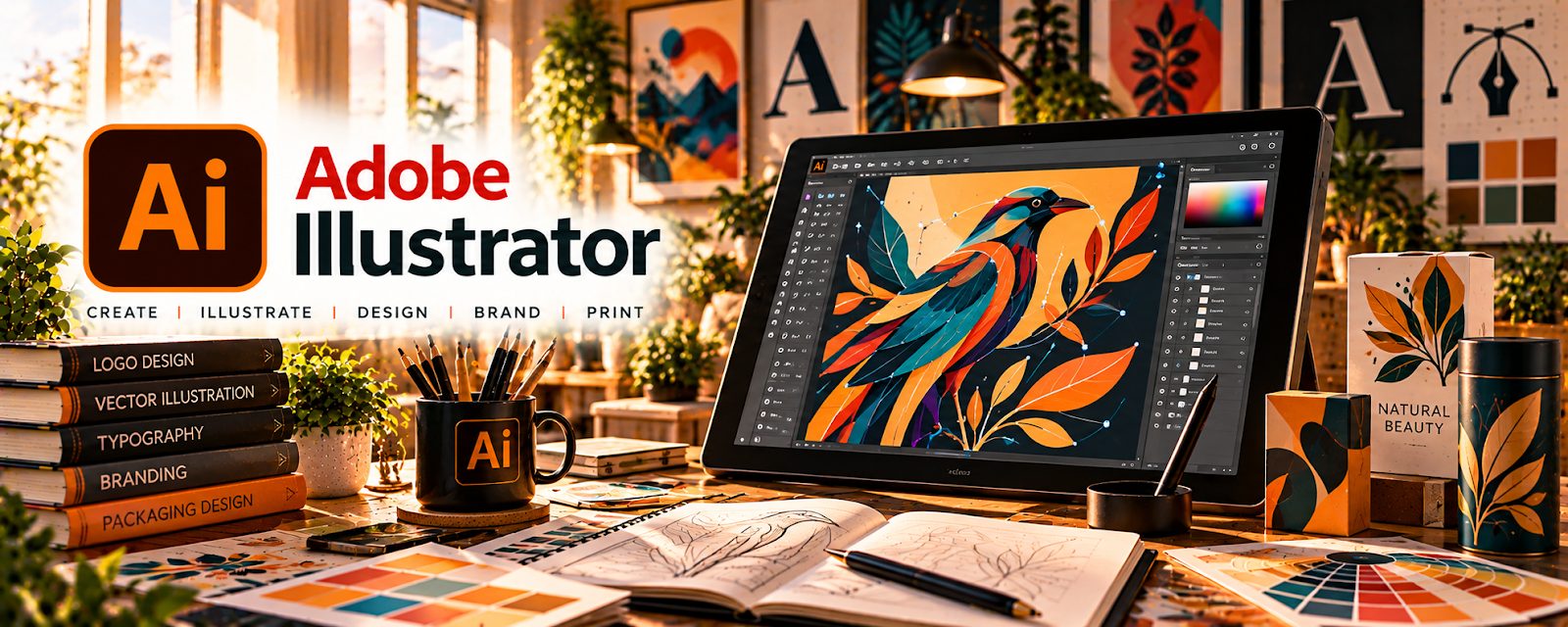
Official Website
Adobe Illustrator is a paid vector design tool with drawing, typography, and layout features related to creating clean scalable artwork.
🔗 Visit Official Website — Adobe Illustrator
Domain: www.adobe.com
What This Website Is
Adobe Illustrator is a paid vector design tool with drawing, typography, and layout features related to creating clean scalable artwork. For a 🎨 Art & Illustration Commissions side hustle, it can be used to produce client-ready line art, logos, prints, and polished illustrations that export well for web and print.
How to Apply It to Art & Illustration Commissions
Use Illustrator as your “final-output” tool: build clean vectors, refine shapes, and deliver consistent exports (PNG/SVG/PDF) that clients can actually use.
Step-by-Step Implementation:
- Phase 1: Set up brushes, swatches, and a file/export template for your common deliverables
- Phase 2: Create a repeatable sketch → vector → polish workflow (layers + naming)
- Phase 3: Package deliverables (multiple sizes + formats) and build a reusable handoff checklist
Common Use Cases for this Side Hustle:
- Scenario A: If clients need scalable assets, deliver SVG/PDF versions for pro use
- Scenario B: If revisions are painful, use layers and clean paths to edit quickly
When to Use This
- You need scalable vector deliverables
- You’re delivering logos/icons/line art
- You need clean typography and layout
- You want a professional file handoff
- You expect frequent revision requests
Best Tasks to Use It For
- Vector illustration and line art
- Logo/icon deliverables
- Print-ready exports (PDF)
- Color palette and style systems
- Clean asset packaging
Getting Started Steps
- Visit Adobe Illustrator.
- Create a commission file template (artboards, layers, naming).
- Save swatches and brushes you use often.
- Vectorize one portfolio piece using clean layers.
- Export in PNG + SVG/PDF formats.
- Create a “handoff” checklist for clients.
- Reuse the template for every new commission.
Good Beginner Search Terms
- Illustrator export SVG PDF PNG
- clean vector workflow layers
- illustrator pen tool practice
- how to package design files for clients
- illustrator brushes and swatches
- client revision workflow design
Monetization Angle
Professional vector deliverables let you charge more (clients pay for usable assets). A repeatable template + export workflow also reduces revision time and increases your effective hourly rate.
Pros
- Industry-standard vector deliverables
- Scales cleanly for print and web
- Great for professional client handoffs
Cons
- Higher learning curve
- Subscription cost
- Overkill for simple raster-only work
Who Should Use This
Commission artists who deliver logos, icons, line art, or scalable assets to clients.
Who Should Skip This
Artists doing only raster painting or quick one-off social graphics with no need for vector files.
Practical Applications
- Develop original vector artwork for an agreed commission.
- Prepare a proof showing intended dimensions and colors.
- Export the file formats specified in the client brief.
Important Considerations
- Verify font, stock, and other asset licenses and agree ownership and usage rights.
- Test outputs for the actual production method; editable files, color accuracy, revisions, and source-file delivery need explicit agreement.
Related Resources
Skillshare — Illustration Classes — Builds illustration and vector-design skills that improve commission quality.
Udemy — Digital Art Courses — Offers structured practice for Illustrator workflows, styles, and client-ready outputs.
VGen — Provides a commission marketplace where polished Illustrator work can be offered.
Related Side Hustles
 Art & Illustration Commissions: Get Paid for Drawing What You Love — Illustrator directly supports scalable client deliverables like logos, icons, and line art.
 Selling Digital Products — Vector packs, icons, templates, and printable assets can become downloadable products.
Print-on-Demand — Vector artwork can be repurposed into shirts, stickers, posters, and merch designs.