Official Website
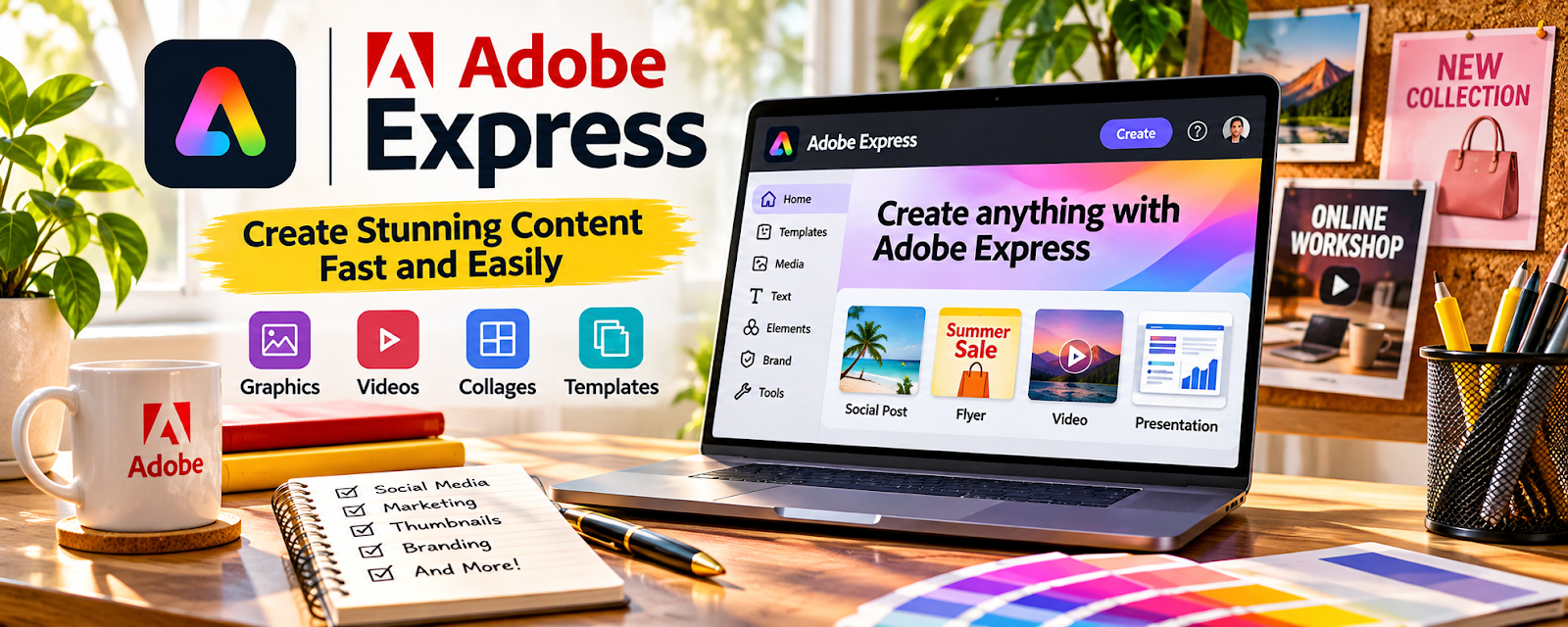
Adobe Express is a freemium design tool with templates and quick graphics related to creating product visuals and simple branding assets.
🔗 Visit Official Website — Adobe Express
Domain: www.adobe.com
What This Website Is
Adobe Express is a freemium design tool with templates and quick graphics related to creating product visuals and simple branding assets. For a 🧶 Selling Crafts & Handmade Goods side hustle, it can be used to create listing images, product labels, promo posts, and consistent branding for your shop.
How to Apply It to Selling Crafts & Handmade Goods
Use Adobe Express to make your handmade products look consistent and professional online. The tactical application is building templates for listings and promos so every new product can be published quickly with strong visuals.
Step-by-Step Implementation:
- Phase 1: Create a brand kit and product listing image templates (title overlay, features, size/variants)
- Phase 2: Build promo templates for launches, restocks, and seasonal sales
- Phase 3: Batch-create assets for multiple products and refine based on clicks/saves/sales
Common Use Cases for this Side Hustle:
- Scenario A: If listings don’t stand out, use consistent templates and clearer feature callouts
- Scenario B: If you’re launching new items often, batch-create templates so you can publish faster
When to Use This
- You need consistent listing images for Etsy/Shopify
- You want stronger branding for handmade products
- You want promo graphics for launches and sales
- You need labels/inserts and simple packaging visuals
- You want a quick repeatable design system
Best Tasks to Use It For
- Listing image templates
- Product labels and inserts
- Promo graphics and banners
- Brand kit setup
- Batch asset production
Getting Started Steps
- Visit Adobe Express.
- Create your shop brand kit.
- Build 3 listing image templates and 3 promo templates.
- Create images for your next 5 products using templates.
- Export in marketplace sizes (Etsy/Shopify).
- Post promos for your launch/restock.
- Reuse templates for every new product.
Good Beginner Search Terms
- Etsy listing image templates
- handmade product branding kit
- product label design template
- seasonal sale promo graphics
- how to improve Etsy click through rate
- Adobe Express Etsy templates
Monetization Angle
Stronger visuals can improve listing clicks and conversion, which increases sales. Templates reduce time per product listing, letting you launch more items and run more promotions without extra design work.
Pros
- Fast templates for listings and promos
- Great for consistent handmade branding
- Freemium start
Cons
- Templates can look generic if not customized
- Less advanced than pro design suites
- Some features require paid plan
Who Should Use This
Handmade sellers who want quick, consistent listing visuals and promo graphics.
Who Should Skip This
Sellers with a dedicated designer or a fully custom brand pipeline in advanced tools.
Practical Applications
- Create accurate listing graphics for an original handmade item.
- Prepare a readable care card or craft-fair flyer.
- Compare previews with the actual materials, dimensions, and finished product.
Important Considerations
- Verify current font, stock, template, AI, and commercial-use licenses.
- Do not imply untested safety, affiliations, or features; design tools do not establish product compliance, intellectual-property clearance, or profitable demand.
Related Resources
Square Online — Hosts handmade product listings that use Adobe Express visuals.
Canva — Provides another quick template workflow for craft branding and product graphics.
Pirate Ship — Handles shipping after promoted handmade items sell.
Related Side Hustles
 Selling Crafts & Handmade Goods — Adobe Express creates listing images, labels, inserts, banners, and launch promos for craft sellers.
 Print-on-Demand — Similar templates and graphics can be reused for POD product launches.
Selling Digital Products — Design templates and graphics can also become downloadable products.