Official Website
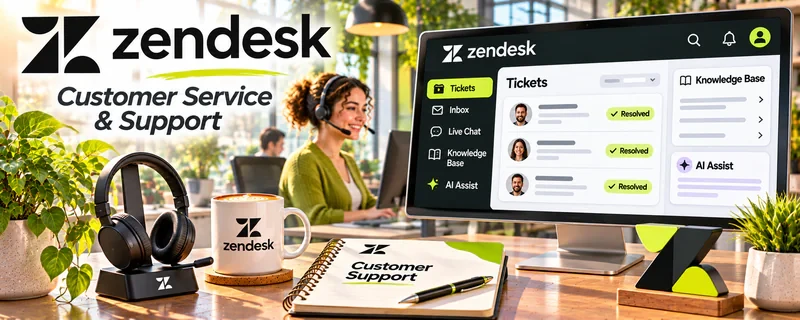
Zendesk is a customer support platform for managing tickets, live chat, and help center workflows.
🔗 Visit Official Website — Zendesk
Domain: www.zendesk.com
What This Website Is
Zendesk is a customer support platform for managing tickets, live chat, and help center workflows. For 🎧 Remote Customer Service Jobs, it’s common industry software and good practice for ticket-based support processes.
How to Apply It to Remote Customer Service Jobs
Use Zendesk as your “ticketing workflow practice”: learn triage, macros (templates), SLAs, and consistent resolution notes.
Step-by-Step Implementation:
- Identify the support skills needed by a genuine vacancy and distinguish practice from access to an employer’s system.
- Use authorized training or sample tickets to learn triage, tags, notes, and escalation boundaries.
- Draft accurate responses that follow the relevant policy and protect personal or payment information.
- Review quality and handoffs and describe your actual practice honestly rather than claiming live support experience you do not have.
When to Use This
- You’re learning helpdesk workflows for employment
- You need ticket triage practice
- You want to build role-relevant skills
Best Tasks to Use It For
- Ticket triage and categorization
- Macro/template response workflows
- Escalation and SLA practice
- Knowledge base workflows
Getting Started Steps
- Learn the core objects: tickets, users, groups, views.
- Practice writing macros for common issues.
- Build a simple triage flow (urgent vs normal).
- Practice clear resolution notes.
- Learn when to escalate and how to tag issues.
- Study common metrics (FRT, resolution time, CSAT).
- Create a sample help center article structure.
Good Beginner Search Terms
- zendesk ticket workflow basics
- customer support macros examples
- sla definitions first response time
Monetization Angle
Role-relevant tooling familiarity can help you land higher-paying support roles and ramp faster, improving job outcomes.
Pros
- Widely used in support roles
- Strong ticketing and knowledge base features
- Teaches transferable workflows
Cons
- Paid tool (for real usage)
- Can be complex at first
Who Should Use This
Remote support job seekers building ticketing workflow experience.
Who Should Skip This
People who only need simple email-based support and aren’t targeting helpdesk roles.
Practical Applications
- Learn the basic lifecycle of a support ticket using authorized training materials.
- Practice clear internal notes, prioritization, and escalation examples.
- Describe genuine familiarity with ticketing workflows in applications and interviews.
Important Considerations
- Do not claim production experience from a brief software demonstration.
- Use only authorized accounts and sample data; employers may configure permissions, workflows, and security rules differently.
Related Resources
Freshdesk — Provides another ticketing platform to practice similar support workflows.
Intercom — Adds live chat and SaaS support workflows that overlap with Zendesk skills.
Google Docs — Stores help-center drafts, macros, escalation notes, and support documentation.
Related Side Hustles
 Remote Customer Service Jobs — Zendesk teaches ticket triage, macros, SLAs, escalation notes, and help-center workflows used in support roles.
 Virtual Assistance — VAs may manage client support inboxes, tickets, and customer follow-up workflows.
Consulting: Get Paid for What You Know — Consultants can advise on support processes, documentation, and ticket workflow improvements.