Official Website
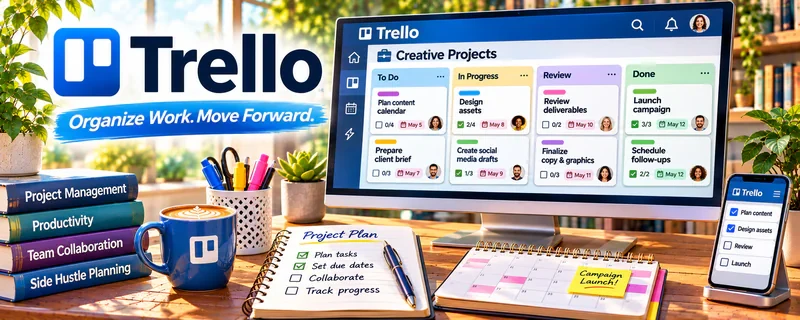
Trello is a visual project board tool (cards + lists) used to plan work and track progress.
🔗 Visit Official Website — Trello
Domain: trello.com
What This Website Is
Trello is a visual project board tool (cards + lists) used to plan work and track progress. For 🤳 UGC Creation, it helps you manage briefs, scripts, shot lists, edits, and deliveries across multiple brand deals.
How to Apply It to UGC Creation
Use Trello as your “deal pipeline + production tracker”: brief → script → shoot → edit → deliver → invoice.
Step-by-Step Implementation:
- Map the stages of a UGC project from inquiry to approved delivery and payment tracking.
- Create a board and card template with scope, due dates, approved talking points, and review checkpoints.
- Set appropriate access permissions and link only authorized assets without exposing private client information.
- Update the card as scripts, filming, edits, and client approvals progress.
- Review deadlines and bottlenecks regularly while keeping signed terms and payment records in the appropriate systems.
When to Use This
- You’re managing multiple projects at once
- You want a repeatable checklist per deliverable
- You need a clear view of what’s next
Best Tasks to Use It For
- Pipeline tracking
- Shot lists and checklists
- Revision tracking
- Due dates and reminders
Getting Started Steps
- Create a board for your workflow stages.
- Add lists: Leads, In Production, Editing, Delivered, Paid.
- Create a card template (brief, talking points, checklist, due date).
- Add one card per brand deal.
- Attach scripts/assets to each card.
- Move cards as work progresses.
- Review daily and batch similar tasks.
Good Beginner Search Terms
- trello content workflow board
- trello card checklist template
- ugc production pipeline
- client revision tracking system
Monetization Angle
A tighter workflow reduces missed deadlines and increases capacity, letting you take more deals per month.
Pros
- Simple and visual
- Easy to template checklists
- Great for multi-project tracking
Cons
- Can get messy without discipline
- Limited reporting vs heavier tools
Who Should Use This
Creators managing multiple brand deliverables who need a clear pipeline.
Who Should Skip This
Solo creators with a single recurring workflow already managed elsewhere.
Practical Applications
- Track a UGC project through brief, script, filming, review, and delivery.
- Record brand-approved changes and required disclosure checks.
- Keep license and usage questions visible before final handoff.
Important Considerations
- A completed card is not brand approval or evidence of advertising rights.
- Verify access, automations, plan limits, and backups; protect confidential briefs and separately agree paid use, exclusivity, revisions, cancellation, AI, and reuse permissions.
Related Resources
Canva / Canva Mockups — Creates pitch decks, thumbnails, and simple visuals for UGC packages.
Notion — Stores briefs, scripts, content ideas, client notes, and reusable SOPs.
CapCut — Edits the UGC videos after Trello tracks the production steps.
Related Side Hustles
 UGC Creation — Trello manages brand deals, briefs, shot lists, edits, approvals, and delivery status.
Faceless Video Content Creation: Go Viral Without Showing Your Face — Video pipelines also need structured tracking from ideas through publishing.
 Social Media Management — Social clients use similar planning, content calendars, and revision workflows.