Official Website
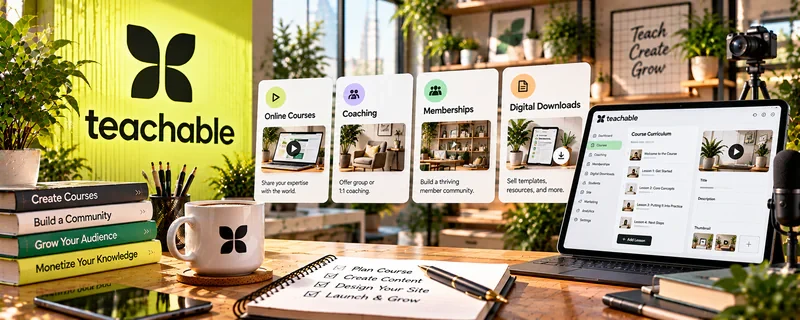
Teachable is an all-in-one platform for hosting and selling online courses.
🔗 Visit Official Website — Teachable
Domain: www.teachable.com
What This Website Is
Teachable is an all-in-one platform for hosting and selling online courses. For the 🎓 Online Course Creation side hustle, it helps you structure lessons, manage students, and process payments.
How to Apply It to 🎓 Online Course Creation
Use Teachable as a practical “course delivery system”: build → publish → sell → support → improve.
Step-by-Step Implementation:
- Phase 1: Create your course structure (modules, lessons, downloads).
- Phase 2: Upload lessons and set up checkout/pricing.
- Phase 3: Launch, collect feedback, and iterate the curriculum.
Common Use Cases for this Side Hustle:
- Scenario A: First course launch with simple hosting + payments.
- Scenario B: Bundling courses and downloads.
- Scenario C: Managing students and access over time.
When to Use This
- You want a hosted course platform.
- You need payments + delivery in one place.
- You want to avoid custom tech.
- You want a clean student experience.
Best Tasks to Use It For
- Course hosting and delivery
- Checkout and pricing
- Student access management
- Bundles and upsells
- Basic course analytics
Getting Started Steps
- Create a Teachable account.
- Create a course and outline modules.
- Upload 3–5 starter lessons.
- Set pricing and checkout.
- Create a simple sales page.
- Launch to your audience.
- Collect feedback and improve.
Good Beginner Search Terms
- Teachable course setup tutorial
- how to structure online course modules
- Teachable pricing strategy
- course sales page checklist
- course launch email sequence
- Teachable vs Kajabi vs Thinkific
Monetization Angle
A hosted platform reduces tech friction so you can launch faster. Faster launches = faster revenue and more iteration cycles.
Pros
- All-in-one course platform
- Easy for beginners
- Clean student experience
Cons
- Platform fees/costs
- Customization limits vs custom sites
- Migration can be painful later
Who Should Use This
Course creators who want a reliable platform to host, sell, and deliver courses without building custom tech.
Who Should Skip This
Skip this if you already have a platform and only need marketing, not course hosting.
Practical Applications
- Build a short pilot course with clear outcomes and lesson instructions.
- Test enrollment, payment confirmation, and learner access.
- Collect practical feedback before expanding the program.
Important Considerations
- Confirm current pricing, transaction and payment charges, region support, and plan features.
- A platform does not ensure learning or sales; plan accessibility, privacy, support, refund terms, and appropriate content rights.
Related Resources
Podia — Offers an alternative course and digital product platform for simpler selling.
Thinkific — Provides another dedicated course-hosting option to compare against Teachable.
Kajabi Coaching — Supports higher-ticket coaching and consulting programs related to course offers.
Related Side Hustles
 Selling Digital Products — Courses can be bundled with templates, downloads, and other digital products.
 Blogging: Build an Online Brand and Earn from Your Words — Blog content can attract learners and promote course launches.