Official Website
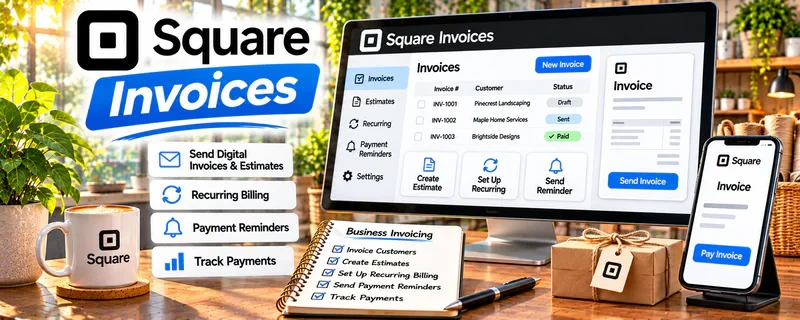
Square Invoices is an invoicing tool for sending professional invoices and collecting payments online.
🔗 Visit Official Website — Square Invoices
Domain: squareup.com
What This Website Is
Square Invoices is an invoicing tool for sending professional invoices and collecting payments online. For 🌱 Lawn Care & Yard Work, it helps you get paid faster and keep clean records.
How to Apply It to 🌱 Lawn Care & Yard Work
Use Square Invoices as your “job → invoice → payment” workflow: finish job → invoice same day → track paid/unpaid → follow up.
Step-by-Step Implementation:
- Confirm the yard-work scope, price, authorized extras, and payment terms with the customer before starting.
- Check your current Square account eligibility, invoice features, and processing charges.
- Prepare a clear invoice referencing the agreed job and any approved materials or deposit.
- Verify the recipient, amount, due date, and supported payment options before sending.
- Reconcile the actual payment and any refunds or fees, and follow up professionally on overdue balances.
When to Use This
- You need fast invoicing
- You want card payments
- You want better payment tracking
Best Tasks to Use It For
- Invoicing
- Payment collection
- Payment reminders
Getting Started Steps
- Create Square account.
- Build invoice template.
- Send invoices after each job.
Good Beginner Search Terms
- Square invoices for service business
- lawn care invoice template
- payment reminders best practices
Monetization Angle
Faster payments improve cash flow and reduce time spent chasing invoices.
Pros
- Simple setup
- Easy online payments
Cons
- Fees on payments
- Limited customization
Who Should Use This
Local service providers who want quick invoicing and easy payment collection.
Who Should Skip This
Businesses that already run everything through accounting software.
Practical Applications
- Invoice an agreed lawn-care job with clear service and material descriptions.
- Track deposits, balances, and receipts against the correct property visit.
- Test customer payment and confirmation before adopting the workflow.
Important Considerations
- Confirm current country support, payment methods, fees, payout conditions, and dispute terms.
- An invoice does not replace agreement about scope, weather changes, cancellations, or legal treatment requirements; protect client and property information.
Related Resources
Quickbooks — Provides fuller accounting and reporting once the lawn care business grows.
No access — Tracks recurring lawn appointments and route timing before invoicing.
Wave — Offers another simple invoicing and income-tracking option for small service work.
Related Side Hustles
 Handyman & Fix-It Services: Turn Your Skills into Cash — Both are local service businesses that need quotes, invoices, and payment follow-up.
 Gig Economy Apps: Earn Money on Your Schedule Using Your Phone — Both depend on fast payment collection and efficient local scheduling.