Official Website
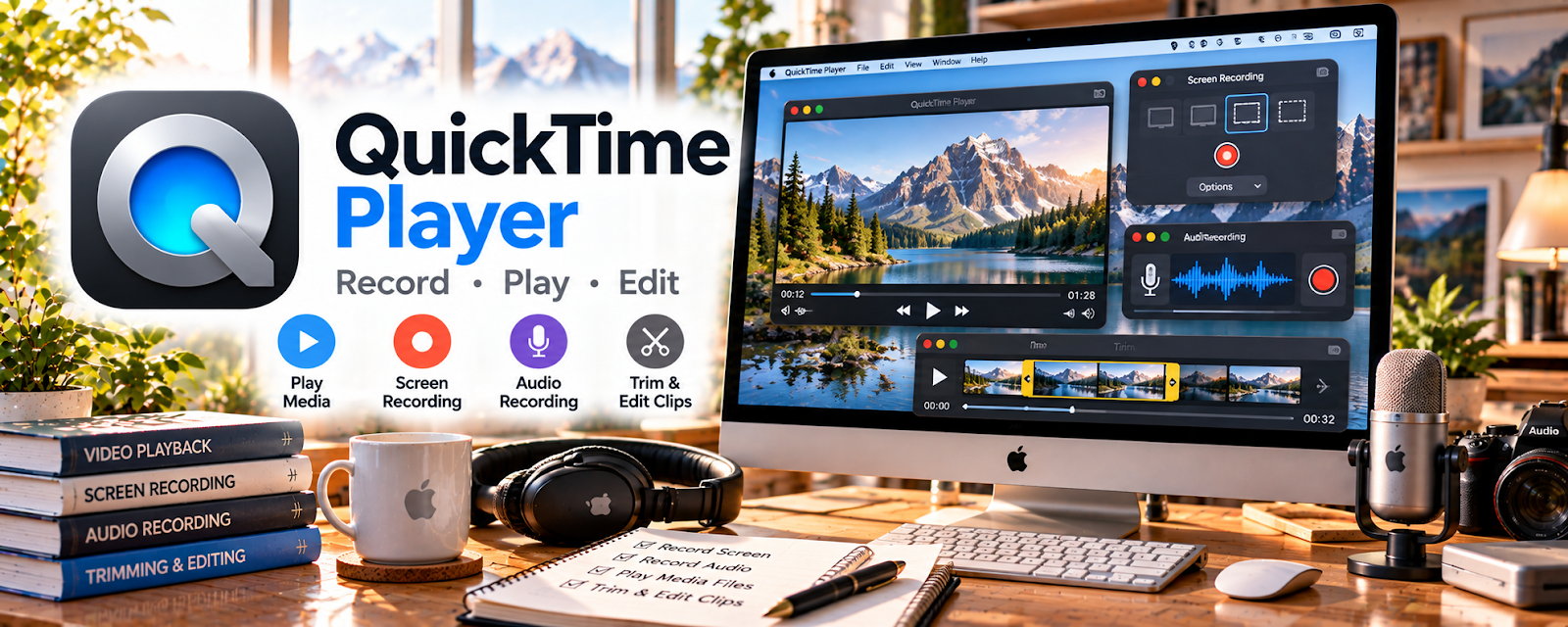
QuickTime Player is a free Mac app for screen recording, audio recording, and basic media playback.
🔗 Visit Official Website — QuickTime Player
Domain: support.apple.com
What This Website Is
QuickTime Player is a free Mac app for screen recording, audio recording, and basic media playback. For 🧪 User Testing & Surveys, it can help you practice screen-recorded feedback, test your microphone, and create simple proof clips when needed.
How to Apply It to 🧪 User Testing & Surveys
Use QuickTime as your setup-check tool before paid tests.
Step-by-Step Implementation:
- Phase 1: Record a short screen + voice sample to check audio clarity.
- Phase 2: Practice speaking your thoughts out loud while navigating a site.
- Phase 3: Use short recordings to troubleshoot technical issues before live tests.
Common Use Cases for this Side Hustle:
- Scenario A: You want to improve your “think aloud” delivery.
- Scenario B: You need to check webcam/microphone quality.
- Scenario C: You want to avoid technical failures that could cause rejected tests.
When to Use This
- You use a Mac for testing.
- You want to check audio before paid tests.
- You need to practice screen-recorded feedback.
- You want a simple no-cost recording tool.
Best Tasks to Use It For
- Screen recording practice
- Microphone checks
- Webcam/audio troubleshooting
- Reviewing your feedback style
- Creating short proof clips
Getting Started Steps
- Open QuickTime Player on your Mac.
- Start a new screen recording.
- Select the correct microphone.
- Record a 2-minute practice website review.
- Listen for volume, clarity, and background noise.
- Adjust your setup and repeat.
- Use the same checklist before paid tests.
Good Beginner Search Terms
- QuickTime screen recording Mac
- user testing think aloud practice
- microphone test before user testing
- screen recording quality tips
- user testing setup checklist
- practice website usability test
Monetization Angle
Clean audio and confident narration reduce rejection risk and make your feedback more useful, protecting your paid-test earnings.
Pros
- Free on Mac
- Simple screen and audio recording
- Good for practice and setup checks
Cons
- Mac-only
- Basic editing features
- Not a user testing platform by itself
Who Should Use This
Mac users doing user testing who want a quick way to practice and verify recording quality.
Who Should Skip This
Skip this if you are on Windows or already have a reliable recording-check workflow.
Practical Applications
- Record a practice website review to evaluate how clearly you explain actions.
- Check microphone levels and screen framing before a moderated study.
- Review a rehearsal recording for pauses, vague feedback, and accidental personal information.
Important Considerations
- Use the testing platform’s required recording tools; QuickTime is not a substitute when another recorder is mandated.
- Do not record or share live studies without authorization. Confirm current Mac recording permissions and audio limitations.
Related Resources
r/usertesting — Helps troubleshoot platform issues and learn better tester habits.
Google Meet — Useful for live interview-style tests and remote research calls.
Google Drive — Stores practice clips, screenshots, and test-related files.
Related Side Hustles
 Virtual Assistance — Uses similar screen-sharing, documentation, and communication skills.
 Freelance Writing: Get Paid to Write Online — Clear feedback and written summaries transfer into paid writing work.
Copyediting & Proofreading: Get Paid to Polish Words — Careful observation and quality checks overlap with testing work.