Official Website
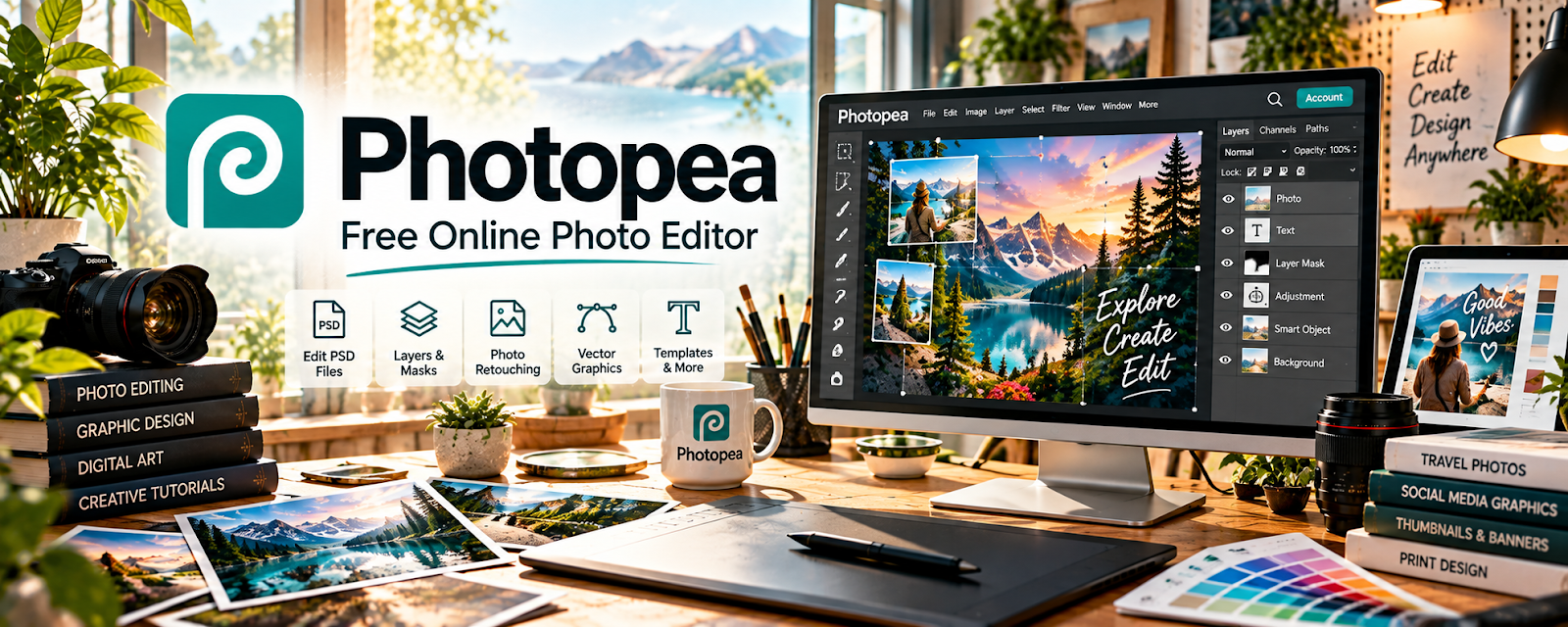
Photopea is a free, browser-based image editor similar to Photoshop.
🔗 Visit Official Website — Photopea
Domain: www.photopea.com
Table of Contents
What This Website Is
Photopea is a free, browser-based image editor similar to Photoshop. For ▶️ YouTube Automation, it’s useful for creating thumbnails, editing images fast, and building reusable templates without paying for advanced software.
How to Use It for This Side Hustle
Use Photopea as your “thumbnail template workflow”: build templates → batch-produce thumbnails → export → track CTR → iterate.
For example, you could use it to:
- Build 2–3 reusable thumbnail templates
- Create thumbnails for the next 5–10 videos in one batch
- Edit subject cutouts, text overlays, and contrast quickly
- Save PSD templates for contractors to reuse
- Standardize branding for consistent channel look
Step-by-Step Implementation:
- Choose one original video and identify the accurate visual message its thumbnail should communicate.
- Create a reusable layout using assets and fonts you are authorized to use.
- Produce a few relevant variations with readable text, clear contrast, and consistent branding.
- Save editable source files, export to current platform specifications, and review at realistic display size.
- Evaluate available results without treating click-through rate as proof of causation, and refine without using misleading imagery.
When to Use This
- You want free thumbnail creation in a browser
- You need a quick workflow for a remote team
- You’re batching thumbnails for volume
- You want repeatable templates for CTR testing
- You don’t want paid design tools yet
Best Tasks to Use It For
- Thumbnail design and template creation
- Simple compositing and cutouts
- Text overlays and export presets
- Standardizing channel branding assets
- Rapid iteration for CTR testing
Getting Started Steps
- Create a 1280×720 thumbnail canvas preset.
- Build 2–3 templates with consistent fonts/colors.
- Produce thumbnails for your next 5 videos in one session.
- Export PNG/JPG in consistent naming format.
- Track CTR per template style and keep what performs.
- Update templates monthly based on your best-performing videos.
- If outsourcing, share PSD templates and a simple style guide.
Good Beginner Search Terms
- Photopea YouTube thumbnail template
- how to make high CTR thumbnails
- thumbnail text size best practices
- cutout subject workflow Photopea
- free Photoshop alternative thumbnail design
- YouTube thumbnail design rules
Monetization Angle
Better thumbnails increase click-through rate (CTR), which increases views. A template-based workflow also reduces production time, helping you publish more consistently.
Pros
- Free and browser-based
- Similar to Photoshop workflows
- Great for template-driven production
Cons
- Performance depends on device/browser
- Fewer advanced features than full Photoshop
- Requires discipline to keep templates consistent
Who Should Use This
YouTube automation creators who want a free, repeatable thumbnail workflow and prefer template-based production.
Who Should Skip This
Skip this if you already have a paid design stack and a designer workflow. Use it if you want a lightweight browser option.
Practical Applications
- Create an original thumbnail from authorized images.
- Build a reusable layout with clear small-screen text.
- Compare the export with the actual video before publication.
Important Considerations
- Verify font, stock, template, and other asset rights and keep source backups.
- An image editor does not validate claims; avoid misleading composites, copied thumbnails, or visuals implying events or results the video does not support.
Related Resources
 YouTube Studio — Measures thumbnail CTR and performance after Photopea designs are published.
Adobe Photoshop — Provides a more advanced image-editing workflow when Photopea is too limited.
r/VideoEditing — Offers community feedback and workflow tips for video and thumbnail creators.
Related Side Hustles
 YouTube Automation: Make Money Without Showing Your Face — Photopea supports repeatable thumbnail templates and visual testing for automated channels.
Faceless Video Content Creation: Go Viral Without Showing Your Face — Strong thumbnails and branded visuals help faceless videos earn clicks.