Official Website
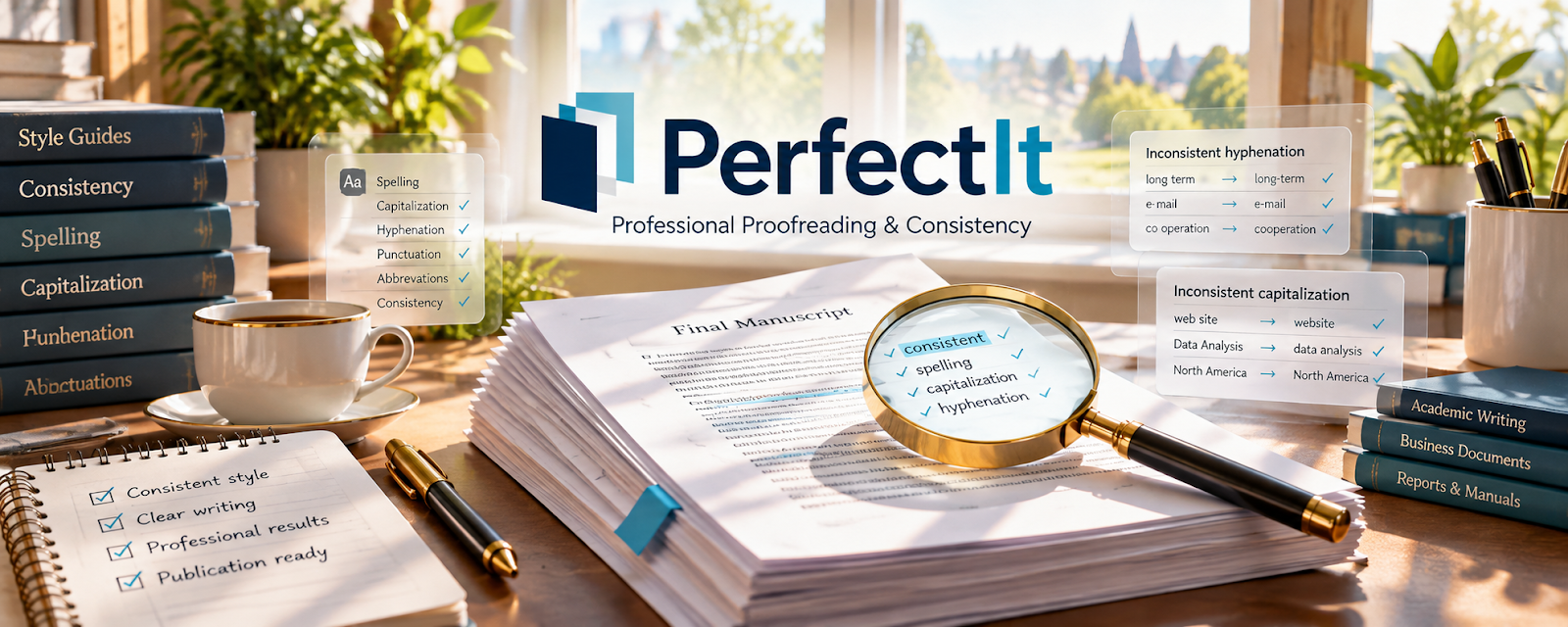
PerfectIt is a paid editing and proofreading tool that checks consistency (spelling, hyphenation, capitalization, style rules) inside Microsoft Word.
🔗 Visit Official Website — PerfectIt
Domain: intelligentediting.com
What This Website Is
PerfectIt is a paid editing and proofreading tool that checks consistency (spelling, hyphenation, capitalization, style rules) inside Microsoft Word. For the 🌎 Online Translation Jobs side hustle, it can be used to QA translated documents and reduce quality mistakes before delivery.
How to Apply It to 🌎 Online Translation Jobs
Use PerfectIt as your “final QA pass”: translate → revise → PerfectIt check → deliver.
Step-by-Step Implementation:
- Phase 1: Set up a style sheet for each client (terms, punctuation, preferences).
- Phase 2: Run PerfectIt to catch inconsistencies and formatting issues.
- Phase 3: Fix issues and export the final document.
Common Use Cases for this Side Hustle:
- Scenario A: If you do long documents, use PerfectIt to catch small mistakes.
- Scenario B: If clients are strict on style, use a consistent ruleset.
- Scenario C: If you collaborate, use shared style guidance.
When to Use This
- You deliver Word documents.
- Clients care about consistency.
- You want fewer revisions.
- You translate/edit long files.
Best Tasks to Use It For
- Consistency checks
- Style rule enforcement
- Spellings/hyphenation QA
- Formatting cleanup
- Final proofreading support
Getting Started Steps
- Install PerfectIt in Word.
- Create a client style sheet.
- Run PerfectIt on a finished document.
- Review each suggested fix.
- Apply changes and re-run.
- Export final PDF/DOCX.
- Save the style sheet for future jobs.
Good Beginner Search Terms
- PerfectIt style sheet tutorial
- consistency checking in Word
- translation QA checklist
- proofreading workflow for translators
- style guide terms translation
- reduce revisions translation delivery
Monetization Angle
Better QA reduces revisions and helps you charge more for quality. It also protects client trust and repeat business.
Pros
- Strong consistency checks
- Great for client-specific style
- Reduces embarrassing mistakes
Cons
- Paid tool
- Word-centric workflow
- Requires good style setup for best results
Who Should Use This
Translators who deliver Word documents and want a consistent, repeatable QA step.
Who Should Skip This
Skip this if you rarely deliver Word docs or you already have a strict QA system in a CAT tool.
Practical Applications
- Run a consistency check on a compatible translated Word document.
- Compare flagged terms and abbreviations with the client-approved glossary.
- Record intentional variants before the final human QA pass.
Important Considerations
- Confirm current language coverage, Word compatibility, and feature limits for the document you are checking.
- Consistency checking does not establish translation fidelity or specialist accuracy; protect client confidentiality and review every change in context.
Related Resources
Google Docs — Drafts, edits, and shares translated documents before final QA.
Grammarly — Supports English-language clarity checks after translation.
LanguageTool — Adds multilingual grammar and style checks for translation QA.
DeepL Translator — Provides machine-translation drafts or terminology comparison before human review.
Related Side Hustles
 Freelance Writing: Get Paid to Write Online — Translation QA benefits from strong sentence-level writing judgment.
Copyediting & Proofreading: Get Paid to Polish Words — PerfectIt directly supports consistency checks and proofreading workflows.
 Virtual Assistance — Detail-heavy document cleanup can be packaged into VA support services.