Official Website
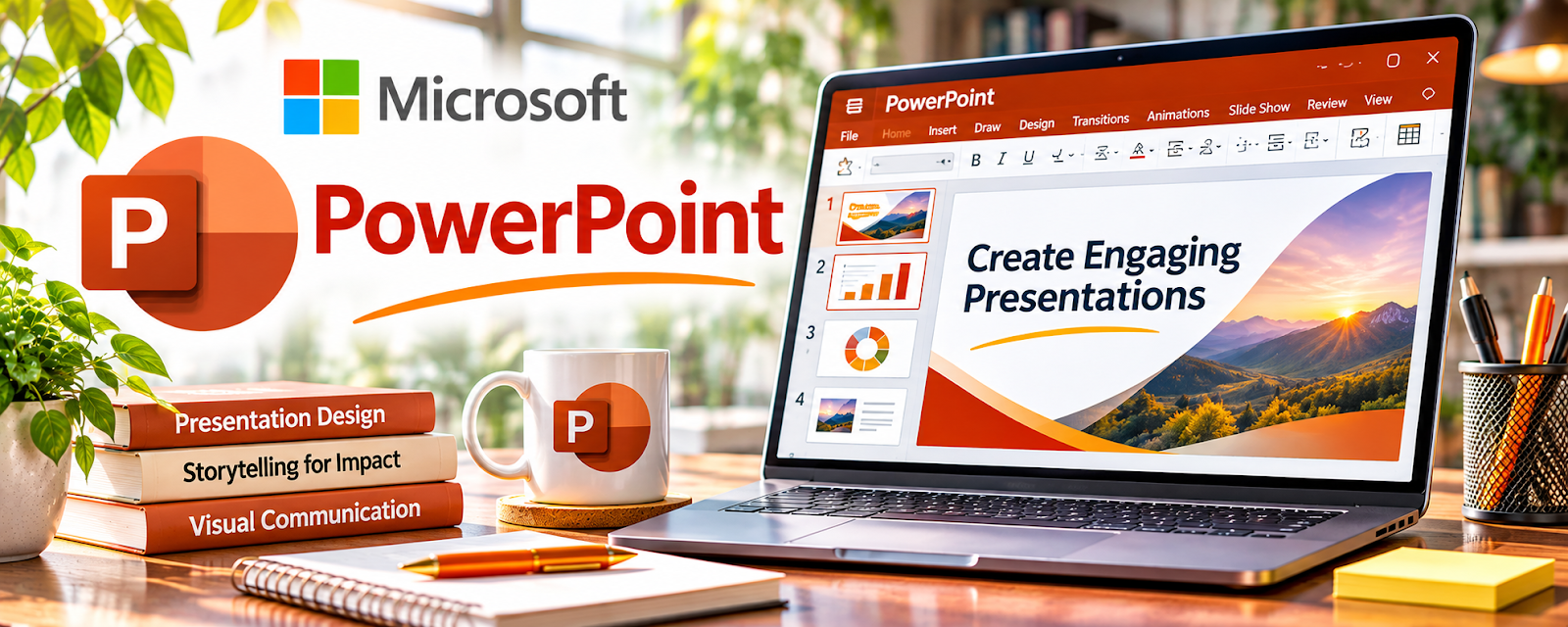
Microsoft PowerPoint is a slide design and presentation tool.
🔗 Visit Official Website — Microsoft PowerPoint
Domain: www.microsoft.com
What This Website Is
Microsoft PowerPoint is a slide design and presentation tool. For the 🎓 Online Course Creation side hustle, it’s a reliable way to build lesson decks, training visuals, workshop presentations, and downloadable PDF workbooks.
How to Apply It to 🎓 Online Course Creation
Use PowerPoint as a practical work tool for making “course visuals” that increase clarity and perceived value.
Step-by-Step Implementation:
- Phase 1: Build a consistent slide theme (fonts, colors, layouts).
- Phase 2: Turn each lesson into a deck: concept → example → exercise → recap.
- Phase 3: Export PDFs for downloads and reuse the deck for live workshops.
Common Use Cases for this Side Hustle:
- Scenario A: Delivering live training, then repurposing into recorded lessons.
- Scenario B: Creating premium worksheets and workbooks from slides.
- Scenario C: Outsourcing slide design with strict templates.
When to Use This
- You want polished slides and consistent branding.
- You need offline + PDF exports.
- You create presentations for webinars/workshops.
- You need advanced layout control.
Best Tasks to Use It For
- Lesson slide deck creation
- Training visuals and diagrams
- Workshop presentations
- Workbook PDFs
- Template-based course assets
Getting Started Steps
- Choose one slide theme for your brand.
- Create 5–7 reusable layouts.
- Outline your first module.
- Build slides lesson-by-lesson.
- Add exercises and recap slides.
- Export a PDF workbook version.
- Save as a master template for reuse.
Good Beginner Search Terms
- PowerPoint course template
- slide design rules for training
- how to export PowerPoint to PDF
- course lesson slide structure
- presentation storytelling for education
- PowerPoint diagram templates
Monetization Angle
Clear visuals improve learning and completion, which improves testimonials and sales. Templates also reduce production time.
Pros
- Strong layout control
- Professional look
- Easy PDF exports
Cons
- Paid software for many users
- Can take time to design well
- Collaboration is less seamless than cloud tools
Who Should Use This
Course creators who want polished, brand-consistent training visuals.
Who Should Skip This
Skip this if you want a free cloud-first slide workflow and don’t need advanced design control.
Practical Applications
- Build a short lesson deck around a specific learning outcome.
- Create a readable diagram and an original practice exercise.
- Export a pilot workbook or recording and test it with intended learners.
Important Considerations
- Check asset rights, font behavior, accessibility, and the actual delivery format.
- Slides alone do not provide course hosting or learner assessment, and visual polish does not establish that students understand the material.
Related Resources
Podia — Hosts and sells the course materials created from slide decks.
Thinkific — Provides a dedicated course platform for structured lesson delivery.
Teachable — Offers another platform for selling and managing course content.
Google Slides — Provides a free cloud-based alternative for building lesson decks.
Related Side Hustles
 Selling Digital Products — Slide decks can become templates, workbooks, and downloadable products.
 Online Tutoring: Get Paid to Teach What You Know — Tutors can use PowerPoint to structure sessions and create reusable lesson materials.