Official Website
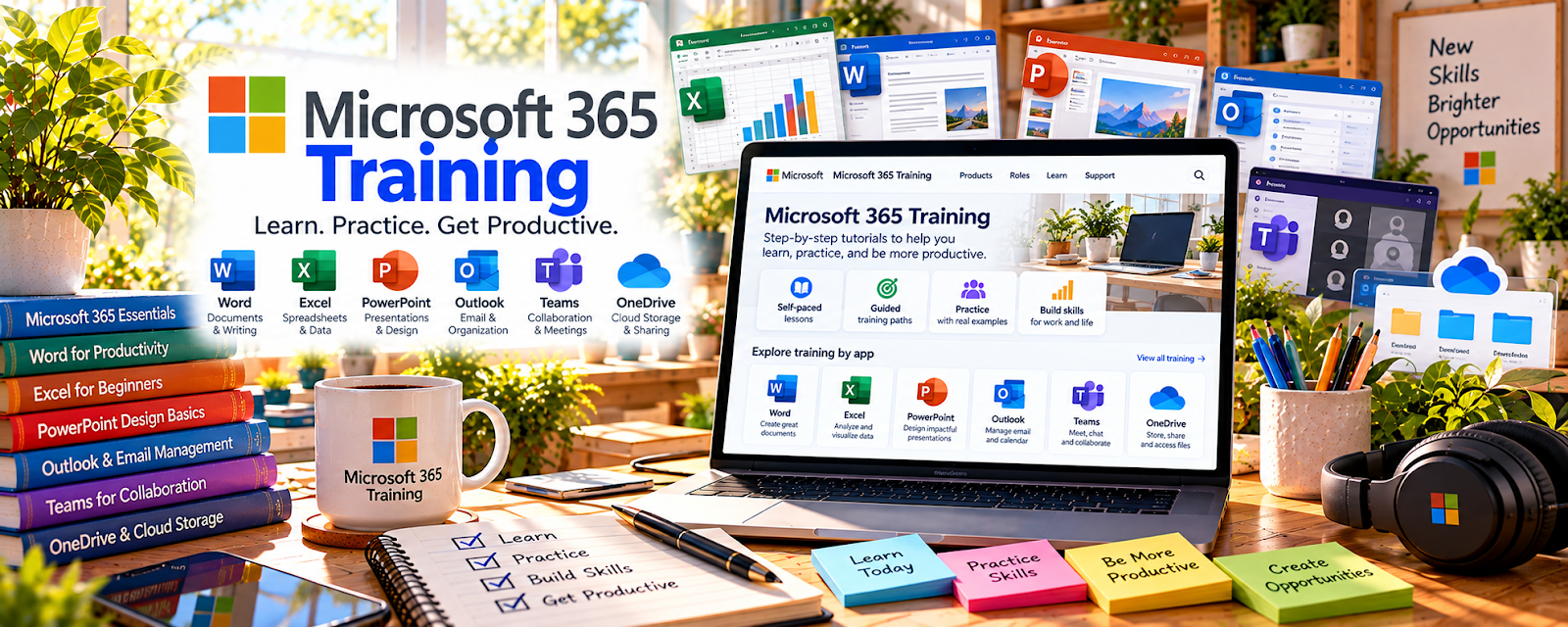
Microsoft 365 Training is a free official learning library for Outlook, Teams, Word, Excel, OneDrive, PowerPoint, and other Microsoft tools.
🔗 Visit Official Website — Microsoft 365 Training
Domain: support.microsoft.com
⚠️ Link review needed: the stored URL returned HTTP 404 during the availability check. No replacement URL has been substituted.
What This Learning Resource Is
Microsoft 365 Training is a free official learning library for Outlook, Teams, Word, Excel, OneDrive, PowerPoint, and other Microsoft tools. For 🎧 Remote Customer Service Jobs, it helps you become comfortable with the tools many remote support teams use every day.
How to Use It for Remote Customer Service Jobs
Use Microsoft 365 Training to build workplace tool confidence. Focus on practical support tasks: writing documents, joining meetings, organizing files, using Teams, tracking simple spreadsheets, and managing email.
Step-by-Step Implementation:
- Identify Microsoft tools mentioned in target job postings.
- Complete beginner lessons for Outlook, Teams, Word, Excel, and OneDrive.
- Create sample support documents and notes.
- Practice organizing files and sharing links.
- Build a simple shift tracker or ticket-summary spreadsheet.
- Add tool confidence to your resume and interview examples.
Best Time to Use This
- Before applying to remote support jobs.
- When job listings mention Microsoft Office, Teams, or Excel.
- When you need confidence using business software.
Best Skills to Learn Here
- Outlook email workflows
- Microsoft Teams communication
- Word documentation
- Excel basics
- OneDrive file sharing
- Remote meeting etiquette
Getting Started Steps
- Start with Outlook and Teams basics.
- Learn Word and OneDrive sharing.
- Practice a simple Excel tracker.
- Create a mock customer-support note.
- Practice joining and scheduling a meeting.
- Add examples to your interview prep.
Good Beginner Search Terms
- Microsoft Teams training beginner
- Outlook email organization
- Excel basics for work
- Word document formatting
- OneDrive file sharing
- Microsoft 365 remote work
Monetization Angle
Microsoft 365 confidence can help you qualify for remote support roles and handle day-to-day work faster. It supports better resumes, smoother onboarding, and stronger interview answers for tool-heavy customer service jobs.
Pros
- Free official training.
- Practical for remote office work.
- Beginner-friendly and tool-specific.
- Directly relevant to many job descriptions.
Cons
- Tool training is not customer-service training by itself.
- Does not provide job leads.
- Some lessons are basic.
- You still need support communication practice.
Who Should Use This
Use this if you want remote support jobs but feel unsure using Microsoft workplace tools like Teams, Outlook, Excel, Word, or OneDrive.
Who Should Skip This
Skip this if you already use Microsoft 365 confidently and need CRM training, job applications, or customer escalation practice instead.
Practical Applications
- Practice handling a fictional support email in Outlook.
- Use official Teams guidance to rehearse meeting and collaboration basics.
- Organize sample support notes and files using employer-style naming conventions.
Important Considerations
- Match tutorials to the software version and employer configuration you actually use.
- Never use real customer data for practice without authorization; product familiarity does not replace employer security, escalation, and support training.
Related Resources
Teal — Helps track remote support applications and resume versions.
Remote.co — Provides remote jobs where Microsoft tool confidence may help.
Google Docs — Offers another document workflow for notes and support scripts.
Zoom — Supports remote interviews, meetings, and customer calls.
Zendesk Blog — Adds support process context beyond office tools.
Related Side Hustles
 Remote Customer Service Jobs — Microsoft 365 skills support the daily workflow for remote roles.
 Virtual Assistance — VA work often uses email, documents, spreadsheets, and file sharing.
 Online Bookkeeping: Earn Steady Income by Helping Businesses Stay Organized — Spreadsheet and file-organization habits can support bookkeeping workflows.