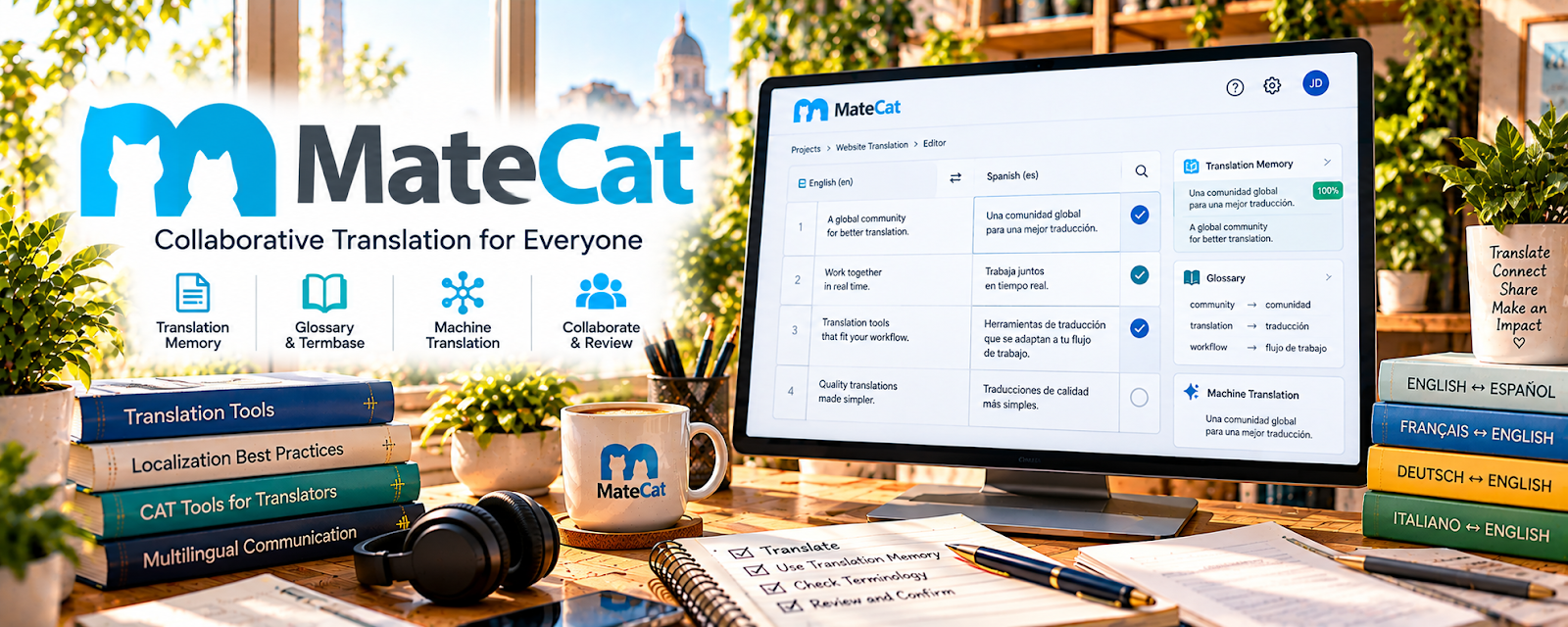
Official Website
MateCat is a free web-based CAT tool for translating documents, managing segments, and improving consistency.
🔗 Visit Official Website — MateCat
Domain: www.matecat.com
What This Website Is
MateCat is a free web-based CAT tool for translating documents, managing segments, and improving consistency. For 🌎 Online Translation Jobs, it helps you work faster while keeping terminology and formatting more organized.
How to Apply It to 🌎 Online Translation Jobs
Use MateCat as your translation production workspace: upload files, translate in segments, review, and export clean deliverables.
Step-by-Step Implementation:
- Phase 1: Import the client file and review the source text.
- Phase 2: Translate segment by segment while checking terminology.
- Phase 3: Run a final review and export the completed document.
Common Use Cases for this Side Hustle:
- Scenario A: You need better consistency across long documents.
- Scenario B: You want to speed up repetitive translation work.
- Scenario C: You need a cleaner handoff than editing directly in a messy file.
When to Use This
- You translate documents with repeated terminology.
- You need a free CAT-tool option.
- You want segment-by-segment review.
- You need to preserve file structure where possible.
Best Tasks to Use It For
- Document translation
- Segment review
- Terminology consistency
- Translation memory support
- Exporting client-ready files
Getting Started Steps
- Create a MateCat account.
- Upload a sample document.
- Choose the source and target language.
- Translate each segment carefully.
- Review terminology and formatting.
- Export the completed file.
- Save notes for recurring client terminology.
Good Beginner Search Terms
- MateCat tutorial
- CAT tool for beginners
- translation memory basics
- terminology management translation
- how to proofread translations
- freelance translation workflow
Monetization Angle
A CAT workflow can raise your effective hourly rate by reducing rework and improving consistency, especially for repeat clients and long documents.
Pros
- Free web-based CAT tool
- Helps maintain consistency
- Useful for longer client files
Cons
- Requires learning CAT-tool workflow
- Machine suggestions still need review
- Not ideal for highly sensitive files without checking privacy requirements
Who Should Use This
Translators who want a free tool to manage longer files, repeated terms, and more professional delivery.
Who Should Skip This
Skip this if you only do tiny informal translations and do not need segment tracking or terminology consistency.
Practical Applications
- Set up a short translation project with the correct language pair.
- Use segment review and a client-approved glossary to keep recurring terms consistent.
- Compare the translated document with the source before delivery.
Important Considerations
- Review current privacy, translation-memory sharing, and machine-translation settings before uploading client files.
- Human review remains essential for meaning, terminology, formatting, and any specialist or certified translation requirements.
Related Resources
DeepL Translator — Helps compare translations and clarify difficult phrases before final review.
Express Scribe — Supports audio-based language work when translation overlaps with transcription.
Google Drive — Organizes source files, translated drafts, and client deliverables.
Related Side Hustles
 Copyediting & Proofreading: Get Paid to Polish Words — Translation delivery requires the same final-review discipline.
Freelance Writing: Get Paid to Write Online — Strong language and localization skills transfer into paid writing work.
 Virtual Assistance — Bilingual support can become a specialized VA service.