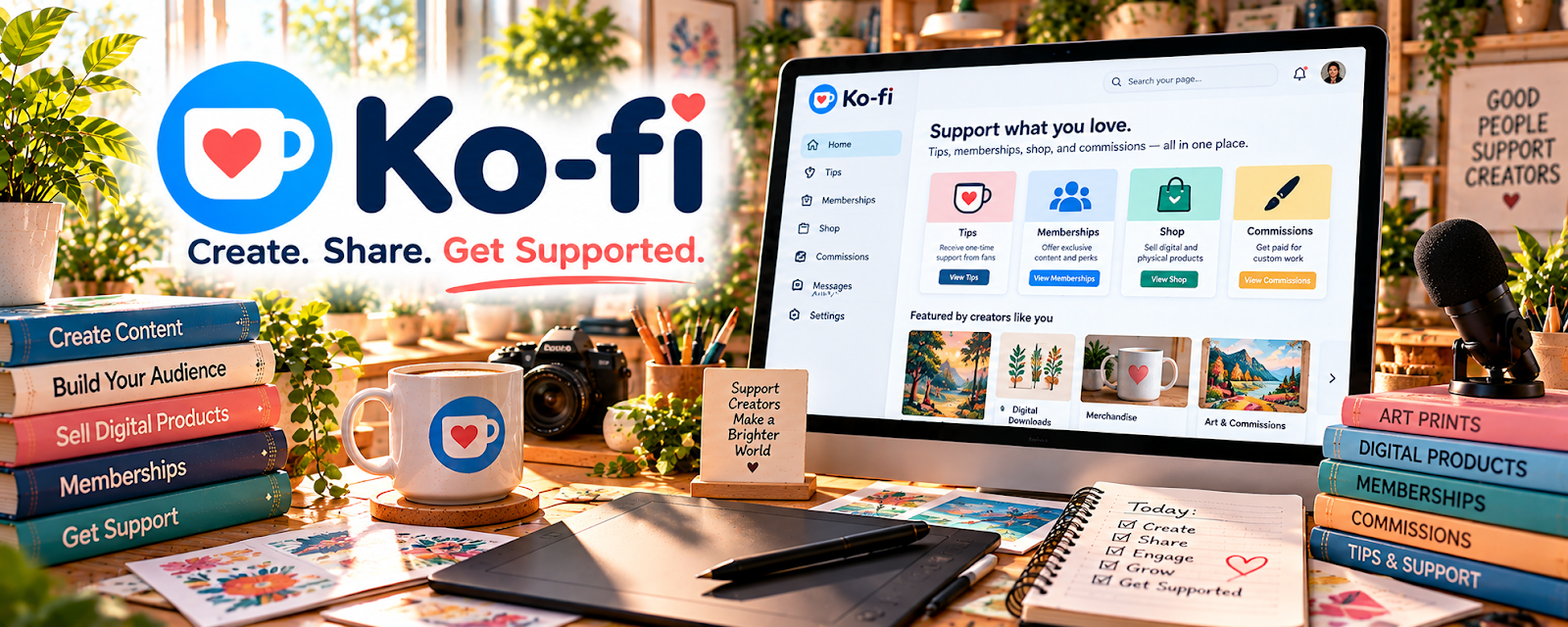
Official Website
Ko-fi is a creator monetization platform for one-time donations, memberships, and digital products.
🔗 Visit Official Website — Ko-fi
Domain: ko-fi.com
What This Website Is
Ko-fi is a creator monetization platform for one-time donations, memberships, and digital products. For ▶️ YouTube Automation, it can be used to collect support from viewers or sell simple digital extras alongside your content.
How to Apply It to ▶️ YouTube Automation
Use Ko-fi as your “support + upsell” link: set up a page → add offers → promote in descriptions/pinned comments → fulfill.
Step-by-Step Implementation:
- Set up your Ko-fi page with branding and a clear call-to-action.
- Add one offer (membership tier or digital product).
- Add the link to every video description and pinned comment.
Common Use Cases for this Side Hustle:
- Scenario A: You want a simple “tip jar” link.
- Scenario B: You want to test a digital product without building a store.
When to Use This
- You have an audience and want simple monetization
- You want a low-friction donation/membership link
- You want to test small digital upsells
Best Tasks to Use It For
- Donations and “support” links
- Membership tiers
- Selling small digital files
Getting Started Steps
- Create a Ko-fi page.
- Add a profile image and short description.
- Create one offer (tip or membership).
- Add the link to your YouTube description.
- Promote it for your next 10 videos.
Good Beginner Search Terms
- Ko-fi setup for YouTubers
- how to monetize YouTube with Ko-fi
- Ko-fi memberships tutorial
- donation link best practices
Monetization Angle
Even a small conversion rate from engaged viewers can create recurring membership revenue or one-time support.
Pros
- Fast setup
- Works well as a simple monetization link
Cons
- Requires audience trust and promotion
- Limited compared to a full ecommerce stack
Who Should Use This
Creators who want a simple way to monetize audience support.
Who Should Skip This
Creators who already have a full membership/store setup elsewhere and don’t want another link.
Practical Applications
- Offer a clear optional support link alongside original channel content.
- Describe a membership benefit or digital extra you can actually deliver.
- Reconcile confirmed support receipts with fees and refunds.
Important Considerations
- Verify current eligibility, fees, payouts, cancellation, tax, and content conditions.
- Support is not guaranteed income or automatically a charitable donation; confirm rights, platform rules, privacy, and obligations created by promised benefits.
Related Resources
Buy Me a Coffee — Provides a similar creator-support option to compare for tips and memberships.
Notion — Organizes content calendars, offers, and fulfillment notes for Ko-fi products.
 YouTube Studio — Identifies top videos and audiences where Ko-fi links can be promoted.
Related Side Hustles
 YouTube Automation: Make Money Without Showing Your Face — Ko-fi adds viewer support, memberships, and small digital upsells to YouTube channels.
 Newsletter Monetization: Get Paid to Write About What You Love — The same support and membership model can monetize newsletter audiences.