Official Website
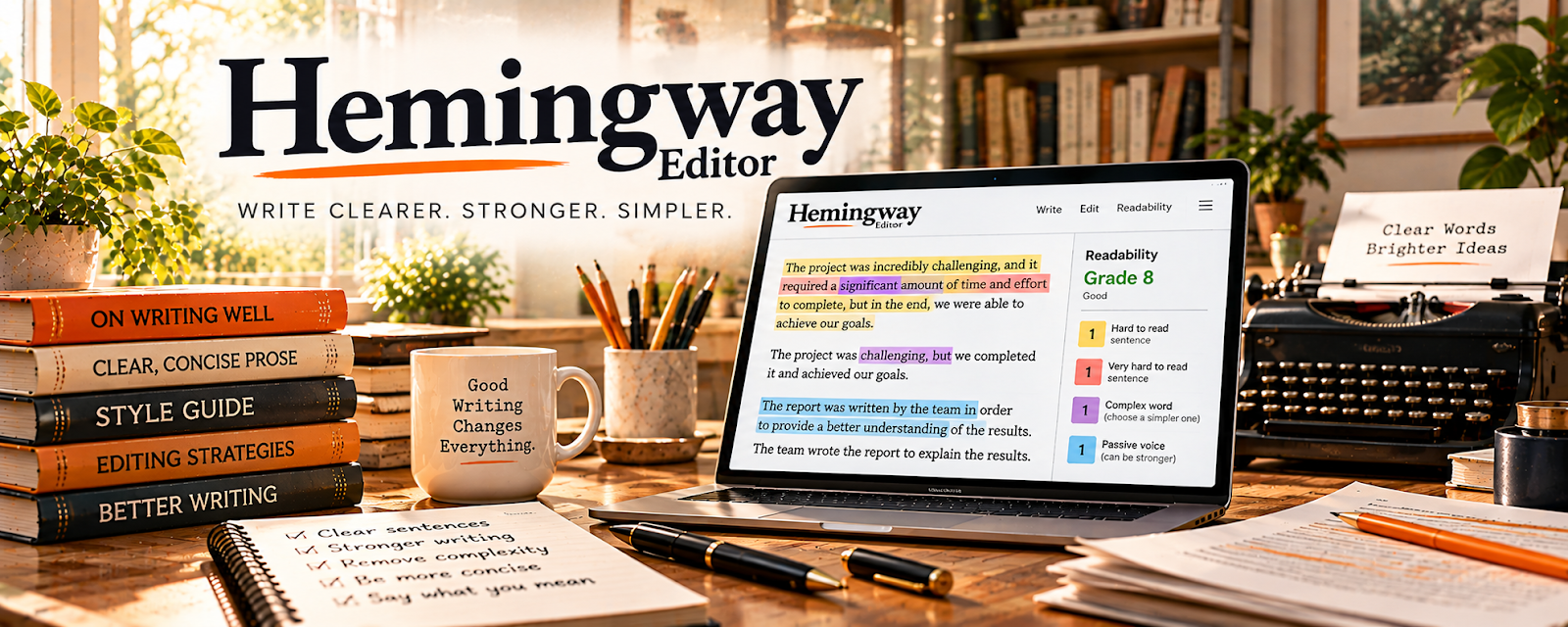
Hemingway Editor is a readability and editing tool that flags unclear sentences, passive voice, and wordiness.
🔗 Visit Official Website — Hemingway Editor
Domain: hemingwayapp.com
What This Website Is
Hemingway Editor is a readability and editing tool that flags unclear sentences, passive voice, and wordiness. For 🎙️ Transcription Jobs, it helps you polish transcripts into clean, client-ready text.
How to Apply It to Transcription Jobs
Use Hemingway as your “polish pass” after accuracy is locked: improve clarity and structure without changing meaning.
Step-by-Step Implementation:
- Phase 1: Complete your accuracy pass first (names, timestamps, speaker labels, terminology)
- Phase 2: Run sections through Hemingway to shorten long sentences and remove filler
- Phase 3: Do a final formatting pass (headings, bullets, spacing) based on the client’s preferred style
Common Use Cases for this Side Hustle:
- Scenario A: Turn rough verbatim speech into readable clean copy (“clean verbatim”)
- Scenario B: Reduce client revisions by standardizing formatting and readability
When to Use This
- You’re delivering clean transcripts (not strict verbatim)
- Clients complain about “hard to read” output
- You want faster editing after transcription
- You need a consistent readability standard
Best Tasks to Use It For
- Sentence cleanup and readability
- Removing filler/wordiness
- Breaking up long paragraphs
- Spotting passive voice
Getting Started Steps
- Finish your accuracy pass first.
- Paste a section into Hemingway.
- Fix the hardest-to-read sentences.
- Remove filler words while keeping meaning intact.
- Break long blocks into shorter paragraphs.
- Re-check formatting against the client spec.
- Export and deliver.
Good Beginner Search Terms
- clean verbatim vs verbatim transcription
- how to edit transcripts for readability
- transcription formatting best practices
- remove filler words transcript editing
Monetization Angle
Cleaner transcripts reduce revisions and increase repeat work. Faster editing also raises your effective hourly rate.
Pros
- Speeds up transcript polishing
- Helps standardize readability
- Reduces “wall of text” output
Cons
- Not useful for accuracy (it’s post-processing)
- Can remove nuance if you over-edit spoken language
Who Should Use This
Transcriptionists delivering clean transcripts who want a faster, more consistent editing workflow.
Who Should Skip This
Strict verbatim work where you must preserve every spoken detail exactly as-is.
Practical Applications
- Use readability review only when the client explicitly requests an edited transcript.
- Compare every wording change with the source audio and intended meaning.
- Keep the original transcript and mark unresolved passages for clarification.
Important Considerations
- Do not simplify or rewrite verbatim, legal, research, or other fidelity-sensitive transcripts unless the agreed scope permits it.
- Verify current privacy and processing terms and client upload permission; readability scores do not establish transcription accuracy and must not override faithful records.
Related Resources
LanguageTool — Adds grammar and spelling checks after the Hemingway readability pass.
Square Invoices — Sends invoices after transcript delivery and tracks payment status.
Google Docs — Supports transcript editing, comments, formatting, and client review.
Related Side Hustles
 Transcription Jobs — Hemingway Editor helps polish clean transcripts for readability without changing meaning.
Freelance Writing: Get Paid to Write Online — The same clarity workflow supports cleaner client articles and drafts.
 Virtual Assistance — VAs may use transcript cleanup for meeting notes, summaries, and client documentation.