Official Website
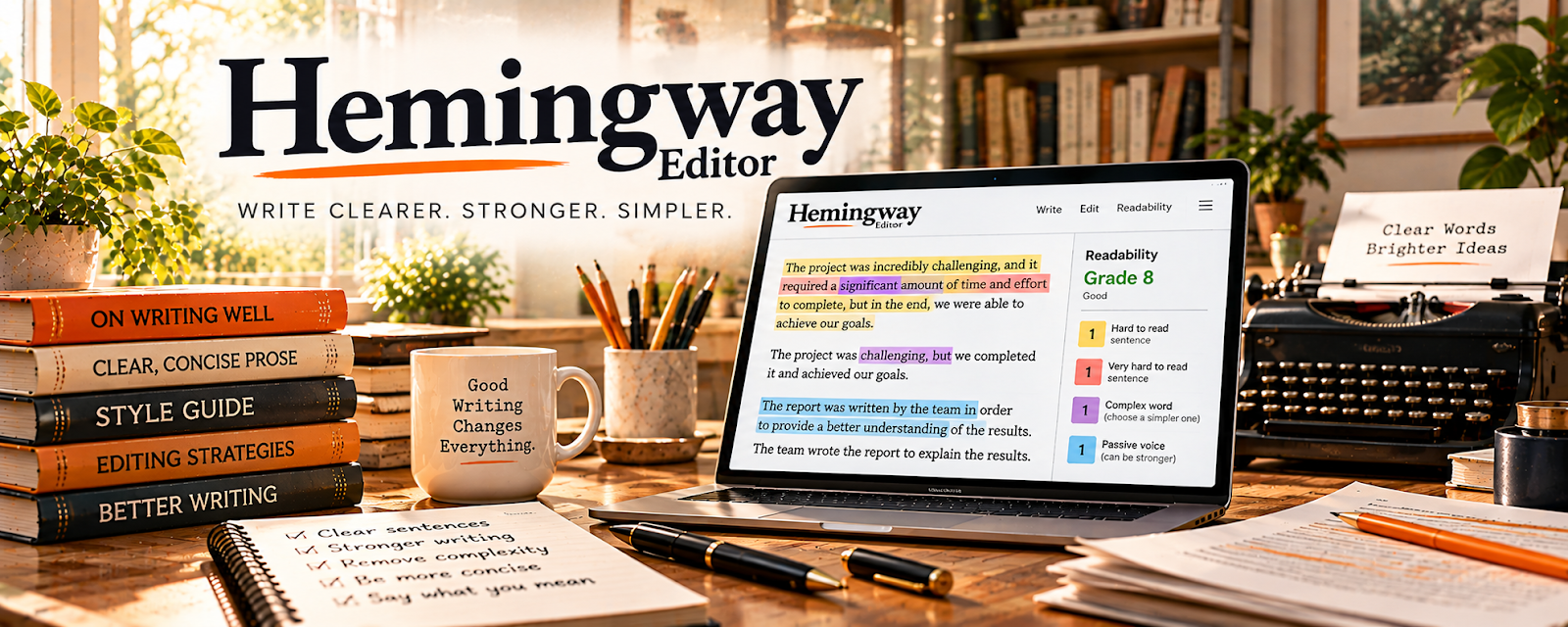
Hemingway Editor is a freemium writing clarity tool that highlights complex sentences, passive voice, and readability issues.
🔗 Visit Official Website — Hemingway Editor
Domain: hemingwayapp.com
What This Website Is
Hemingway Editor is a freemium writing clarity tool that highlights complex sentences, passive voice, and readability issues. For the 🎧 Remote Customer Service Jobs side hustle, it can be used to write clearer customer responses and internal notes faster.
How to Apply It to 🎧 Remote Customer Service Jobs
Use Hemingway to simplify and speed up written communication so tickets are resolved faster.
Step-by-Step Implementation:
- Phase 1: Create a set of common response templates.
- Phase 2: Run templates and key replies through Hemingway for clarity.
- Phase 3: Build a “clear writing checklist” you follow every shift.
Common Use Cases for this Side Hustle:
- Scenario A: If customers misunderstand you, simplify wording.
- Scenario B: If you write too much, tighten replies to essentials.
- Scenario C: If you want faster QA approval, improve clarity and tone.
When to Use This
- You write many customer emails/chats daily.
- You want fewer misunderstandings.
- You want faster response writing.
- You need professional tone and clarity.
Best Tasks to Use It For
- Editing customer email templates
- Tightening ticket replies
- Improving clarity and readability
- Reducing passive/wordy sentences
- Creating a repeatable writing standard
Getting Started Steps
- Collect your top 10 response templates.
- Paste them into Hemingway Editor.
- Simplify sentences and remove filler.
- Save updated templates in your notes/SOPs.
- Use Hemingway for tricky replies.
- Review weekly and improve templates.
- Keep replies short and action-focused.
Good Beginner Search Terms
- Hemingway Editor customer service templates
- how to write clear support emails
- reduce ticket response time writing
- readability score explained
- customer service tone guidelines
- active voice examples
Monetization Angle
Clearer writing can improve performance metrics (CSAT, resolution time), which can lead to better opportunities and pay over time.
Pros
- Fast clarity feedback
- Easy to use
- Improves templates quickly
Cons
- Not a full grammar checker
- Can oversimplify nuanced messages
- Requires judgment for tone
Who Should Use This
Customer support workers who want faster, clearer written communication and better templates.
Who Should Skip This
Skip this if you rarely write or your role is mostly phone-based.
Practical Applications
- Review a fictional customer email for long sentences and unclear wording.
- Create a plain-language version while preserving the actual support policy.
- Use a final read-through to check tone, accuracy, and the next action for the customer.
Important Considerations
- Readability suggestions are prompts for judgment, not automatic corrections or a complete grammar check.
- Do not paste customer or employer-confidential information into an unapproved tool. Keep necessary technical detail and policy wording even when a shorter alternative looks easier.
Related Resources
Grammarly — catches grammar, spelling, and tone issues that Hemingway does not fully cover
Notion — stores support templates, SOPs, QA notes, and repeatable communication workflows
Google Docs — drafts and maintains reusable customer-service scripts and response templates
Slack — common remote-work communication tool where clear internal writing matters
Related Side Hustles
 Freelance Writing: Get Paid to Write Online — same clarity-first writing skill: concise, readable, action-focused messages
Copyediting & Proofreading: Get Paid to Polish Words — trains the same “spot the issue fast” muscle used in support QA
 Virtual Assistance — templated responses and clear comms transfer directly to admin/client work