Official Website
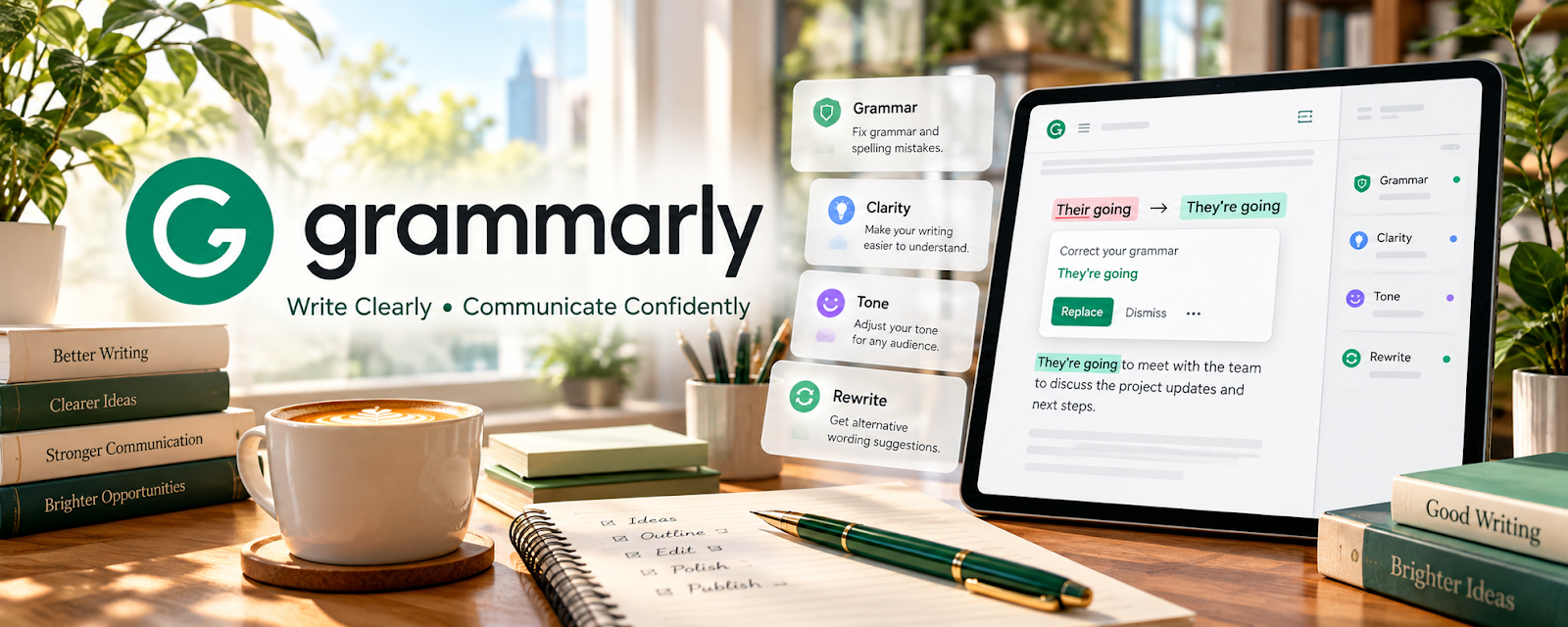
Grammarly is a freemium writing assistant that checks grammar, clarity, tone, and consistency (primarily for English).
🔗 Visit Official Website — Grammarly
Domain: www.grammarly.com
What This Website Is
Grammarly is a freemium writing assistant that checks grammar, clarity, tone, and consistency (primarily for English). For the 🌎 Online Translation Jobs side hustle, it can be used as a final review tool for English-target translations and editing work.
How to Apply It to 🌎 Online Translation Jobs
Use Grammarly as your “English QA pass” after you’ve confirmed meaning and terminology.
Step-by-Step Implementation:
- Phase 1: Set the audience/tone (formal, neutral, etc.) based on the client brief.
- Phase 2: Run the translated/editing draft through Grammarly and fix true errors.
- Phase 3: Do a final read for accuracy vs source and for domain terminology.
Common Use Cases for this Side Hustle:
- Scenario A: If you translate into English, use Grammarly before delivery.
- Scenario B: If you do editing, use it to speed up polishing.
- Scenario C: If you want consistency, use style suggestions across long documents.
When to Use This
- Your target language is English.
- You want clarity and tone checks.
- You’re polishing final drafts.
- You want fewer avoidable typos.
Best Tasks to Use It For
- English grammar and clarity checks
- Tone polishing
- Consistency across long docs
- Editing and proofreading support
- Template cleanup
Getting Started Steps
- Choose Grammarly (free or paid).
- Set your tone/audience goals.
- Paste your final draft into Grammarly.
- Accept only suggestions that preserve meaning.
- Re-check numbers, names, and terminology.
- Do a final human read.
- Build a reusable QA checklist for every delivery.
Good Beginner Search Terms
- Grammarly for translators
- editing checklist for translations
- avoid false positives Grammarly
- tone and clarity editing
- proofreading process for freelancers
- style guide basics
Monetization Angle
Cleaner writing improves client satisfaction and repeat work. Grammarly can speed up the final polish so you can take more projects.
Pros
- Strong English clarity feedback
- Fast final-draft polish
- Easy to use across tools
Cons
- Not ideal for non-English targets
- Suggestions can change meaning if over-accepted
- Best features may require paid plan
Who Should Use This
Translators/editors who deliver English drafts and want a repeatable QA step.
Who Should Skip This
Skip this if your target language isn’t English or your client requires strict style rules that Grammarly conflicts with.
Practical Applications
- Use Grammarly as one review pass for an English-target translation.
- Check whether clarity suggestions preserve the source meaning and client voice.
- Keep a list of recurring English errors for focused practice.
Important Considerations
- Confirm current language and feature support; do not assume equivalent checking quality for every translation language.
- Review data-handling terms before submitting client material, and never accept wording that changes legal, technical, or intended meaning without appropriate review.
Related Resources
LanguageTool — Adds multilingual grammar and style checking beyond Grammarly’s English focus.
DeepL Translator — Helps compare phrasing and clarify meaning before final editing.
Google Docs — Supports comments, revision history, and client review for translated drafts.
Google Drive — Stores source files, translated versions, style guides, and final deliverables.
Related Side Hustles
 Copyediting & Proofreading: Get Paid to Polish Words — Grammarly directly supports proofreading and polish work.
Freelance Writing: Get Paid to Write Online — Clear writing and tone control transfer into paid content work.
 Virtual Assistance — Polished written communication is useful for client support and admin tasks.