Official Website
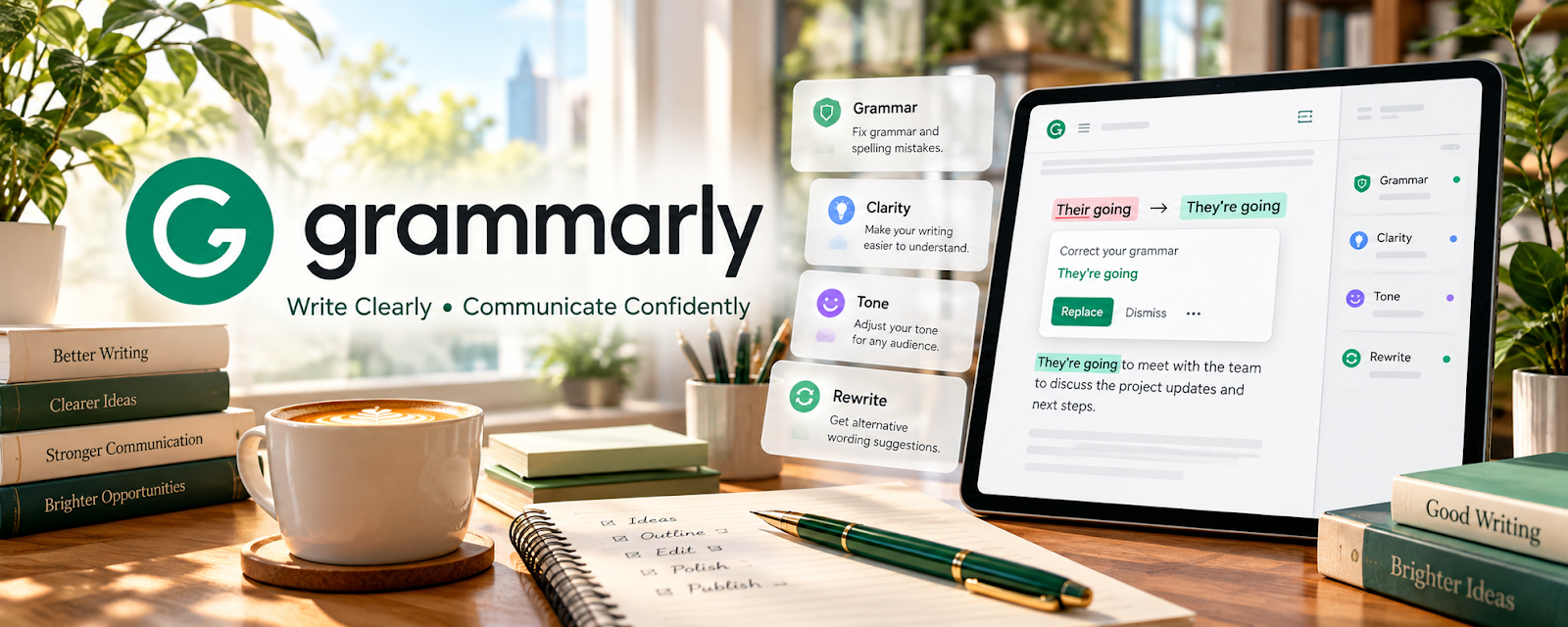
Grammarly is a writing assistant that helps catch grammar issues and improve clarity and tone.
🔗 Visit Official Website — Grammarly
Domain: www.grammarly.com
What This Website Is
Grammarly is a writing assistant that helps catch grammar issues and improve clarity and tone.
How to Apply It
Use Grammarly as your “final polish pass”: draft → revise for structure → run Grammarly → deliver.
Step-by-Step Implementation:
- Draft in your preferred tool.
- Run Grammarly for grammar and clarity flags.
- Manually review suggestions (don’t accept blindly).
- Save client-specific tone rules.
When to Use This
- You write fast and need QA
- You switch between client tones
- You want fewer errors
Best Tasks to Use It For
- Proofreading drafts
- Tone adjustments
- Reducing typos
Getting Started Steps
- Install Grammarly.
- Run it on 3 recent pieces.
- Save your common corrections.
- Use it as your final step for 30 days.
Good Beginner Search Terms
- Grammarly clarity vs correctness
- editing checklist freelance writers
- how to avoid accepting AI suggestions blindly
Monetization Angle
Cleaner writing reduces revision cycles and helps you deliver faster—raising effective hourly rate.
Pros
- Fast QA
- Helpful clarity suggestions
Cons
- Some suggestions are wrong for context
- Paid tier for advanced features
Who Should Use This
Freelance writers who deliver client-ready drafts regularly.
Who Should Skip This
Writers with strict style guides that conflict with auto-suggestions.
Practical Applications
- Review a draft for mechanical errors and unclear passages.
- Compare suggestions with the intended meaning and client voice.
- Record recurring issues for a separate final editorial pass.
Important Considerations
- Automated recommendations can introduce errors or erase intentional style and do not verify facts or rights.
- Confirm client permission and current data-processing terms before uploading unpublished material; protect confidential text and review every proposed change rather than accepting it blindly.
Related Resources
Google Docs — Provides the drafting and collaboration workspace where Grammarly can review client copy.
PerfectIt — Adds deeper consistency and style checks after Grammarly’s grammar pass.
Hemingway Editor — Helps simplify readability and sentence structure before final delivery.
Related Side Hustles
 Freelance Writing: Get Paid to Write Online — Grammarly supports grammar, clarity, tone, and final QA for client-ready drafts.
Copyediting & Proofreading: Get Paid to Polish Words — Grammar and clarity checks are a useful first pass before manual proofreading.