Official Website
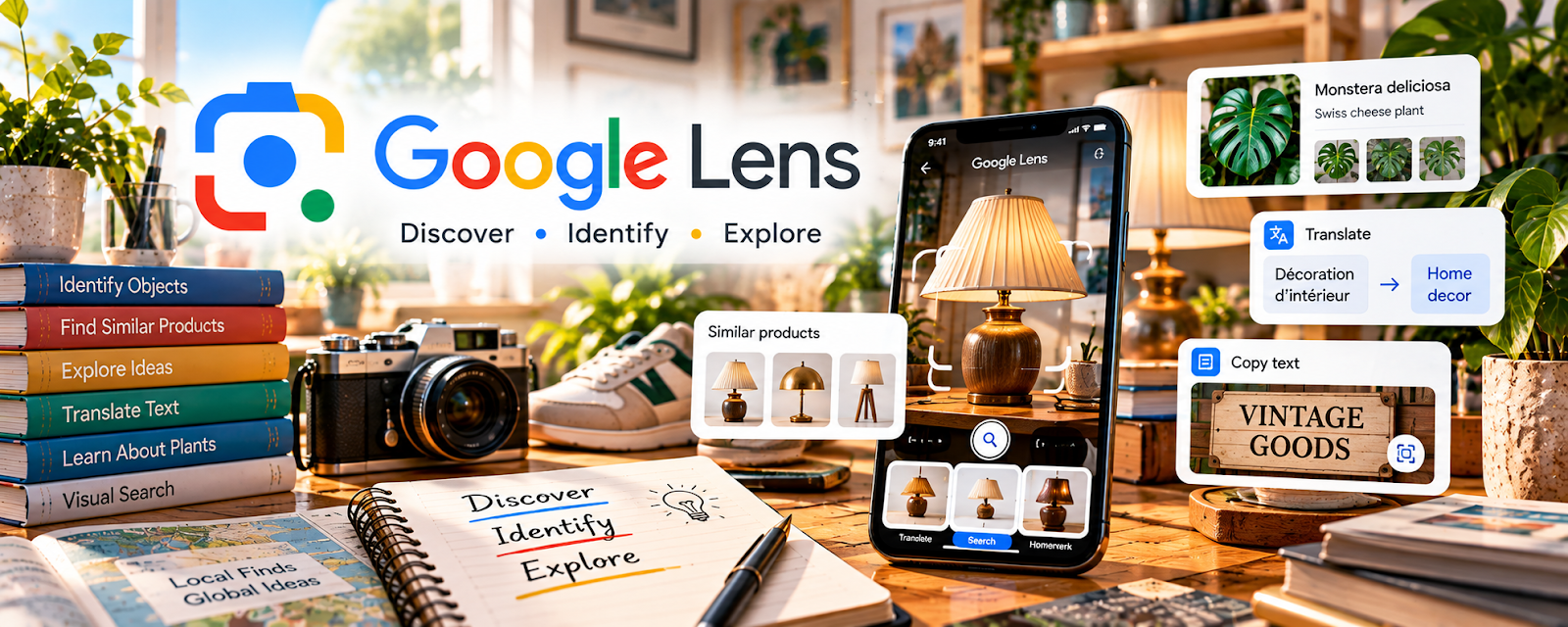
Google Lens is a visual search tool that lets you search the web using photos (labels, products, logos, screenshots).
🔗 Visit Official Website — Google Lens
Domain: lens.google
What This Website Is
Google Lens is a visual search tool that lets you search the web using photos (labels, products, logos, screenshots).
How to Apply It
Use Google Lens to research products quickly: photo → identify item → find comps → verify authenticity clues.
Step-by-Step Implementation:
- Take clear photos of the item (front, label, model number).
- Run Google Lens and open multiple result sources.
- Compare sold prices and condition.
- Save comps and notes before listing.
When to Use This
- You can’t identify a product quickly
- You need pricing comps
- You want to spot knockoffs or variants
Best Tasks to Use It For
- Product identification
- Comps research
- Brand/model verification
Getting Started Steps
- Install Google app / Lens.
- Practice on 10 items at home.
- Create a comps checklist (sold price, condition, shipping).
- Use it on every thrift/garage-sale find.
Good Beginner Search Terms
- how to use Google Lens for reselling
- product flipping pricing comps workflow
- how to identify items at thrift store
Monetization Angle
Faster and more accurate pricing research improves margins and reduces bad buys.
Pros
- Very fast research
- Great for unknown items
Cons
- Results can be noisy
- Needs good photos and multiple sources
Who Should Use This
Resellers who source items in-person and need quick identification.
Who Should Skip This
Anyone who already has reliable model numbers and comps without visual search.
Practical Applications
- Search a clear photo of a product label or distinctive feature.
- Compare likely matches with model numbers and physical details.
- Use verified identification to research completed comparable sales.
Important Considerations
- Visual matches are suggestions, not proof of authenticity, exact model, or value.
- Avoid uploading private client images and verify condition, recalls, restrictions, and actual sale evidence before purchasing inventory.
Related Resources
PhotoRoom — Cleans product photos after Google Lens helps identify and price items.
eBay Community — Helps understand marketplace policies, buyer issues, and selling workflows.
Pirate Ship — Handles discounted shipping labels once researched items sell.
Related Side Hustles
 Product Flipping — Google Lens directly supports identifying, pricing, and validating resale items.
 Blogging: Build an Online Brand and Earn from Your Words — Reselling research can become product guides, thrift finds content, and niche articles.