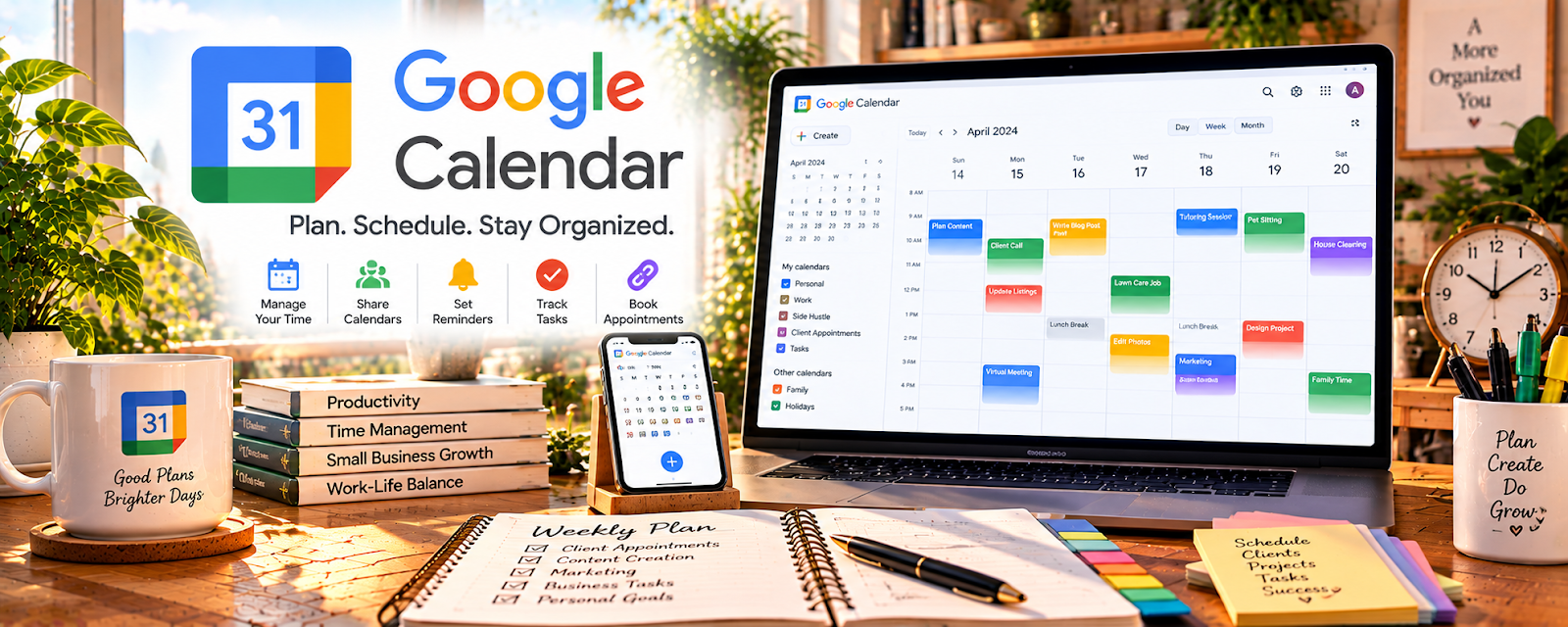
Official Website
Google Calendar is a free scheduling tool for managing sessions, reminders, and time blocks.
🔗 Visit Official Website — Google Calendar
Domain: calendar.google.com
What This Website Is
Google Calendar is a free scheduling tool for managing sessions, reminders, and time blocks. For the 🧑🏫 Online Tutoring side hustle, it can be used to schedule students, send recurring session invites, and reduce no-shows.
How to Apply It to 🧑🏫 Online Tutoring
Use Google Calendar as your tutoring schedule backbone: book → remind → deliver → follow up.
Step-by-Step Implementation:
- Phase 1: Create a “Tutoring Sessions” calendar.
- Phase 2: Create recurring events per student with meeting links and agenda.
- Phase 3: Use reminders and a weekly review to confirm upcoming sessions.
Common Use Cases for this Side Hustle:
- Scenario A: If students miss sessions, use reminders and consistent invites.
- Scenario B: If you tutor multiple students, avoid double booking with one system.
- Scenario C: If you want structure, time-block prep and admin time weekly.
When to Use This
- You tutor multiple students weekly.
- You need recurring session scheduling.
- You want reminders to reduce no-shows.
- You want to time-block prep and admin.
Best Tasks to Use It For
- Scheduling sessions
- Recurring invites and reminders
- Prep/admin time blocking
- Student session notes in event details
- Weekly schedule reviews
Getting Started Steps
- Create a calendar just for tutoring.
- Add your available hours and buffers.
- Add each student as a recurring event.
- Include meeting link + agenda in event notes.
- Turn on reminders (1 day + 1 hour).
- Review your week every Sunday.
- Adjust availability based on demand.
Good Beginner Search Terms
- Google Calendar recurring events
- reduce tutoring no shows
- weekly planning for tutors
- tutoring scheduling workflow
- time blocking for online tutors
- appointment reminder best practices
Monetization Angle
Reliable scheduling reduces lost revenue from no-shows and helps you book back-to-back sessions efficiently.
Pros
- Free and reliable
- Great recurring scheduling
- Works across devices
Cons
- Not a payment system
- Needs discipline to maintain
- Limited automation without add-ons
Who Should Use This
Tutors who want a simple, repeatable scheduling system with reminders.
Who Should Skip This
Skip this if you already use an all-in-one booking platform for scheduling + payments.
Practical Applications
- Create recurring tutoring appointments with the correct student time zone.
- Block preparation and follow-up time around lessons.
- Review upcoming sessions and reschedule with clear confirmation when needed.
Important Considerations
- Confirm notification settings and time-zone changes; invitations alone do not prevent missed sessions.
- Protect student details, coordinate appropriately with guardians for minors, and keep payment and cancellation terms outside a calendar event.
Related Resources
Zoom — Hosts tutoring sessions and can record lessons or student walkthroughs.
Google Forms — Captures student intake, parent feedback, and lesson-prep details.
Google Docs — Stores lesson notes, homework, writing feedback, and shared study guides.
Google Drive — Organizes student files, recordings, worksheets, and progress materials.
Related Side Hustles
 Virtual Assistance — Scheduling, reminders, and client communication overlap with tutoring admin.
 Freelance Writing: Get Paid to Write Online — Tutors can use writing skills for lessons, feedback, and educational content.
Copyediting & Proofreading: Get Paid to Polish Words — Academic review, grammar feedback, and detail-oriented corrections overlap with tutoring.