Official Website
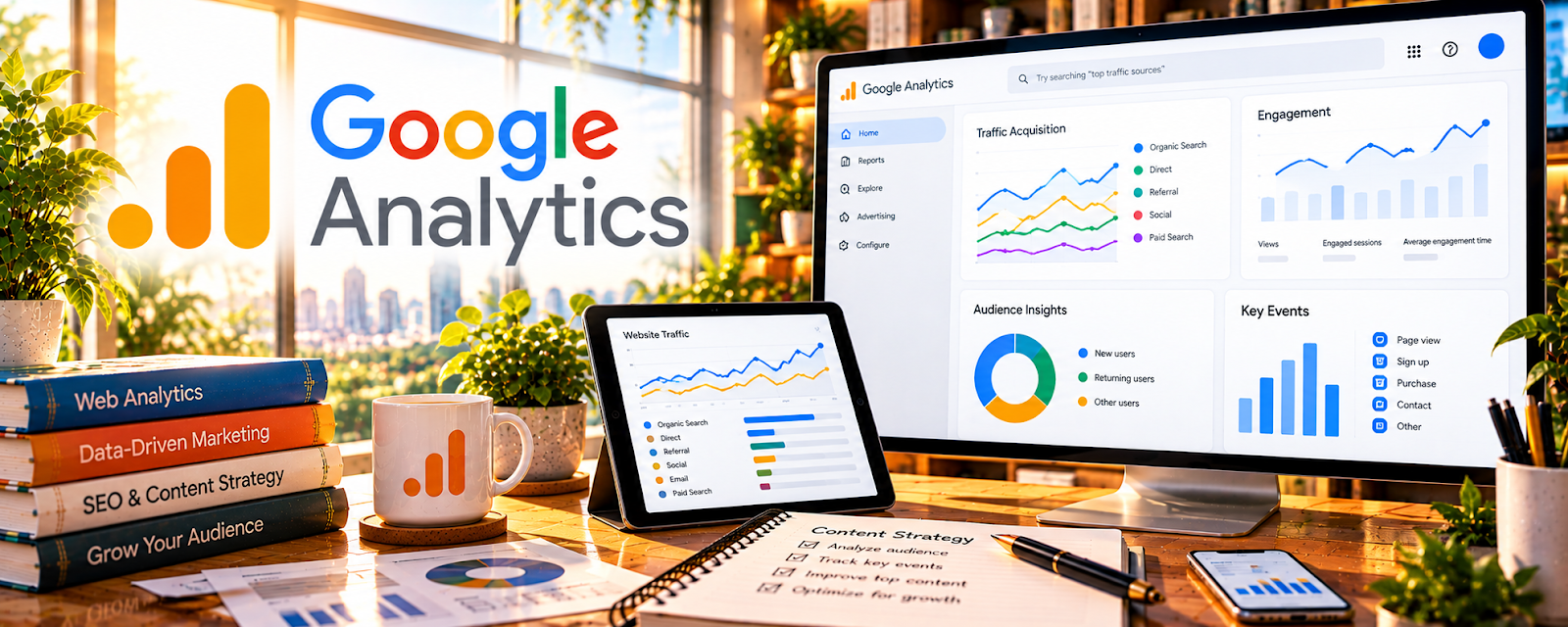
Google Analytics (GA4) tracks traffic sources, user behavior, and conversions on your store.
🔗 Visit Official Website — Google Analytics
Domain: analytics.google.com
What This Website Is
Google Analytics (GA4) tracks traffic sources, user behavior, and conversions on your store. For 📦 Dropshipping, it helps you identify which channels and landing pages drive purchases so you can allocate budget and optimize funnels.
How to Apply It to 📦 Dropshipping
Use an authorized analytics setup to compare store activity with confirmed order records. Define events and appropriate consent controls before interpreting acquisition or conversion reports.
Step-by-Step Implementation:
- Install GA4 and verify tracking.
- Track key events: add_to_cart, begin_checkout, purchase.
- Review acquisition: which channels drive converting sessions.
- Review landing pages: which pages start journeys that convert.
- Use insights to improve offers, product pages, and campaigns.
When to Use This
- After launching a store.
- When running multiple traffic sources.
- When revenue changes and you need source-level context.
- During weekly funnel reviews.
Best Research Tasks to Use It For
- Traffic source comparison
- Landing page performance review
- Purchase funnel measurement
- Campaign tracking with UTMs
- Product-page conversion analysis
Key Signals to Look For
- Channels with strong purchase or checkout rates.
- Landing pages with traffic but weak conversion.
- Add-to-cart vs checkout drop-off.
- Campaigns that drive engaged sessions.
- Pages that start profitable customer journeys.
Getting Started Steps
- Install GA4 and verify ecommerce events.
- Add UTMs to campaigns.
- Build a simple report: source, landing page, add-to-cart, purchase.
- Review weekly.
- Improve one weak page or channel at a time.
Good Beginner Search Terms
- GA4 ecommerce tracking dropshipping
- Shopify GA4 purchase event setup
- dropshipping traffic source analytics
Monetization Angle
GA4 helps dropshippers focus on channels and pages that produce purchases, reducing wasted spend and improving funnel performance.
Pros
- Free and flexible.
- Strong source and landing-page reporting.
- Useful for funnel events and campaign tracking.
Cons
- Setup can be confusing.
- Attribution is imperfect.
- Profit tracking requires additional tools or calculations.
Who Should Use This
Dropshippers with active traffic who need to measure sources, funnels, and product-page performance.
Who Should Skip This
Skip if the store is pre-launch and has no traffic or conversion events yet.
Practical Applications
- Validate store events for product views, checkout, and confirmed purchases.
- Compare tagged traffic sources with actual order records.
- Review acquisition cost against gross margin after refunds and fulfillment costs.
Important Considerations
- Attribution can be incomplete and revenue reports do not establish profit.
- Configure consent and privacy correctly, avoid sending personal customer data, and test tracking before making spending decisions.
Related Resources
Triple Whale — profit and attribution dashboards to judge which campaigns truly scale.
Microsoft Clarity — heatmaps/recordings to diagnose why product pages and checkout don’t convert.
Related Side Hustles
 Print-on-Demand — similar ecommerce funnel measurement
Selling Digital Products — similar conversion tracking needs
 Social Media Management — campaign tracking and reporting