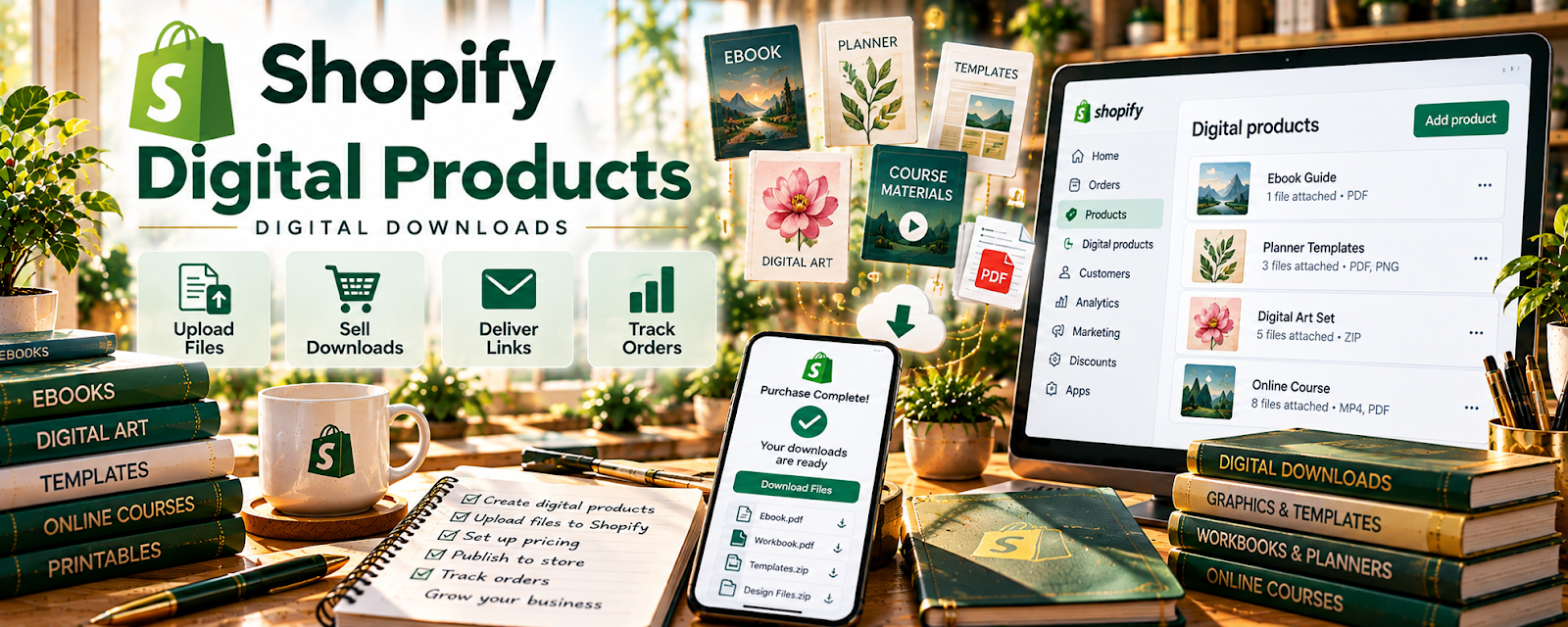
Official Website
Digital Downloads Pro is a Shopify app that helps you sell downloadable files (templates, guides, assets) through your store.
🔗 Visit Official Website — Digital Downloads Pro
Domain: apps.shopify.com
What This Website Is
Digital Downloads Pro is a Shopify app that helps you sell downloadable files (templates, guides, assets) through your store. For the 💻 Selling Digital Products side hustle, it can automate file delivery after purchase.
How to Apply It to 💻 Selling Digital Products
Use it as your “sell + auto-deliver” workflow: create product → upload files → connect delivery rules → sell → support.
Step-by-Step Implementation:
- Create a digital product listing in Shopify.
- Upload the deliverable files and set delivery rules.
- Test checkout and file delivery end-to-end.
Common Use Cases for this Side Hustle:
- Scenario A: Selling templates and workbooks with automatic delivery.
- Scenario B: Bundling multiple files into one product.
- Scenario C: Reducing manual “send the file” support work.
When to Use This
- You sell digital files on Shopify
- You want automatic delivery
- You want fewer manual support requests
Best Tasks to Use It For
- Digital file delivery automation
- Managing downloadable products
- Reducing fulfillment support
Getting Started Steps
- Install the app.
- Create one test product.
- Upload the file and set delivery rules.
- Run a test purchase.
- Document a customer support FAQ.
Good Beginner Search Terms
- Shopify digital download delivery app
- sell digital products on Shopify
- automate digital file fulfillment
- Shopify customer download issues troubleshooting
Monetization Angle
Automatic delivery reduces time per sale, so you can scale sales volume without scaling admin work.
Pros
- Automatic delivery
- Simple digital fulfillment workflow
Cons
- App costs (depending on plan)
- Support needed for failed downloads
Who Should Use This
Shopify sellers who want a clean digital file delivery setup.
Who Should Skip This
Creators selling only on marketplaces (Etsy/Gumroad) and not using Shopify.
Practical Applications
- Inspect the exact Shopify app listing and developer before installing.
- Test purchase, file access, and customer instructions with an authorized sample.
- Document how an updated file and refund are handled.
Important Considerations
- The page title may not match the current app listing; verify the exact product, developer, pricing, permissions, and support rather than assuming a Pro feature set.
- Confirm file rights, access controls, delivery behavior, and consumer terms; a successful checkout alone does not prove reliable protected delivery.
Related Resources

WordPress.com — Can host content marketing and landing pages that send buyers to digital products.
Airtable — Tracks product files, versions, listings, and update history.
Related Side Hustles
 Selling Digital Products — Digital Downloads Pro automates file fulfillment for this business model.
 Blogging: Build an Online Brand and Earn from Your Words — Blog audiences can be monetized with paid templates, guides, and downloads.