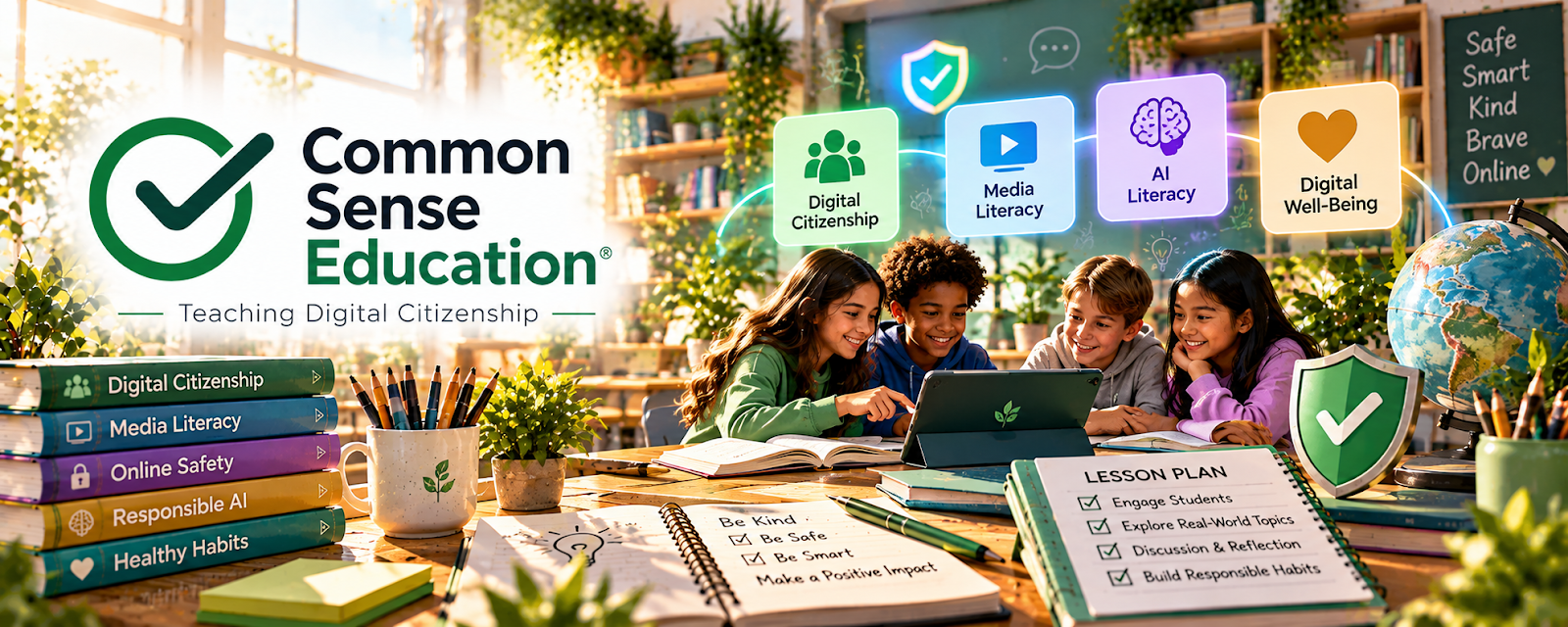
Official Website
Common Sense Education is a free educator resource library with lesson ideas, digital citizenship materials, edtech reviews, and classroom guidance.
🔗 Visit Official Website — Common Sense Education
Domain: www.commonsense.org
What This Learning Resource Is
Common Sense Education is a free educator resource library with lesson ideas, digital citizenship materials, edtech reviews, and classroom guidance. For 🧑🏫 Online Tutoring, it helps tutors teach safer, more thoughtful digital habits and choose better learning tools.
How to Use It for Online Tutoring
Use Common Sense Education to support digital learning, student safety, media literacy, and tool selection. Turn resources into short discussion prompts, parent notes, or mini-lessons.
Step-by-Step Implementation:
- Choose a tutoring topic that involves online tools or digital behavior.
- Find a relevant lesson or resource.
- Adapt it into a short tutoring activity.
- Add a parent-friendly note if needed.
- Use tool reviews to choose safer learning apps.
- Save useful resources by student age group.
Best Time to Use This
- When tutoring students online.
- When digital citizenship or media literacy matters.
- When choosing learning apps or online resources.
Best Skills to Learn Here
- Digital citizenship
- Media literacy
- Edtech evaluation
- Student safety
- Lesson adaptation
- Parent communication
Getting Started Steps
- Search by grade level or topic.
- Pick one lesson or resource.
- Adapt it into a 10-minute tutoring activity.
- Save links for future students.
- Use the resource to guide parent or student expectations.
Good Beginner Search Terms
- Common Sense Education
- digital citizenship lessons
- media literacy lessons
- online tutoring safety
- edtech reviews for teachers
- student internet safety
Monetization Angle
Common Sense Education can make tutoring more professional by adding age-appropriate digital learning guidance. It supports trust with parents, especially when students use online tools during sessions.
Pros
- Free educator-focused resources.
- Strong digital citizenship materials.
- Useful for parent trust.
- Helps evaluate learning tools.
Cons
- Not a tutoring marketplace.
- Not focused on every academic subject.
- Requires adaptation for one-on-one tutoring.
- Some resources are classroom-oriented.
Who Should Use This
Use this if you tutor online and want safer, more thoughtful digital learning resources.
Who Should Skip This
Skip this if you only need subject drills, client leads, or a live tutoring classroom.
Practical Applications
- Find age-appropriate digital-citizenship material for a tutoring objective.
- Compare an edtech review with the learner’s actual needs.
- Prepare an original discussion about evaluating online information.
Important Considerations
- Reviews and lessons may target specific ages, countries, or classroom settings.
- Check resource rights, accessibility, current product behavior, and guardian or institutional privacy requirements; ratings do not replace safeguarding or individualized assessment.
Related Resources
Google for Education Teacher Center — Builds Google-based lesson workflows.
Khan Academy — Provides subject lessons and practice.
Lessonspace — Supports live online tutoring sessions.
Notion — Tracks student resources, notes, and plans.
Quizlet — Creates review sets and study practice.
Related Side Hustles
 Online Tutoring: Get Paid to Teach What You Know — Common Sense Education supports safer online lessons and digital learning guidance.
Online Course Creation: Turn Your Knowledge Into Income — Digital citizenship lessons can inform student-facing course materials.
 Babysitting & Childcare: Flexible Side Hustle Caring for Kids — Digital safety guidance can also support child-focused care work.