Official Website
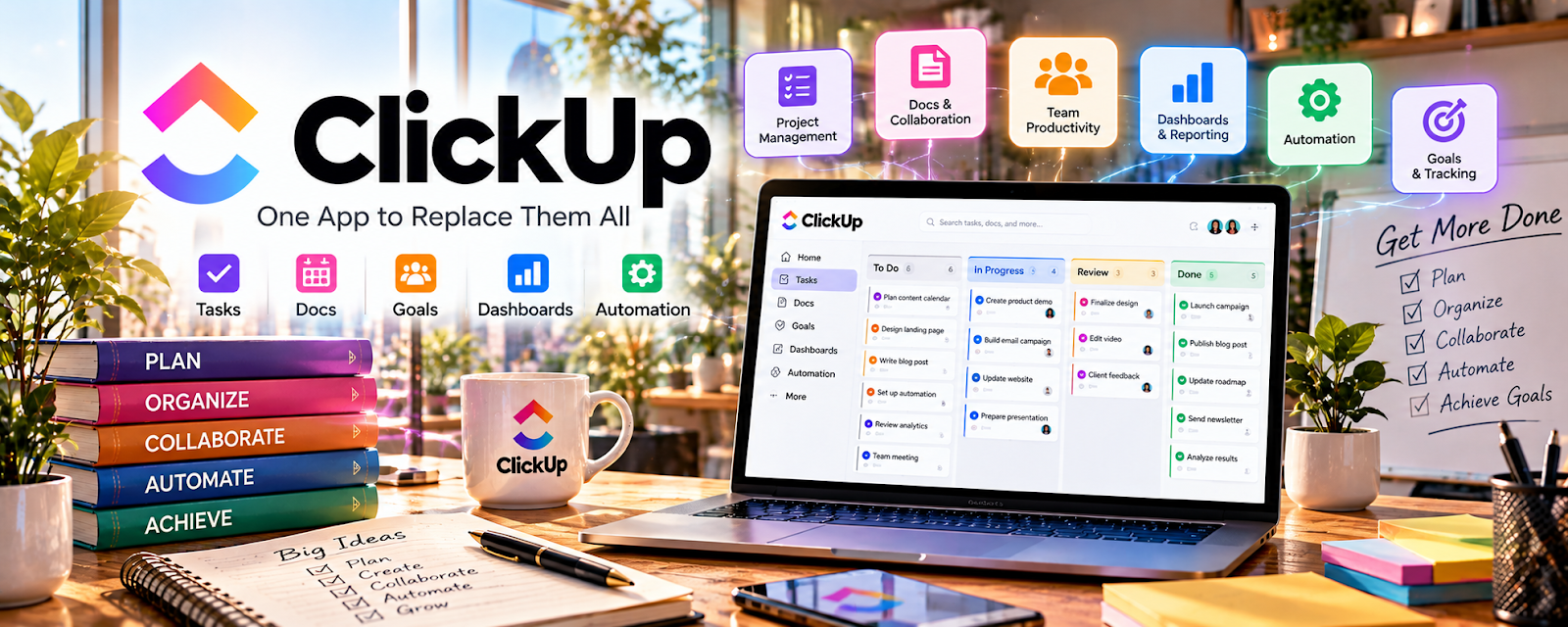
ClickUp is a project and task management platform with docs, lists, and dashboards.
🔗 Visit Official Website — ClickUp
Domain: clickup.com
What This Website Is
ClickUp is a project and task management platform with docs, lists, and dashboards. For the 💼 Consulting side hustle, it can be used to manage client deliverables, timelines, and recurring workflows so projects feel organized and professional.
How to Apply It to 💼 Consulting
Use ClickUp as a practical work tool for delivery: intake → plan → execute → report → retain.
Step-by-Step Implementation:
- Phase 1: Create a client space/folder with a standard project template (phases, tasks, due dates).
- Phase 2: Track deliverables with statuses and a weekly review routine.
- Phase 3: Use reporting views (dashboards) to send simple progress updates and surface blockers.
Common Use Cases for this Side Hustle:
- Scenario A: Multi-week consulting engagements with many tasks and stakeholders.
- Scenario B: Retainer work where you need recurring tasks and clear priorities.
- Scenario C: Coordinating with a client’s internal team for approvals.
When to Use This
- You need a clear project plan and deadlines.
- You want clients to see progress transparently.
- You manage multiple deliverables at once.
- You want a repeatable consulting template.
Best Tasks to Use It For
- Client project planning
- Task tracking and ownership
- Recurring retainer workflows
- Status reporting and dashboards
- Documentation and checklists
Getting Started Steps
- Create a ClickUp workspace.
- Set up a client folder/space.
- Build a consulting project template (Phase 1–3).
- Add tasks with clear outcomes and due dates.
- Define a weekly status update rhythm.
- Use dashboards to summarize progress.
- Reuse the template for every new client.
Good Beginner Search Terms
- ClickUp consulting template
- ClickUp client project setup
- weekly status update template consulting
- how to scope consulting deliverables
- ClickUp dashboard basics
- retainer task management system
Monetization Angle
A clean system increases client trust. Better visibility and delivery consistency makes it easier to upsell retainers and higher-value engagements.
Pros
- Strong project management features
- Dashboards improve client visibility
- Templates scale across clients
Cons
- Can feel complex for small projects
- Requires consistent updating
- Client onboarding takes setup time
Who Should Use This
Consultants who manage multi-step engagements and want a professional task + reporting system.
Who Should Skip This
Skip this if your projects are very small and you prefer a lightweight checklist tool.
Practical Applications
- Organize a consulting engagement into deliverables, owners, and review points.
- Track evidence requests and decisions alongside project tasks.
- Prepare a concise status update separating completed work from blockers.
Important Considerations
- Obtain authorization before connecting client tools or inviting collaborators.
- Review current permissions, plan limits, and automations; protect confidential information and do not equate task completion with validated business outcomes.
Related Resources
Related Side Hustles
 Virtual Assistance — VA work can grow into operations consulting when systems and workflows become the offer.
 Social Media Management — Social strategy projects also need client planning, reporting, and deliverable management.