Official Website
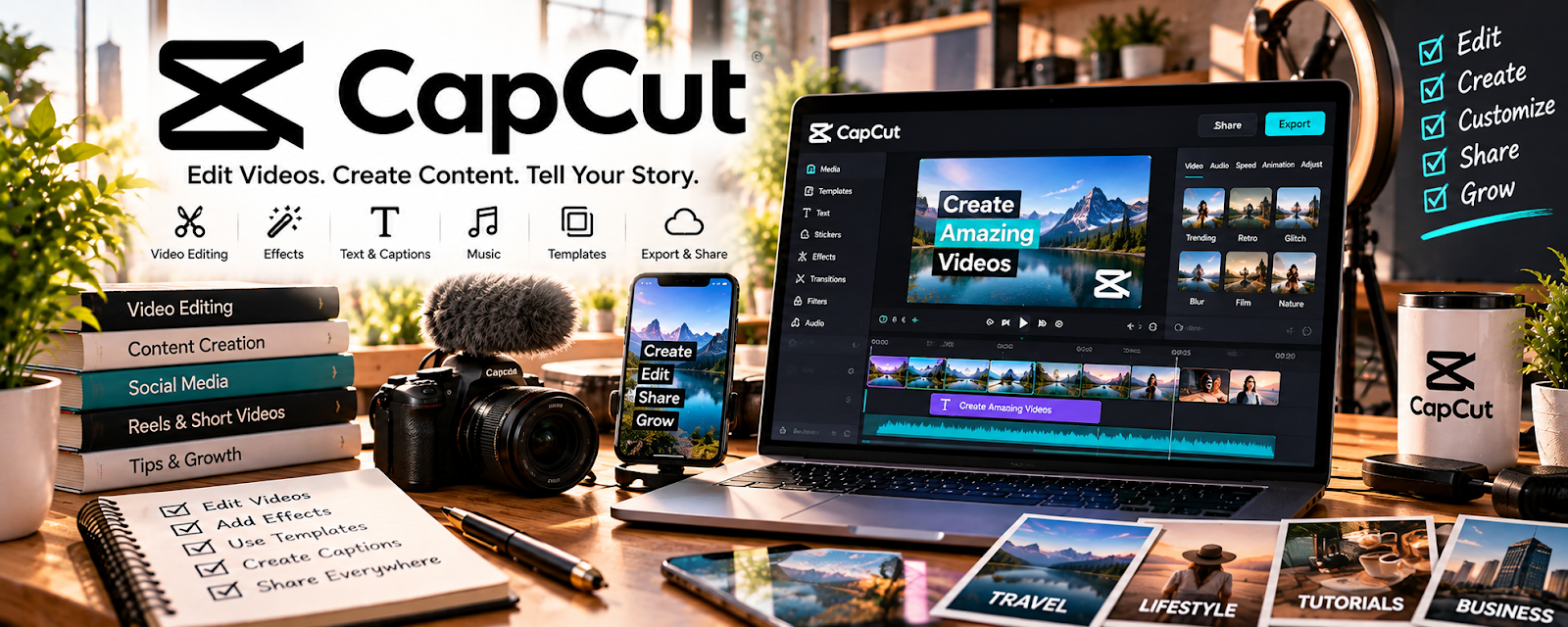
CapCut is a video editing tool with templates, captions, effects, and mobile-friendly exports.
🔗 Visit Official Website — CapCut
Domain: www.capcut.com
What This Website Is
CapCut is a video editing tool with templates, captions, effects, and mobile-friendly exports. For 📦 Dropshipping, it can be used to create short-form product ads, UGC-style promo clips, and organic social videos.
How to Apply It to 📦 Dropshipping
Use CapCut as your “ad creative editor”: collect product clips → edit hooks → add captions → export → test in ads or organic posts.
Step-by-Step Implementation:
- Gather product clips, customer-style demonstrations, or supplier footage you are allowed to use.
- Create 3–5 hook variations that show the problem, result, or product benefit quickly.
- Add captions, music, product callouts, and a clear CTA.
- Export versions for TikTok, Reels, Shorts, and ad testing.
When to Use This
- You need quick video ads
- You want UGC-style product demos
- You are testing hooks before scaling paid traffic
Best Tasks to Use It For
- Product demo edits
- Captioned short-form ads
- Hook and creative testing
Getting Started Steps
- Pick one product and one target customer problem.
- Create 3 short video angles.
- Add captions and a CTA.
- Test the best version in organic posts or a small ad campaign.
Good Beginner Search Terms
- CapCut dropshipping ad tutorial
- product demo video hooks
- TikTok ad creative for ecommerce
Monetization Angle
Better product videos can improve click-through rate, reduce wasted ad spend, and help identify products worth scaling.
Pros
- Fast editing workflow
- Strong captions and templates
- Good for short-form ad testing
Cons
- Templates can look generic
- Product claims still need to be accurate
- Not ideal for advanced ecommerce analytics
Who Should Use This
Dropshippers who need fast, inexpensive product videos for ads, organic testing, or landing pages.
Who Should Skip This
Sellers who already have a professional creative team or only use static catalog images.
Practical Applications
- Edit an accurate demonstration using authorized product footage.
- Prepare original ad variants for a small approved test.
- Review captions, claims, and the match between video and actual item.
Important Considerations
- Check current regional availability and commercial rights for music, templates, effects, and AI assets.
- Do not invent personal endorsements, hide defects, or imply unsupported results; editing does not validate supplier quality or advertising compliance.
Related Resources
Canva / Canva Mockups — Creates product graphics, mockups, and static ad visuals to pair with CapCut videos.
Google Ads — Tests the product videos and landing pages with buyer-intent paid traffic.
Google Sheets — Tracks creative tests, spend, clicks, conversions, and winning angles.
Related Side Hustles
 Dropshipping: Start an Online Store Without Holding Inventory — CapCut directly supports the video creative needed to sell dropshipping products.
 Affiliate Marketing: Get Paid to Promote What You Love — Product demo videos and short-form hooks also work for affiliate product promotion.