Official Website
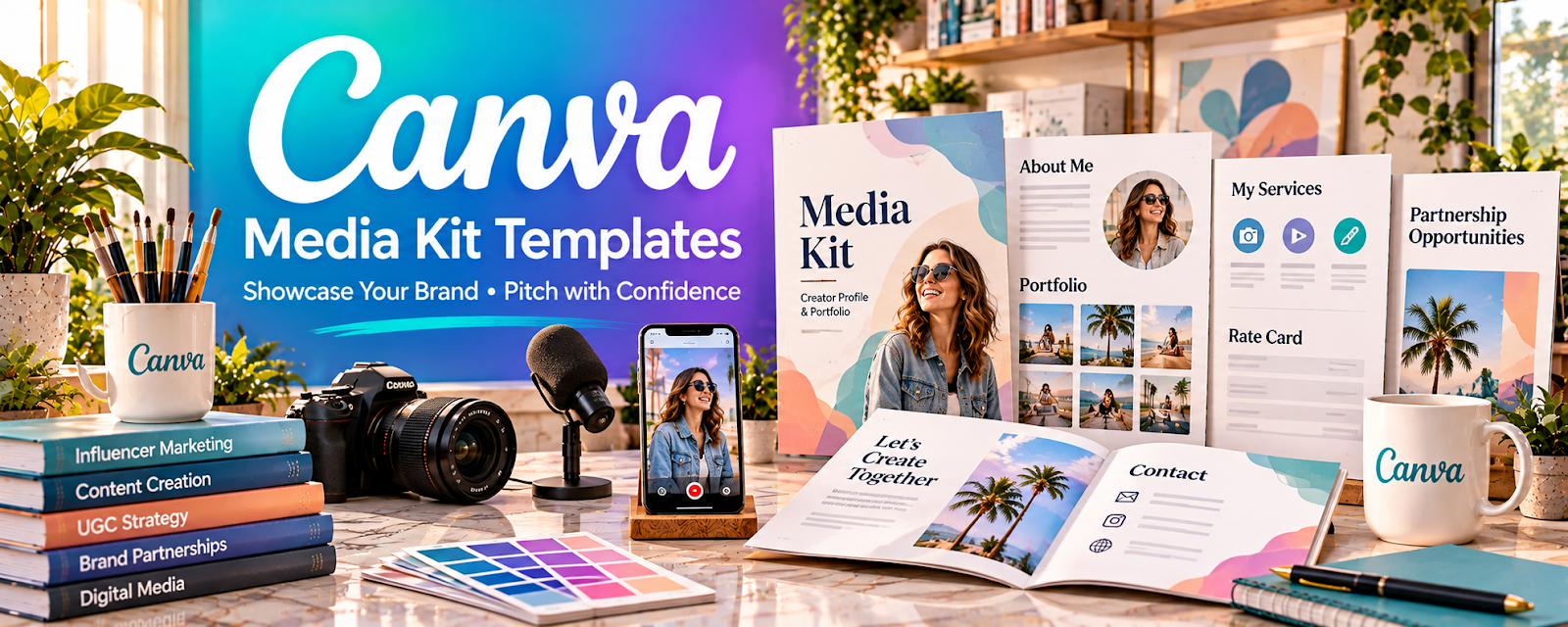
Canva Media Kit Templates are ready-made, editable layouts for presenting your stats, rates, and sample work to brands.
🔗 Visit Official Website — Canva Media Kit Templates
Domain: www.canva.com
What This Resource Is
Canva Media Kit Templates are ready-made, editable layouts for presenting your stats, rates, and sample work to brands. For 🤳 UGC Creation, a polished media kit makes you look professional and helps you land and price paid deals.
How to Apply It to 🤳 UGC Creation
Use a template to build a pitch-ready media kit: pick a layout → add your niche and stats → showcase best work → export and send with pitches.
Step-by-Step Implementation:
- Phase 1: Choose — pick a clean media kit template.
- Phase 2: Customize — add your niche, audience, rates, and samples.
- Phase 3: Pitch — export to PDF and attach to brand outreach.
Common Use Cases for this Side Hustle:
- Scenario A: Sending a media kit with cold pitches.
- Scenario B: Presenting rates and packages to a brand.
- Scenario C: Refreshing your kit as your work grows.
When to Use This
- You're pitching brands for UGC work.
- You need to look professional fast.
- You want to present rates clearly.
- You want a reusable, editable kit.
Best Templates to Use
- One-page media kit
- Rate card / pricing sheet
- Portfolio / work samples layout
- About-me / creator bio page
- Brand pitch / proposal deck
Getting Started Steps
- Search "media kit" in Canva.
- Pick a clean, on-brand layout.
- Add your niche, audience, and stats.
- Insert 3–5 best content samples.
- Add clear rates or packages.
- Export to PDF and reuse per pitch.
What to Search For
- "media kit"
- "creator rate card"
- "UGC portfolio"
- "brand pitch deck"
- "content creator bio"
- "one page proposal"
How It Supports Earning
A professional media kit raises your perceived value, helps you justify higher rates, and improves pitch reply rates — turning free templates into more and better-paid UGC deals.
Pros
- Free, editable, and reusable
- Looks professional instantly
- Easy to update as you grow
Cons
- Popular templates look generic
- Needs real stats and samples to shine
- Some elements require Canva Pro
Who Should Use This
UGC creators who pitch brands and want a professional, editable media kit without hiring a designer.
Who Should Skip This
Skip if you already have a custom-designed kit or work only through marketplaces that don't ask for one.
Practical Applications
- Create a media kit showing authorized UGC samples.
- Explain actual content formats, availability, and a clear inquiry route.
- Use accurate dated audience figures only where they are relevant to the offer.
Important Considerations
- Do not fabricate brand relationships, testimonials, or campaign results, or imply audience reach is included in a production-only package.
- Check template and asset licenses and agree deliverables, usage rights, revisions, and payment separately from the kit.
Related Resources
Aspire — Connects creators with paid brand collaborations.
Beacons — Builds a creator link page and media kit.
Later Blog — Provides social trends and content-planning guidance.
 Latasha James (YouTube Channel) — Teaches UGC and creator-business strategy.
Related Side Hustles
 UGC Creation — The direct service this media kit helps you sell.
 Social Media Management — A media kit also helps land content-management clients.