Official Website
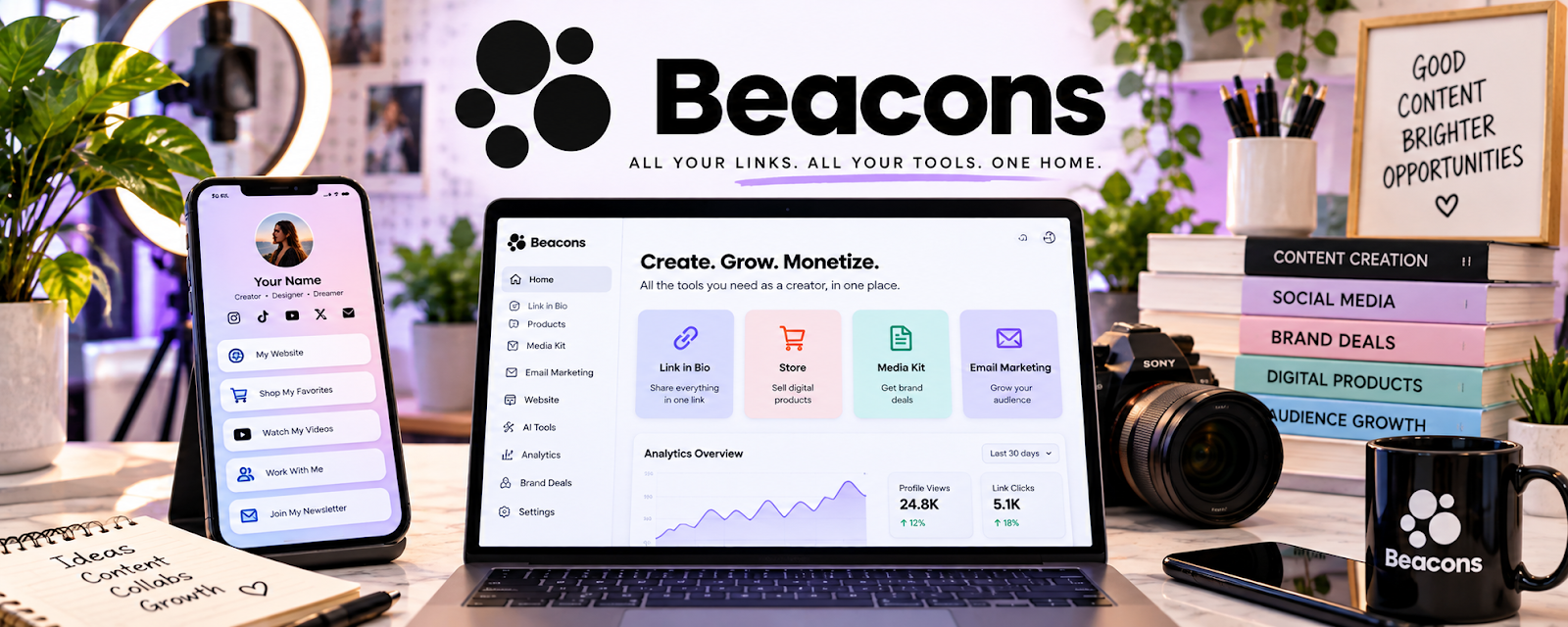
Beacons is a link-in-bio and creator storefront platform for showcasing links, offers, media kits, and audience capture.
🔗 Visit Official Website — Beacons
Domain: beacons.ai
What This Website Is
Beacons is a link-in-bio and creator storefront platform for showcasing links, offers, media kits, and audience capture. For 🤳 UGC Creation, it can act as a simple portfolio hub that sends brands to your examples, rates, and contact form.
How to Apply It to 🤳 UGC Creation
Use Beacons as your “UGC portfolio link”: one clean page that proves what you make and tells brands how to hire you.
Step-by-Step Implementation:
- Phase 1: Add your best video examples and niche categories.
- Phase 2: Add a clear contact button, rate-card link, and intake form.
- Phase 3: Put the Beacons link in outreach, social bios, and pitch templates.
Common Use Cases for this Side Hustle:
- Scenario A: A brand asks for samples and you need one polished link.
- Scenario B: You want to collect inquiries without building a full website.
- Scenario C: You need to test niches and offers quickly.
When to Use This
- You need a fast UGC portfolio page.
- You want one link for brand outreach.
- You want to capture leads or inquiries.
- You do not need a full custom website yet.
Best Tasks to Use It For
- Portfolio links
- Media kit hosting
- Rate-card links
- Contact forms
- Social bio landing page
Getting Started Steps
- Create a Beacons page.
- Add a short creator bio and niche focus.
- Upload or link 3–6 strong UGC examples.
- Add a “Work with me” button.
- Link your rate card or inquiry form.
- Add the link to your social bios and pitches.
- Review clicks and improve the page monthly.
Good Beginner Search Terms
- UGC portfolio examples
- link in bio for creators
- UGC rate card template
- creator media kit examples
- brand pitch portfolio link
- Beacons creator page setup
Monetization Angle
A clean portfolio link reduces friction in brand outreach. Better proof and easier contact can turn more pitches into paid UGC deals.
Pros
- Fast portfolio setup
- Good for social bio and outreach
- Can capture brand inquiries
Cons
- Less control than a custom site
- Can look generic without strong examples
- Requires updates as your portfolio improves
Who Should Use This
UGC creators who need a simple, polished hub for samples, rates, and brand inquiries.
Who Should Skip This
Skip this if you already have a strong portfolio website with analytics and lead capture.
Practical Applications
- Arrange approved UGC samples into a concise portfolio hub.
- Add a clear inquiry route for brands seeking a defined content package.
- Organize portfolio links by product category or content format.
Important Considerations
- Only display work, brand names, testimonials, and results you have permission to use.
- Review plan limits, privacy settings, and any commerce fees; a polished profile does not create brand demand by itself.
Related Resources
No access — Useful for publishing examples and studying short-form ad styles.
No access — Supports portfolio visibility, reels, and brand discovery.
Google Drive — Stores raw clips, edited samples, contracts, and brand assets.
Related Side Hustles
 Social Media Management — Uses similar short-form content and brand communication skills.
 Affiliate Marketing: Get Paid to Promote What You Love — UGC-style product videos can support conversion-focused content.
 Blogging: Build an Online Brand and Earn from Your Words — Portfolio content and reviews can expand into written niche content.