Official Website
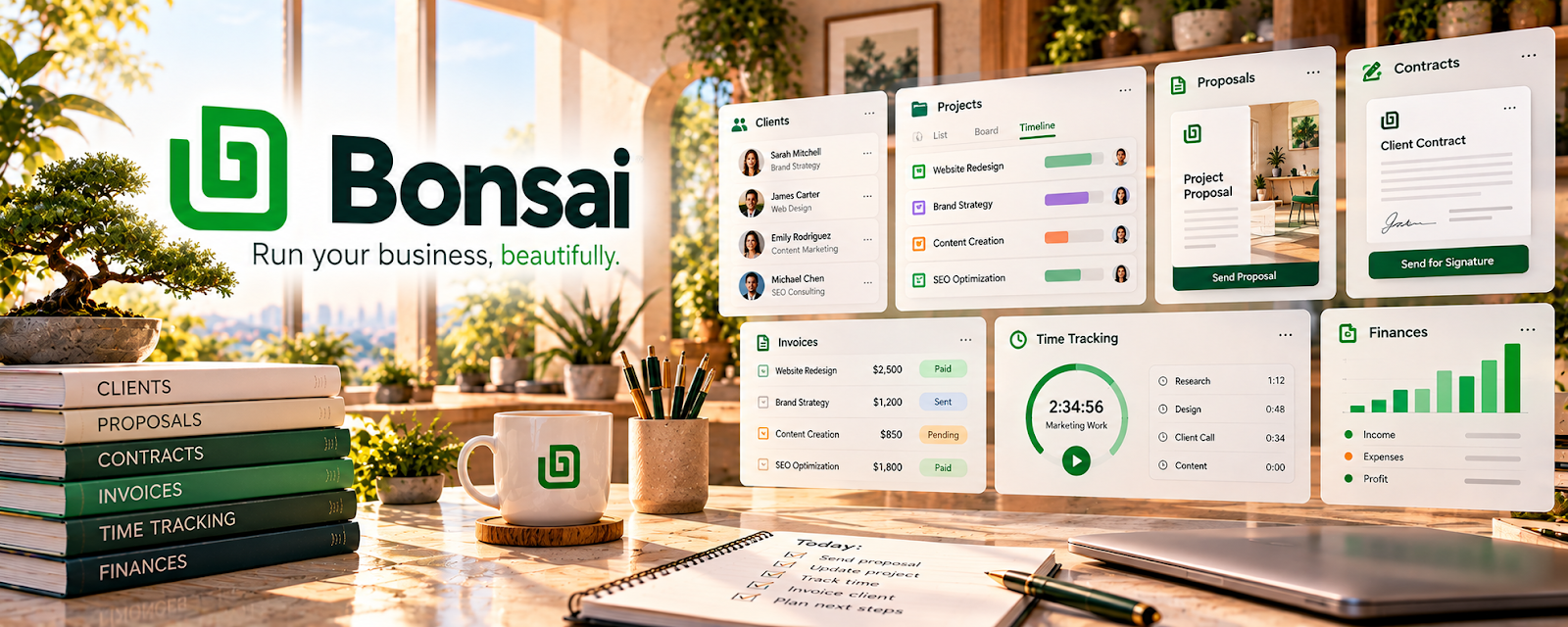
Bonsai is a freelancer business tool for proposals, contracts, invoicing, and payments.
🔗 Visit Official Website — Bonsai
Domain: www.hellobonsai.com
What This Website Is
Bonsai is a freelancer business tool for proposals, contracts, invoicing, and payments. For 🤳 UGC Creation, it helps you look more professional and get paid faster with standardized agreements and invoicing.
How to Apply It to UGC Creation
Use Bonsai as your “client admin system”: create a UGC contract template, send invoices after deliverables, and track payment status per client.
Step-by-Step Implementation:
- Confirm a brand brief covering deliverables, usage rights, paid-ad permissions, revisions, and deadlines.
- Adapt proposal and agreement templates to the actual project and obtain appropriate legal review where needed.
- Record approvals and agreed payment milestones without storing unnecessary private client information.
- Reconcile invoices and payments, document scope changes, and check current fees and plan limits before reusing the workflow.
When to Use This
- You work directly with brands
- You need contracts and invoices
- You want a clean admin workflow
Best Tasks to Use It For
- Contract templates
- Invoicing + payment tracking
- Proposal/quote creation
- Client admin organization
Getting Started Steps
- Set up your Bonsai account.
- Create a UGC contract template (usage rights, revisions, timeline).
- Create an invoice template (deliverables + payment terms).
- Use it for your next 3 clients.
- Track payments weekly.
- Save your best templates for reuse.
- Raise rates as your process becomes repeatable.
Good Beginner Search Terms
- ugc contract template usage rights
- invoice payment terms net 7 net 14
- freelance contract clauses revisions
Monetization Angle
Clean admin systems reduce unpaid work, shorten payment cycles, and support higher rates because you look more established.
Pros
- Streamlined freelancer workflow
- Templates for contracts/invoices
- Helps you get paid on time
Cons
- Paid tool
- Requires setup to match your offer
Who Should Use This
UGC creators managing direct brand agreements, approvals, invoices, and payment follow-up.
Who Should Skip This
Skip this if your existing client system already handles these tasks or you do not need paid admin software.
Practical Applications
- Prepare a UGC proposal with deliverables, production schedule, and revision limits.
- Record agreed usage, paid-ad permissions, exclusivity, and payment milestones.
- Track invoices and approvals against the signed project scope.
Important Considerations
- Confirm current plan features, payment fees, and supported regions.
- Templates are not tailored legal advice; ensure final terms address likeness, AI use, cancellations, and brand disclosure obligations.
Related Resources
Aspire — Provides brand campaign opportunities that may need Bonsai contracts and invoices for direct follow-up work.
Canva / Canva Mockups — Creates pitch decks, portfolio visuals, and rate-card assets for UGC clients.
Notion — Tracks briefs, deliverables, deadlines, revisions, and brand communication before billing.
Related Side Hustles
 UGC Creation — Bonsai handles UGC proposals, contracts, usage terms, invoices, and payment tracking.
 Freelance Writing: Get Paid to Write Online — Writers use similar contracts, scopes, milestones, and invoice workflows.
 Social Media Management — Social media retainers also require proposals, agreements, and recurring invoices.