Official Website
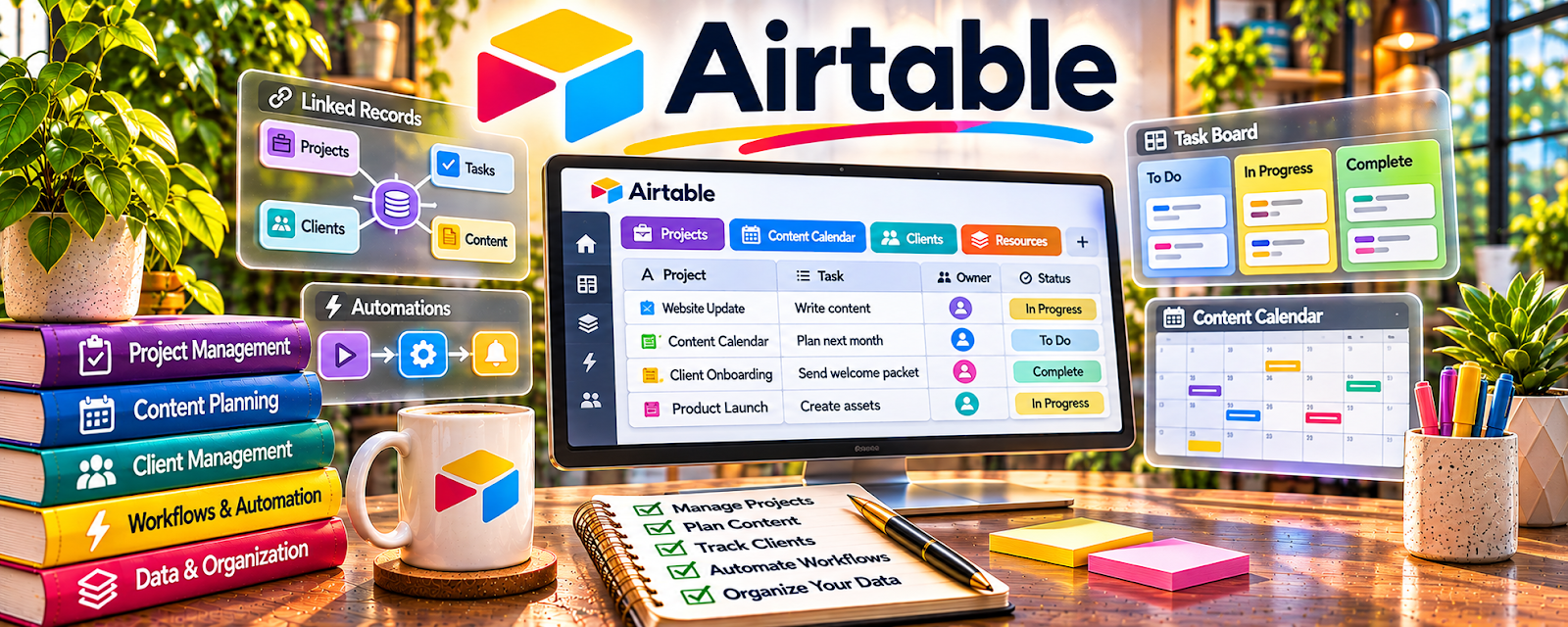
Airtable is a database/spreadsheet hybrid for organizing records, files, and workflows.
🔗 Visit Official Website — Airtable
Domain: www.airtable.com
What This Website Is
Airtable is a database/spreadsheet hybrid for organizing records, files, and workflows.
How to Apply It
Use Airtable as your “transcription job tracker”: clients → files → status → deadlines → invoices.
Step-by-Step Implementation:
- Create tables for Clients, Jobs, and Deliverables.
- Add fields for due date, minutes, rate, and status.
- Link files and notes per job.
- Review daily to stay ahead of deadlines.
When to Use This
- You manage multiple clients
- You track many audio files
- You want a repeatable workflow
Best Tasks to Use It For
- Job tracking
- Deadline management
- Client notes and file organization
Getting Started Steps
- Create a base with Jobs + Clients.
- Add statuses (New, In progress, Delivered, Invoiced, Paid).
- Enter your last 10 jobs.
- Use it for the next month.
Good Beginner Search Terms
- Airtable freelancer job tracker template
- transcription workflow tracking
- Airtable status pipeline setup
Monetization Angle
Better tracking reduces late deliveries and missed invoices—protecting income.
Pros
- Flexible database
- Good for pipelines
Cons
- Setup time
- Can be overkill for one-client workflows
Who Should Use This
Transcriptionists managing multiple jobs and deadlines.
Who Should Skip This
Anyone who prefers a simple checklist and only handles a few files per month.
Practical Applications
- Track transcription jobs by deadline, status, and approved file location.
- Record client formatting requirements and clarification questions.
- Review delivery and invoice status without exposing transcript contents.
Important Considerations
- Check current permissions, storage, automation, and plan limits.
- Do not place confidential audio or sensitive transcripts into a workspace without authorization; retain secure backups and verify privacy and retention arrangements.
Related Resources
Descript — Generates and edits transcript drafts for jobs tracked in Airtable.
Audacity — Cleans audio before transcription and supports quality review.
Square Invoices — Invoices clients after Airtable marks transcription jobs as delivered.
Related Side Hustles
 Transcription Jobs — Airtable organizes clients, files, deadlines, delivery status, and invoices for transcription work.
Freelance Writing: Get Paid to Write Online — Transcription project tracking can expand into content repurposing and writing deliverables.