Official Website
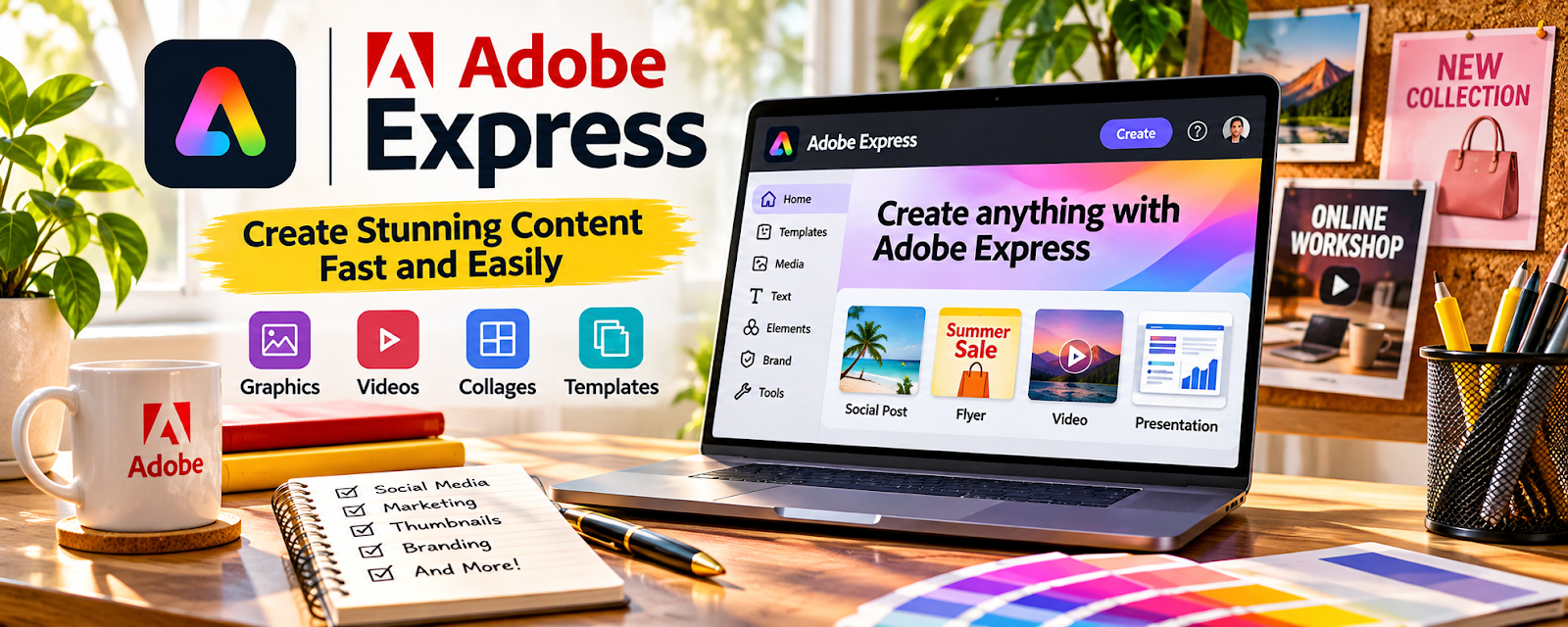
Adobe Express is a simple design tool for creating social posts, templates, and short-form visuals.
🔗 Visit Official Website — Adobe Express
Domain: www.adobe.com
What This Website Is
Adobe Express is a simple design tool for creating social posts, templates, and short-form visuals. For the 📣 Social Media Management side hustle, it helps you produce consistent client content quickly.
How to Apply It to 📣 Social Media Management
Use Adobe Express as a practical “content factory”: brand kit → templates → batch-create → schedule.
Step-by-Step Implementation:
- Phase 1: Build a client brand kit and 5–10 templates (post, story, carousel cover).
- Phase 2: Batch-create 2–4 weeks of content in one session.
- Phase 3: Iterate based on engagement and keep only winning templates.
Common Use Cases for this Side Hustle:
- Scenario A: Weekly content batches for clients.
- Scenario B: Quick promo graphics for offers/events.
- Scenario C: Keeping a consistent brand look across platforms.
When to Use This
- You need fast client content production.
- You want reusable templates.
- You manage multiple brands/accounts.
- You want lightweight design tools.
Best Tasks to Use It For
- Social post creation
- Story and promo templates
- Brand consistency assets
- Quick creative for campaigns
- Batch production workflows
Getting Started Steps
- Create a brand kit for the client.
- Build 5 templates.
- Plan 10–20 post ideas.
- Batch create the posts.
- Export in platform sizes.
- Schedule content.
- Review results and refine templates monthly.
Good Beginner Search Terms
- Adobe Express social media templates
- content batching workflow for social media managers
- brand kit template system
- social post sizes Instagram TikTok
- carousel design template tips
- client content calendar process
Monetization Angle
Templates reduce production time, allowing you to manage more clients or charge more for consistent, high-volume output.
Pros
- Fast template creation
- Easy brand consistency
- Good for batching workflows
Cons
- Can look generic if overused
- Limited advanced design controls
- Creative strategy still matters more than templates
Who Should Use This
Social media managers who need fast, consistent visuals across multiple client accounts.
Who Should Skip This
Skip this if you already have a pro design workflow and only need scheduling/analytics tools.
Practical Applications
- Create a small set of brand-approved social templates.
- Prepare original graphics at the intended platform dimensions.
- Review captions, claims, and visual legibility before client approval.
Important Considerations
- Check commercial rights for templates, fonts, music, stock, and AI-assisted assets.
- Confirm current export and plan limits, protect confidential client material, and do not imply unverified results or endorsements.
Related Resources
Sprout Social — Schedules, monitors, and reports on the content created in Adobe Express.
Hootsuite — Provides another publishing and scheduling layer for multi-platform client accounts.
Later — Supports visual planning and scheduling for Instagram-forward content workflows.
Related Side Hustles
 Virtual Assistance — VA services often include basic content scheduling and client social admin.
 Blogging: Build an Online Brand and Earn from Your Words — Blog content can be repurposed into social posts and campaign assets.