Official Website
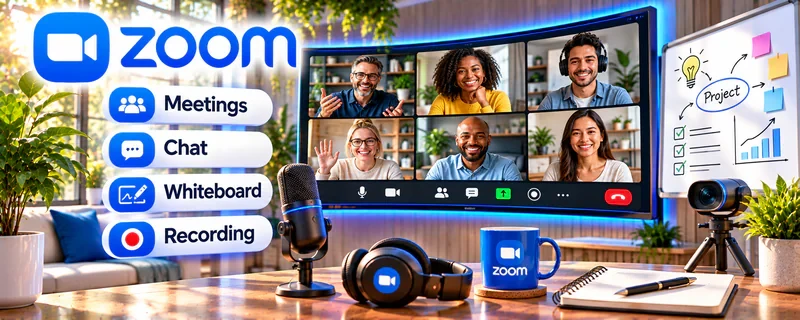
Zoom is a video meeting tool for online calls, screen share, and recording.
🔗 Visit Official Website — Zoom
Domain: zoom.us
What This Website Is
Zoom is a video meeting tool for online calls, screen share, and recording. For 🧑🏫 Online Tutoring, it helps you teach lessons, share materials, and run consistent sessions.
How to Apply It to Online Tutoring
Use Zoom as your “lesson delivery tool”: set a recurring link, use a lesson agenda, and keep notes on progress after each session.
Step-by-Step Implementation:
- Agree on lesson goals, guardian involvement where needed, and appropriate privacy and safeguarding arrangements.
- Set up access controls and test audio, screen sharing, and authorized teaching materials before the session.
- Teach from a short agenda, check understanding through the learner’s own work, and avoid recording unless properly authorized.
- Send an appropriate recap and next steps through an agreed channel, limiting access to student details and retaining records only as necessary.
When to Use This
- You teach students live online
- You need screen share, recording, or breakout options
- You want a familiar lesson platform for parents and students
Best Tasks to Use It For
- Live tutoring sessions
- Screen-share walkthroughs
- Recorded lesson recaps
- Parent/student check-ins
Getting Started Steps
- Create a recurring Zoom link for each student or class.
- Prepare a simple lesson agenda before each session.
- Test audio, camera, and screen share.
- Share materials during the call.
- Record only when appropriate and permitted.
- Send a recap with homework and next steps.
- Review student progress weekly.
Good Beginner Search Terms
- zoom tutoring setup
- online tutoring lesson agenda
- how to teach with screen share
Monetization Angle
A reliable online classroom improves student experience, supports repeat bookings, and makes it easier to sell packages.
Pros
- Familiar to most clients
- Strong screen sharing and recording
- Works for 1:1 and group sessions
Cons
- Longer sessions may require a paid plan
- Requires good internet and meeting discipline
Who Should Use This
Tutors who deliver live lessons, walkthroughs, and recurring online sessions.
Who Should Skip This
Tutors who only sell asynchronous lessons or use a platform with built-in video.
Practical Applications
- Test a tutoring session with appropriate screen sharing and teaching materials.
- Prepare a joining guide and connection fallback for the learner.
- Provide an agreed summary or practice task after the lesson.
Important Considerations
- Check current account limits and recording availability before promising features.
- Use appropriate consent and safeguards for minors, secure meeting access, and get permission before recording or sharing student work.
Related Resources
Google Meet — Provides a simpler Google-based alternative for live tutoring sessions.
TutorCruncher — Manages tutoring schedules, students, lesson records, and billing around Zoom sessions.
Google Calendar — Tracks lesson times, reminders, and recurring appointments.
Related Side Hustles
 Online Tutoring: Get Paid to Teach What You Know — Zoom delivers live lessons, screen-share explanations, recordings, and student check-ins.
Online Course Creation: Turn Your Knowledge Into Income — Course creators can use Zoom for live workshops, coaching calls, and cohort sessions.
 Virtual Assistance — VAs often coordinate Zoom calls, agendas, recordings, and follow-ups for clients.