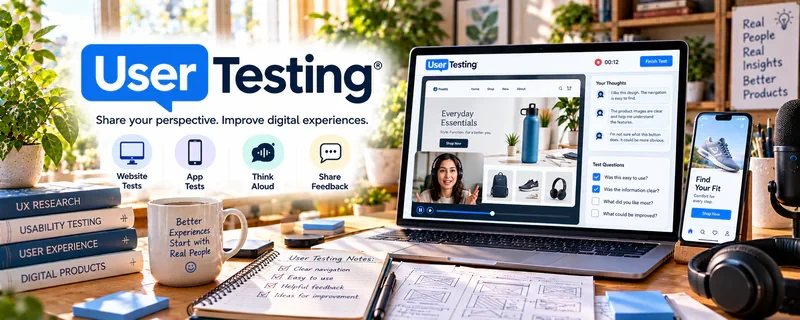
Official Website
UserTesting FAQ for Contributors is a help resource for people who want to earn money by completing tests, sharing feedback, and participating in user research through UserTesting.
🔗 Visit Official Website — UserTesting FAQ for Contributors
Domain: www.usertesting.com
What This Website Is
UserTesting FAQ for Contributors is a help resource for people who want to earn money by completing tests, sharing feedback, and participating in user research through UserTesting. For 🧪 User Testing & Surveys, it helps clarify how contributor work functions before you apply or start testing.
How to Use It for User Testing & Surveys
Use the FAQ to understand contributor expectations, account setup, test availability, payment basics, device requirements, practice tests, and quality standards. Focus on what makes feedback useful to researchers: clear thinking, honest reactions, and specific observations.
Step-by-Step Implementation:
- Read the contributor FAQ before applying.
- Check device, microphone, internet, and location requirements.
- Learn how screen recording, speaking aloud, and task instructions work.
- Practice explaining your thoughts clearly while using a website or app.
- Review payment and test-availability expectations.
- Keep notes on what makes your feedback detailed and useful.
Best Time to Use This
- Before applying to UserTesting.
- When learning how paid usability tests work.
- Before taking practice or qualification tests.
- When comparing user-testing platforms.
Best Skills to Learn Here
- User-testing expectations
- Think-aloud feedback
- Test preparation
- Device readiness
- Research participant habits
- Quality feedback standards
Getting Started Steps
- Open UserTesting FAQ for Contributors.
- Confirm eligibility and device requirements.
- Practice a short think-aloud website review.
- Prepare a quiet testing setup.
- Compare UserTesting with other research platforms.
Good Beginner Search Terms
- UserTesting FAQ contributors
- paid user testing beginner
- UserTesting contributor requirements
- usability test think aloud
- user research participant tips
- UserTesting practice test
Monetization Angle
User testing can be a flexible side income source, but availability is not always steady. The FAQ helps you understand expectations so you can apply prepared, give stronger feedback, and avoid assuming it will replace consistent income.
Pros
- Directly relevant to UserTesting contributors.
- Helps set realistic expectations.
- Useful before applying or testing.
- Supports better feedback habits.
Cons
- Test volume can vary.
- Not every applicant qualifies.
- Requires clear spoken feedback.
- Income may be inconsistent.
Who Should Use This
Use this if you want to apply for UserTesting or understand paid usability-test contributor work.
Who Should Skip This
Skip this if you dislike recording your screen, speaking aloud, or giving detailed feedback.
Practical Applications
- Check current contributor eligibility and technical requirements.
- Use the FAQ to prepare truthful screening and recording practices.
- Verify how an actual completed test’s payment should be handled.
Important Considerations
- Availability and eligibility can change and qualifying does not guarantee a steady stream of tests.
- Follow confidentiality and platform rules, protect credentials, and never misrepresent demographics or pay suspicious fees to access promised rewards.
Related Resources
User Interviews Participant Guide — Helps understand research participant expectations.
User Interviews — Provides another paid research platform to compare.
UserTesting — Connects to the broader UserTesting platform.
Respondent — Adds another paid research and interview option.
Related Side Hustles
 User Testing & Surveys — The FAQ supports contributor readiness and expectations.
 Virtual Assistance — Detail-oriented communication and feedback skills can overlap.
 Social Media Management — Understanding user feedback can improve content and customer insight work.