Official Website
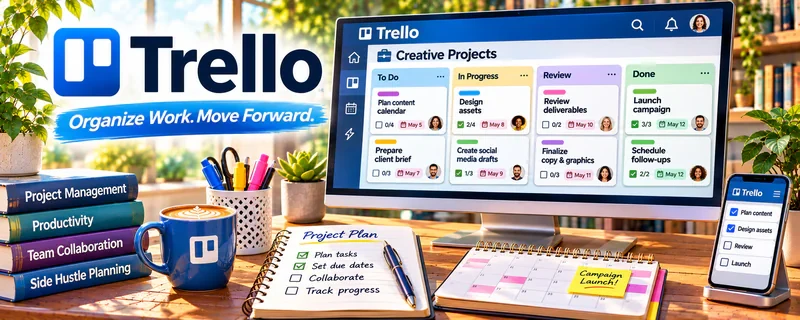
Trello is a visual task management tool using boards and cards.
🔗 Visit Official Website — Trello
Domain: trello.com
What This Website Is
Trello is a visual task management tool using boards and cards. For the 🌎 Online Translation Jobs side hustle, it helps you track projects, deadlines, client notes, and delivery checklists so you don’t miss details.
How to Apply It to 🌎 Online Translation Jobs
Use Trello as a practical “translation pipeline”: intake → in progress → QA → delivered → invoiced.
Step-by-Step Implementation:
- Phase 1: Create a board with lists for each stage (Intake, In Progress, QA, Delivered, Invoiced).
- Phase 2: Make one card per job (client, deadline, word count, rate, notes, files).
- Phase 3: Add a QA checklist template (spellcheck, terminology, formatting, final read).
Common Use Cases for this Side Hustle:
- Scenario A: You juggle multiple clients and deadlines.
- Scenario B: You want a consistent QA process.
- Scenario C: You want to track invoices and payments separately from delivery.
When to Use This
- You have multiple jobs at once.
- You want clear pipeline visibility.
- You need repeatable checklists.
- You want simple client notes in one place.
Best Tasks to Use It For
- Project pipeline tracking
- Deadline visibility
- QA checklists
- Client notes and preferences
- Invoice/payment follow-up tracking
Getting Started Steps
- Create a Trello board called “Translation Pipeline.”
- Add lists: Intake, In Progress, QA, Delivered, Invoiced, Paid.
- Create a job card template with required fields.
- Add a QA checklist to every card.
- Review the board daily for due dates.
- Move jobs through stages as you work.
- Archive completed jobs monthly.
Good Beginner Search Terms
- Trello translation project management
- translation QA checklist
- freelancer workflow Trello board
- how to track translation deadlines
- invoice tracking Trello
- translator client management template
Monetization Angle
A clean workflow reduces rework and missed deadlines. That improves reviews, repeat work, and supports higher rates.
Pros
- Simple pipeline visibility
- Great for checklists
- Easy client/job tracking
Cons
- Requires manual upkeep
- Can get cluttered if you never archive
- Not a CAT tool or translation editor
Who Should Use This
Translators who need a lightweight system to track jobs, deadlines, QA, and invoices.
Who Should Skip This
Skip this if you already use a full translation management suite that includes project tracking.
Practical Applications
- Track translation projects from accepted brief through QA and delivery.
- Attach terminology decisions and a nonconfidential checklist to each job.
- Flag outstanding client questions before the deadline.
Important Considerations
- Restrict access and keep confidential texts, identity data, and credentials out of unapproved boards.
- Task tracking does not validate linguistic quality or replace CAT tools, source comparison, and secure file delivery.
Related Resources
Gengo — Provides translation jobs that can be tracked through a Trello pipeline.
DeepL Translator — Supports draft translation and terminology checks before final review.
ProZ.com — Adds professional translation community, client, and rate context.
Related Side Hustles
 Freelance Writing: Get Paid to Write Online — Translation project management overlaps with writing deadlines and client deliverables.
 Virtual Assistance — Trello pipelines also support admin, client follow-up, and workflow coordination.