Official Website
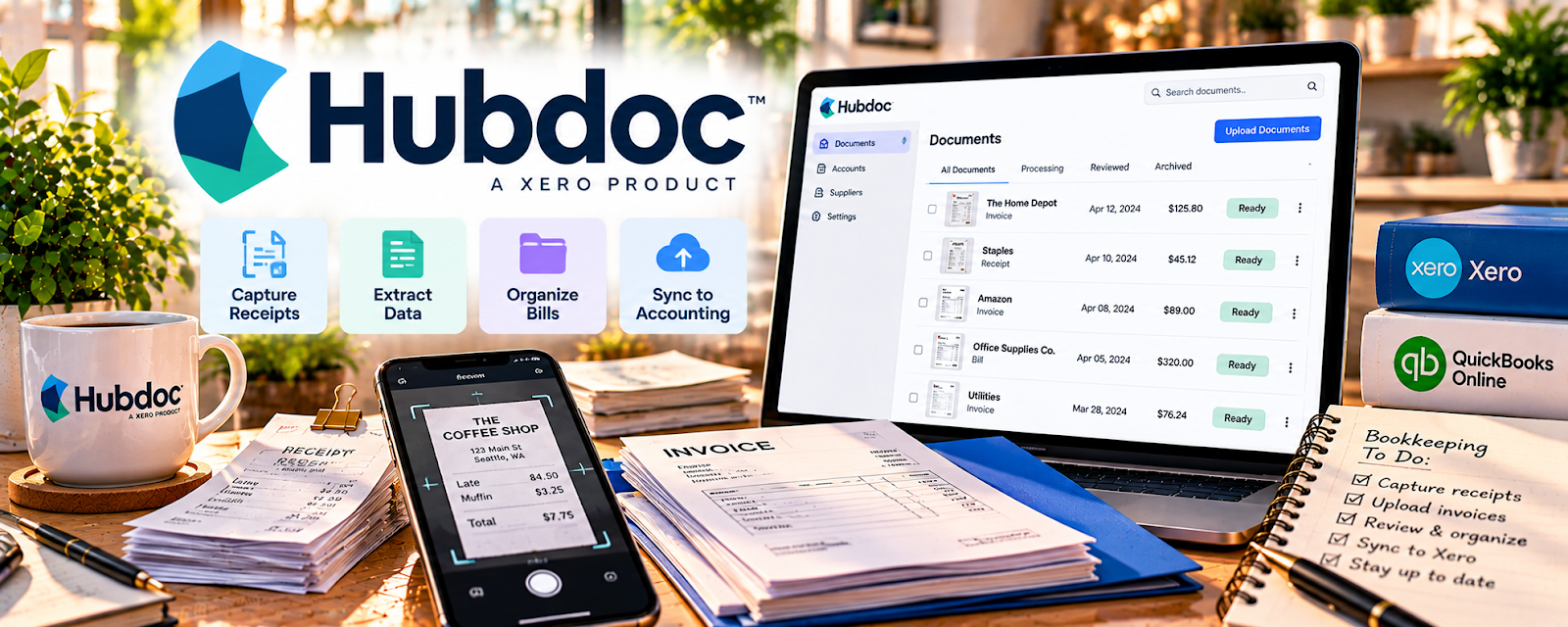
Hubdoc is a document capture + receipt management platform that collects, organizes, and exports financial documents.
🔗 Visit Official Website — Hubdoc
Domain: www.hubdoc.com
What This Website Is
Hubdoc is a document capture + receipt management platform that collects, organizes, and exports financial documents. For the 📊 Online Bookkeeping side hustle, it helps you keep client paperwork clean and make month-end close faster.
How to Apply It to 📊 Online Bookkeeping
Use Hubdoc as a practical work tool for client document intake: capture → categorize → sync → review.
Step-by-Step Implementation:
- Phase 1: Set up each client’s Hubdoc connection (email forwarding, mobile capture, bank/utility vendors).
- Phase 2: Create a routine: clients send receipts weekly; you review/categorize on a schedule.
- Phase 3: Sync/export into the bookkeeping system and use consistent naming for audit-ready files.
Common Use Cases for this Side Hustle:
- Scenario A: Monthly bookkeeping clients who always “forget receipts.”
- Scenario B: Clean-up jobs where you need to reconstruct missing docs.
- Scenario C: Teams where a VA collects docs and you do the final review.
When to Use This
- Clients have lots of receipts/invoices.
- You want a repeatable document intake system.
- You need audit-ready storage and exports.
- You want faster month-end close.
Best Tasks to Use It For
- Receipt capture and storage
- Vendor invoice collection
- Document organization by client/month
- Exporting attachments to bookkeeping files
- Reducing “missing receipt” follow-ups
Getting Started Steps
- Create a Hubdoc account.
- Add your first client organization.
- Turn on email forwarding for receipts.
- Set up mobile capture for on-the-go docs.
- Connect vendors/banks if applicable.
- Build a weekly review routine.
- Sync/export into your bookkeeping workflow.
Good Beginner Search Terms
- Hubdoc setup for bookkeepers
- receipt capture workflow bookkeeping
- Hubdoc vs Dext comparison
- how to standardize receipt collection clients
- month-end close checklist bookkeeping
- document management for bookkeeping clients
Monetization Angle
A cleaner intake system reduces time per client and improves accuracy. That lets you take on more clients, raise rates, and sell “receipt management” as an add-on.
Pros
- Streamlines document intake
- Reduces missing paperwork
- Builds an audit-friendly archive
Cons
- Another subscription in the stack
- Clients may need reminders early on
- Setup per client takes time upfront
Who Should Use This
Bookkeepers who manage multiple clients and want a consistent system for collecting and organizing receipts and invoices.
Who Should Skip This
Skip this if your clients already have a reliable document upload process and you rarely deal with missing receipts.
Practical Applications
- Organize authorized receipts and invoices by client and reporting period.
- Review extracted fields against original source documents.
- Test an approved export or accounting connection before using it in a live close process.
Important Considerations
- OCR and automation can misread amounts, dates, vendors, and duplicates; retain human review.
- Check current pricing, integrations, permissions, privacy, and retention, and never share banking credentials through an unapproved channel.
Related Resources
Wave — Provides accounting and invoicing workflows where organized documents support clean books.
Quickbooks — Connects bookkeeping records with receipt and document management.
Google Drive — Stores backup client folders, exports, and supporting documentation.
Related Side Hustles
 Virtual Assistance — VAs often help collect receipts, organize files, and support bookkeeping admin.
 Selling Digital Products — Bookkeeping systems can support digital product revenue and expense tracking.