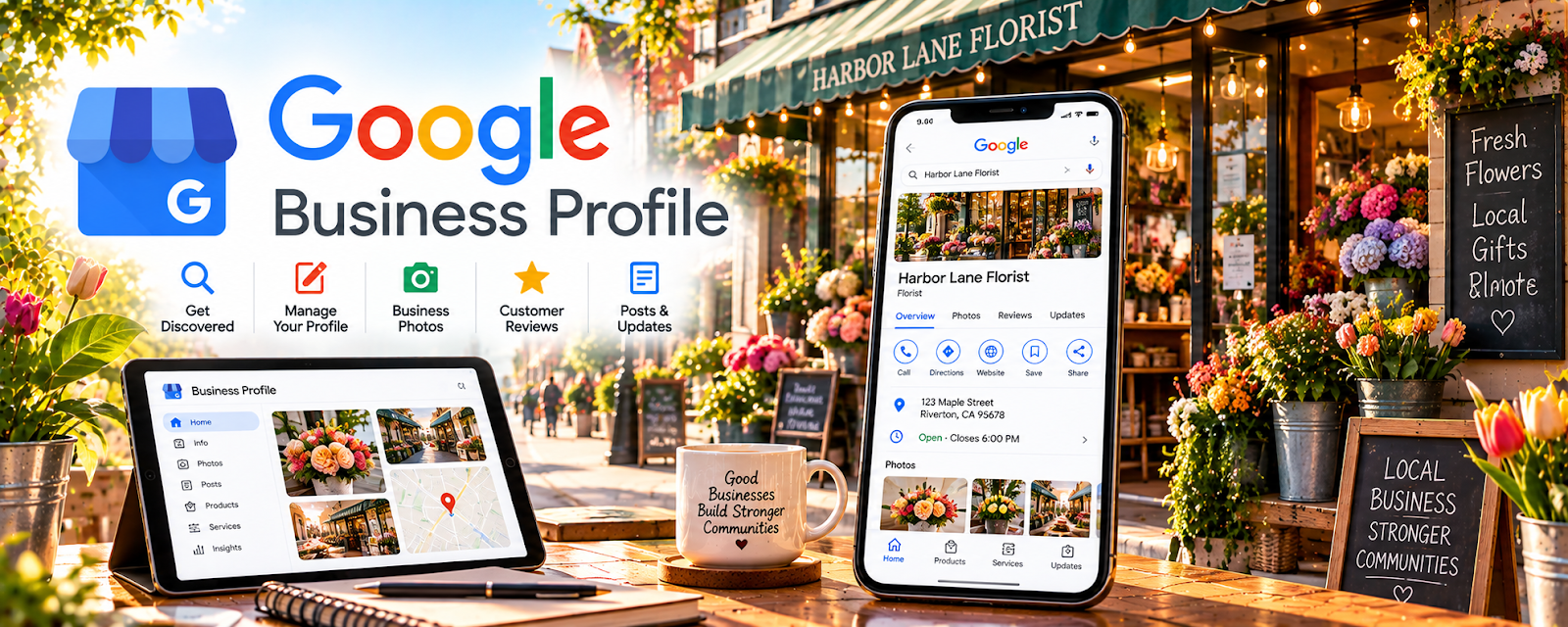
Official Website
Google Business Profile is a free listing that helps local clients find you on Google Search and Maps.
🔗 Visit Official Website — Google Business Profile
Domain: www.google.com
What This Website Is
Google Business Profile is a free listing that helps local clients find you on Google Search and Maps.
How to Apply It
Use it as your “local lead engine”: create profile → add services → collect reviews → respond to inquiries.
Step-by-Step Implementation:
- Create a profile with service area and hours.
- Add services (babysitting, nannying, date nights) and pricing ranges.
- Ask 3 past families for reviews.
- Post updates weekly (availability, safety notes).
When to Use This
- You want local leads
- You can serve a defined area
- Reviews matter for trust
Best Tasks to Use It For
- Showing up on Maps
- Review collection
- Availability posts
Getting Started Steps
- Set up profile + photos.
- Add services and contact link.
- Get 3 reviews.
- Track calls/messages monthly.
Good Beginner Search Terms
- Google Business Profile service area business
- how to get more Google reviews
- babysitting marketing locally
Monetization Angle
More local visibility can fill your calendar with recurring families and higher-value bookings.
Pros
- Free
- Strong local discovery
Cons
- Requires ongoing review management
- Not useful outside local services
Who Should Use This
Caregivers offering services in a specific city/area.
Who Should Skip This
Anyone who only works through apps/marketplaces.
Practical Applications
- Check whether your actual childcare service meets current business-profile eligibility.
- Describe genuine qualifications, service area, and contact details accurately.
- Use authorized reviews without exposing children or households.
Important Considerations
- Do not assume every online, home-based, or individual care service qualifies or publish false location information.
- Verify current eligibility, representation, review, and local childcare rules; a listing does not replace safeguarding, required training, screening, insurance, or care agreements.
Related Resources
Jotform — Collects family intake details, emergency contacts, schedules, and care preferences.
Google Calendar — Schedules recurring babysitting shifts, reminders, and availability blocks.
Square Invoices — Sends invoices or payment requests for direct caregiver bookings.
Related Side Hustles
 Babysitting & Childcare: Flexible Side Hustle Caring for Kids — Google Business Profile helps local families discover, contact, and review caregiver services.
 House Cleaning & Organization: Make Money Creating Clean, Tidy Spaces — Other local services also benefit from Google visibility, reviews, and service-area listings.