Official Website
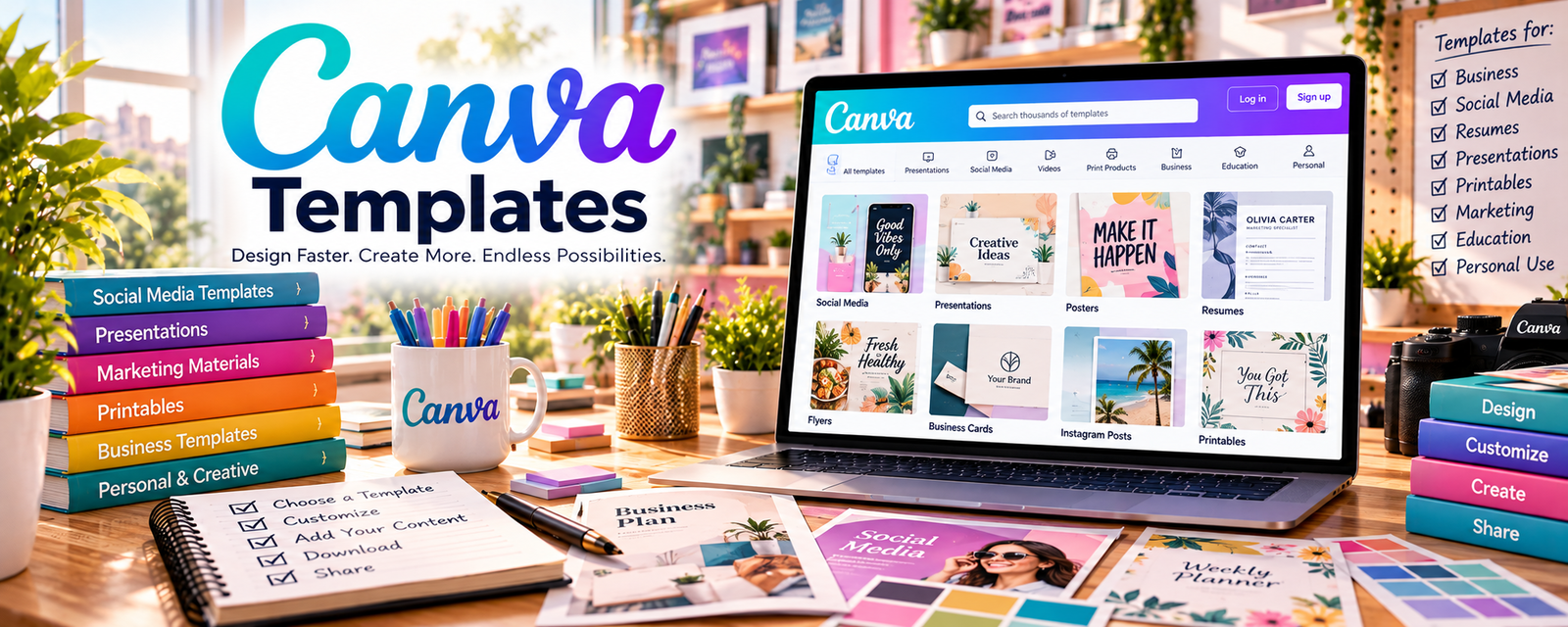
Canva Templates are ready-made, editable designs for flyers, forms, schedules, and handouts.
🔗 Visit Official Website — Canva Templates
Domain: www.canva.com
What This Resource Is
Canva Templates are ready-made, editable designs for flyers, forms, schedules, and handouts. For 🧸 Babysitting & Caregiver work, they help you look professional and organized — from service flyers to intake forms and daily activity sheets.
How to Apply It to 🧸 Babysitting & Caregiver
Use templates to systemize your service: create a flyer → build intake and permission forms → make daily schedules → hand parents clear updates.
Step-by-Step Implementation:
- Phase 1: Promote — design a simple service flyer and rate sheet.
- Phase 2: Onboard — build intake, emergency-contact, and permission forms.
- Phase 3: Deliver — use daily schedules and activity/report sheets.
Common Use Cases for this Side Hustle:
- Scenario A: A flyer to advertise locally.
- Scenario B: Intake and emergency-contact forms for new families.
- Scenario C: Daily report sheets parents can review.
When to Use This
- You're advertising your services.
- You onboard new families.
- You want organized daily routines.
- You want to look professional.
Best Templates to Use
- Service flyer and rate sheet
- Client intake form
- Emergency contact / permission form
- Daily schedule and routine sheet
- Activity and daily report sheet
Getting Started Steps
- Search the template type in Canva.
- Pick a clean, friendly layout.
- Add your name, services, and rates.
- Customize forms for your families.
- Export to PDF or print.
- Save a folder to reuse per client.
What to Search For
- "babysitter flyer"
- "nanny intake form"
- "emergency contact form"
- "kids daily schedule"
- "childcare rate sheet"
- "daily report sheet"
How It Supports Earning
Professional flyers and forms build parent trust, help you charge confident rates, and make onboarding smooth — leading to more referrals and repeat bookings from families.
Pros
- Free, editable, and reusable
- Makes you look organized and trustworthy
- Covers marketing and admin needs
Cons
- Popular designs can look generic
- Some assets need Canva Pro
- Forms should be reviewed for local rules
Who Should Use This
Babysitters and caregivers who want professional flyers, intake forms, and schedules without paying for a designer.
Who Should Skip This
Skip if you already have set forms from an agency or platform, or if you rely solely on a marketplace that handles intake.
Practical Applications
- Customize an accurate caregiver service flyer without unsupported credentials.
- Prepare a parent-approved routine or activity sheet.
- Create a simple daily update format using only necessary information.
Important Considerations
- Design templates do not provide childcare competence, emergency authorization, or a legally sufficient care agreement.
- Protect child and family information, check template and asset rights, and obtain appropriate safeguarding, first-aid, and locally required preparation separately.
Related Resources
Jotform — Builds digital intake and permission forms.
Google Calendar — Schedules bookings and reminders.
HoneyBook — Manages clients, contracts, and payments.
Care.com Babysitting Jobs — Finds families looking for caregivers.
Related Side Hustles
 Babysitting & Childcare: Flexible Side Hustle Caring for Kids — The direct service these templates organize and promote.
Pet Sitting & Dog Walking: Earn Money Caring for Pets — The same flyers and intake forms work for pet-care clients.