Official Website
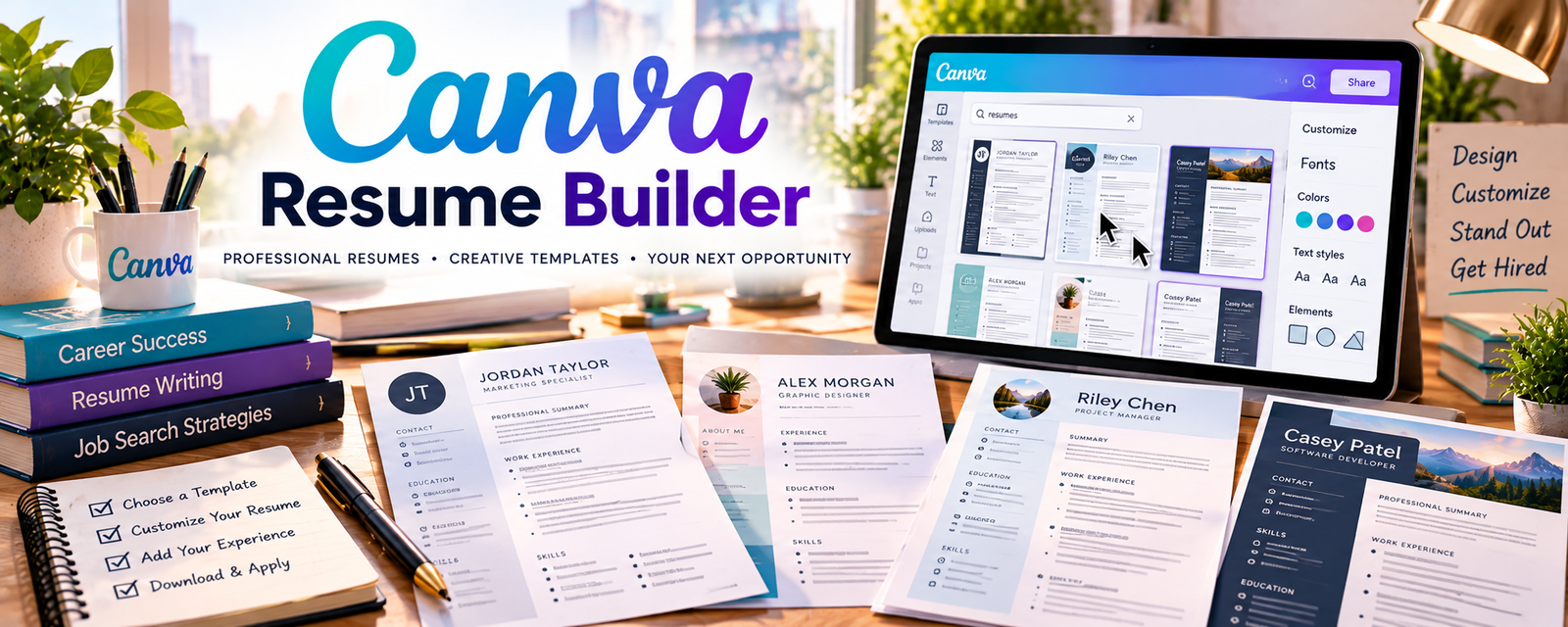
Canva Resume Builder is a template-based design tool for building visually styled resumes.
🔗 Visit Official Website — Canva Resume Builder
Domain: www.canva.com
What This Website Is
Canva Resume Builder is a template-based design tool for building visually styled resumes.
How to Apply It
Use Canva when you need a “designed resume” version: ATS resume in Docs → polished design in Canva → export PDF.
Step-by-Step Implementation:
- Write the ATS-friendly resume first (content + keywords).
- Choose a clean Canva template with readable fonts.
- Keep layout simple (avoid heavy graphics/columns if ATS matters).
- Export a PDF and provide both ATS + designed versions.
When to Use This
- Client needs a visually polished resume
- Resume is for networking/referrals
- You want fast design templates
Best Tasks to Use It For
- Designed resume layouts
- One-page resume visuals
- Cover page graphics
Getting Started Steps
- Create 3 reusable templates.
- Build a sample resume.
- Deliver designed + ATS versions to your next client.
Good Beginner Search Terms
- Canva resume ATS friendly template
- designed resume vs ATS resume
- best resume fonts and spacing
Monetization Angle
A “designed resume add-on” can be an upsell on top of standard resume writing.
Pros
- Fast design templates
- Easy exports
Cons
- Some designs reduce ATS readability
- Can encourage style over substance
Who Should Use This
Job seekers who submit resumes via referrals and networking.
Who Should Skip This
Applicants for ATS-heavy pipelines who need plain formatting.
Practical Applications
- Create a fictional sample resume with clear readable structure.
- Adapt an appropriate layout to a client’s verified career facts.
- Test the exported file against the employer’s requested format.
Important Considerations
- Verify current font, template, export, privacy, and commercial-use terms.
- Visual design does not guarantee screening-system compatibility or interviews; avoid unnecessary graphics, fabricated achievements, and exposing personal career data and obtain client approval.
Related Resources
Google Docs — Creates the ATS-friendly resume source before building a designed Canva version.
Jobscan — Checks keyword alignment before design polish.
Rezi — Speeds up ATS-focused resume drafting and formatting.
Related Side Hustles
 Resume Writing & LinkedIn Optimization — Canva Resume Builder creates polished designed resume add-ons and client deliverables.
Freelance Writing: Get Paid to Write Online — Resume copy, cover letters, and profile summaries rely on concise client-focused writing.