Official Website
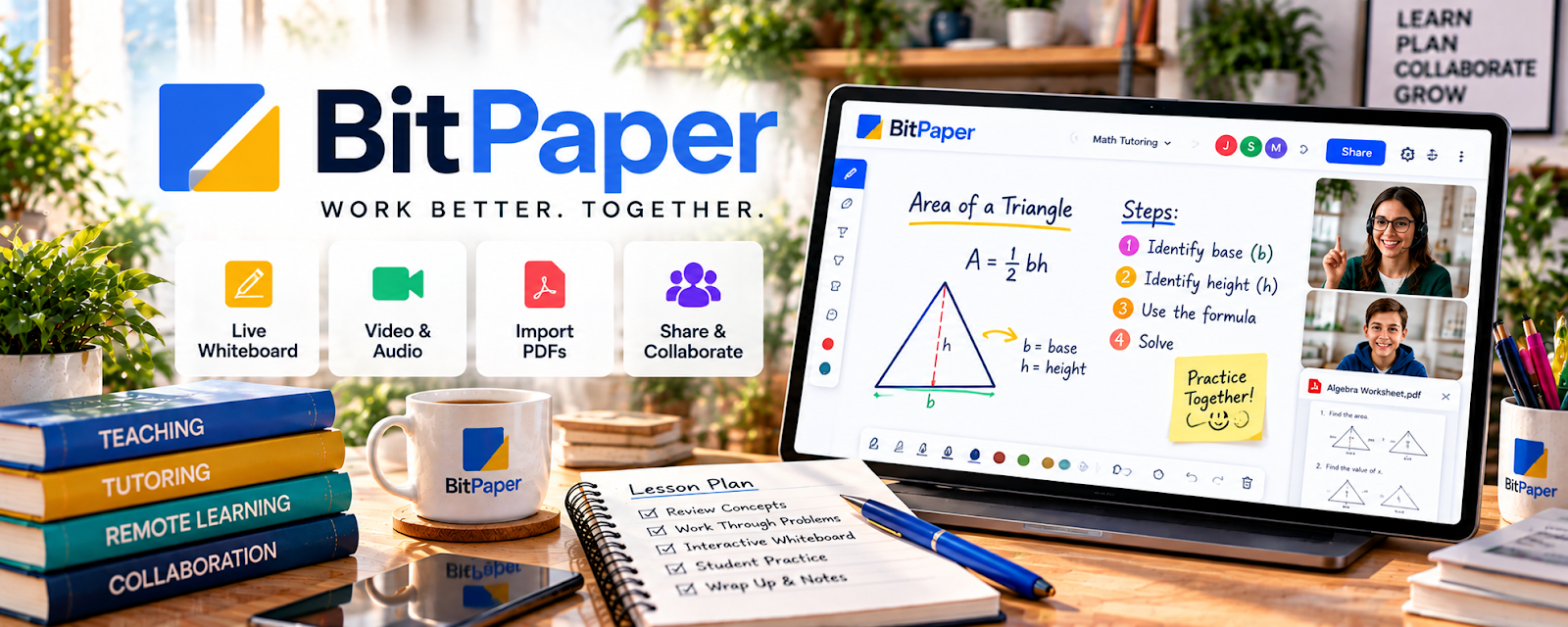
BitPaper is an online whiteboard/classroom tool for tutoring with collaborative drawing and lesson delivery.
🔗 Visit Official Website — BitPaper
Domain: bitpaper.io
What This Website Is
BitPaper is an online whiteboard/classroom tool for tutoring with collaborative drawing and lesson delivery.
How to Apply It
Use BitPaper as your “interactive lesson space”: live problems → notes → saved boards → homework.
Step-by-Step Implementation:
- Create templates for common lesson types.
- Save boards per student.
- Use it for every live session to keep continuity.
When to Use This
- You teach math/science or diagram-heavy subjects
- You want an interactive whiteboard
- You want reusable lesson templates
Best Tasks to Use It For
- Live whiteboarding
- Worked examples
- Saving session notes
Getting Started Steps
- Create 3 board templates.
- Run 5 sessions using BitPaper.
- Save boards and send recap links.
Good Beginner Search Terms
- BitPaper tutoring setup
- online whiteboard best practices tutoring
- how to teach online with whiteboard
Monetization Angle
Better lessons and saved notes improve retention and referrals, increasing recurring sessions.
Pros
- Strong whiteboard experience
- Reusable templates
Cons
- Paid tool
- Requires practice and setup
Who Should Use This
Tutors teaching problem-solving subjects who want interactive lessons.
Who Should Skip This
Tutors doing mostly conversation-based sessions with little whiteboarding.
Practical Applications
- Prepare an original whiteboard activity linked to a lesson objective.
- Test learner access and collaboration with sample information.
- Keep a backup explanation ready if the session connection fails.
Important Considerations
- Verify current availability, features, costs, device support, and accessibility.
- Obtain required guardian or institutional permissions, restrict room access, and review privacy and retention; a collaborative board does not replace safeguarding or teaching judgment.
Related Resources
Zoom — Hosts live sessions while BitPaper provides the interactive whiteboard space.
Google Calendar — Schedules tutoring sessions and reminders around BitPaper boards.
Notion — Organizes lesson plans, student notes, and follow-up materials outside the whiteboard.
Related Side Hustles
 Online Tutoring: Get Paid to Teach What You Know — BitPaper supports live whiteboarding, saved boards, and interactive problem-solving for tutoring.
Online Course Creation: Turn Your Knowledge Into Income — Saved tutoring boards and lesson materials can become repeatable course assets.