Official Website
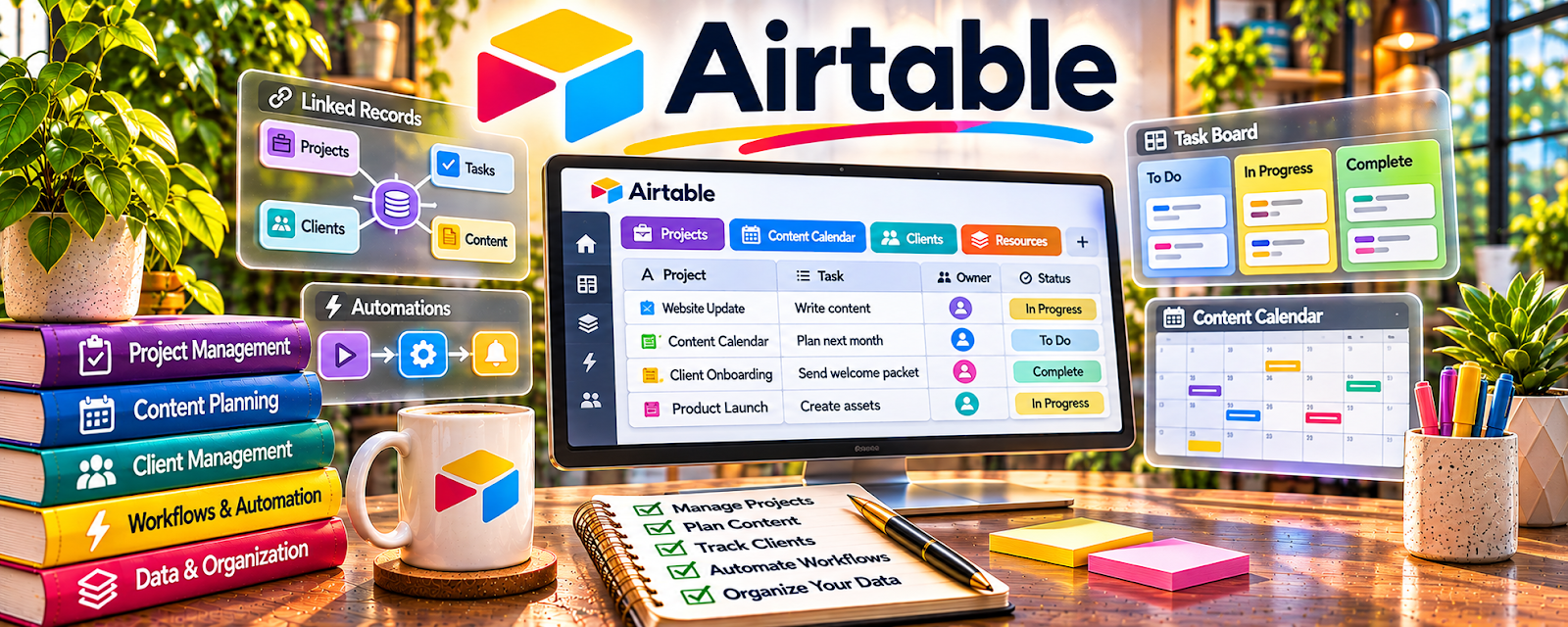
Airtable is a database/spreadsheet tool used to organize workflows and projects.
🔗 Visit Official Website — Airtable
Domain: www.airtable.com
What This Website Is
Airtable is a database/spreadsheet tool used to organize workflows and projects. For 🌎 Online Translation Jobs, it can help you manage clients, projects, deadlines, and files—especially if you juggle multiple projects at once.
How to Apply It to 🌎 Online Translation Jobs
Use Airtable as your “translation project tracker”: client → project → due dates → deliverables → invoice status.
Step-by-Step Implementation:
- Create a base for Translation Projects (Client, Language Pair, Deadline, Status, Rate, Files).
- Add a view for “Due this week.”
- Track delivery + invoice status for each project.
Common Use Cases for this Side Hustle:
- Scenario A: You want one place to track every project and deadline.
- Scenario B: You want a repeatable workflow for quoting and delivery.
When to Use This
- You manage multiple translation projects
- You want clean deadline visibility
- You want a flexible workflow database
Best Tasks to Use It For
- Project tracking and deadlines
- Client lists and rates
- File organization and status tracking
Getting Started Steps
- Create a base called “Translation Projects.”
- Add 10 sample projects and include deadlines.
- Create a “Due This Week” view.
- Add a delivery checklist to each record.
- Use it for your next 5 projects.
Good Beginner Search Terms
- Airtable project tracker template
- translation project management workflow
- how to track freelance translation deadlines
- Airtable views due dates
Monetization Angle
Better workflow visibility reduces missed deadlines and allows you to take on more projects without chaos.
Pros
- Flexible database structure
- Great for custom workflows
Cons
- Setup time required
- Can become complex if overbuilt
Who Should Use This
Freelance translators managing multiple projects and clients.
Who Should Skip This
Translators with only occasional one-off jobs who don’t need a tracking system.
Practical Applications
- Track translation assignments by language pair, deadline, and status.
- Record terminology questions without unnecessary source-text exposure.
- Monitor approved delivery versions and invoice follow-up tasks.
Important Considerations
- Verify current permissions, storage, automation limits, and client data-processing authorization.
- A database does not establish linguistic accuracy or secure confidential-document handling; restrict access, retain backups, and perform independent translation QA.
Related Resources
Plunet — Provides a more specialized translation project-management platform for larger workflows.
Google Sheets — Offers a simpler way to track jobs, deadlines, rates, and invoice status.
WordReference — Supports terminology checks and language nuance during translation delivery.
Related Side Hustles
 Online Translation Jobs: Earn from Your Language Skills — Airtable organizes clients, language pairs, files, deadlines, rates, and delivery status.
 Freelance Writing: Get Paid to Write Online — Translation project tracking overlaps with client writing workflows and deadline management.