


🔍 SEO & Analytics

SEO / Search Analytics
Understand How Google Finds and Displays Your Website
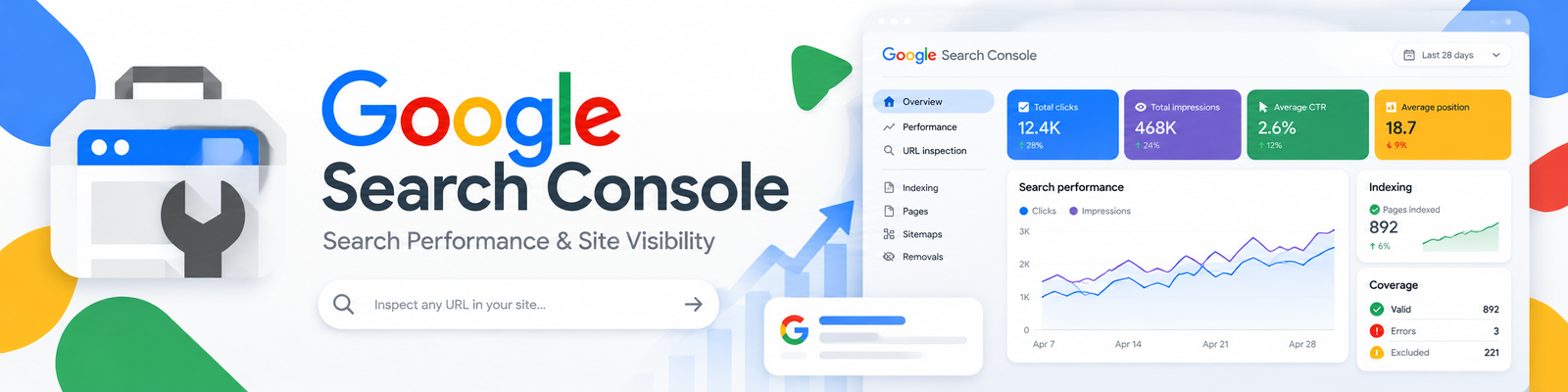
Google Search Console helps website owners see how their pages perform in Google Search, investigate indexing issues, and monitor technical problems that affect search visibility.
💭 What is Google Search Console?
Search Console is a free Google service for monitoring, maintaining, and troubleshooting your site’s presence in Google Search results. You do not need to sign up for your site to appear in Search, but the service helps you understand how Google sees your pages.
It is useful for bloggers, business owners, marketers, developers, and site administrators who want evidence for content and technical improvements.
⚙️ Key Features
💎 Feature | 💬 What It Does |
📈 Search Performance | Review search queries, impressions, clicks, and average position. |
🔎 URL Inspection | Inspect detailed crawl, indexing, and serving information for individual pages. |
🗂️ Indexing Reports | Investigate which pages are indexed and identify issues that need attention. |
🗺️ Sitemaps | Submit sitemaps to help Google discover your content. |
🔔 Issue Alerts | Receive notifications about indexing, spam, or other detected problems. |
🔗 Links & Search Appearance | Review linking information and relevant structured-data reports. |
❤️ Why Creators & Entrepreneurs Love It
- See which searches bring people to your website
- Identify content that earns impressions but few clicks
- Investigate indexing problems rather than guessing
- Monitor important pages after updates or maintenance
- Access search-performance tools without a paid subscription
🧠 How You Can Use Google Search Console
📝 Improve Existing Content
Review queries and pages in the performance report. Use relevant search intent to guide useful updates rather than inserting unrelated keywords.
🔎 Investigate a Missing Page
Inspect the URL and review indexing information to understand what Google reports before making changes.
🛠️ Support Technical Maintenance
Monitor alerts and affected URLs after site changes. Work with your developer to diagnose and address underlying problems.
📊 Review Search Visibility
Compare the performance of relevant pages and queries over time, accounting for changes in demand and site content.
💰 Pricing Overview
💼 Plan | 💵 Cost | ⚡ Key Features |
🆓 Google Search Console | $0 | Google’s search-performance reports, indexing tools, URL inspection, sitemaps, and issue alerts. |
No paid Search Console upgrade is required. Separate website hosting, SEO software, or professional services may have their own costs.
👉 Read Google’s Search Console Overview
❓ Common Questions
🆓 Is Search Console free?
Yes — Google offers Search Console as a free service.
🔎 Must I sign up to appear in Google Search?
No. Signing up is not required for inclusion, but Search Console helps you monitor and troubleshoot how Google sees your site.
🏆 Does it guarantee higher rankings?
No. Reports help you identify opportunities and issues; using the tool or submitting a URL does not guarantee rankings or indexing.
📊 How is it different from Google Analytics?
Search Console focuses on Google Search visibility and indexing. Analytics helps examine user activity on your website or app; the tools complement each other.
🏁 Final Thoughts
Search Console is a practical starting point for understanding organic search visibility and identifying site issues. Review a few important pages regularly, investigate meaningful changes, and prioritize improvements that help visitors.