


🎨 Design & Creative Resources

Design / UI UX
Design Beautiful Interfaces, Prototypes & Collaborations — All in One App
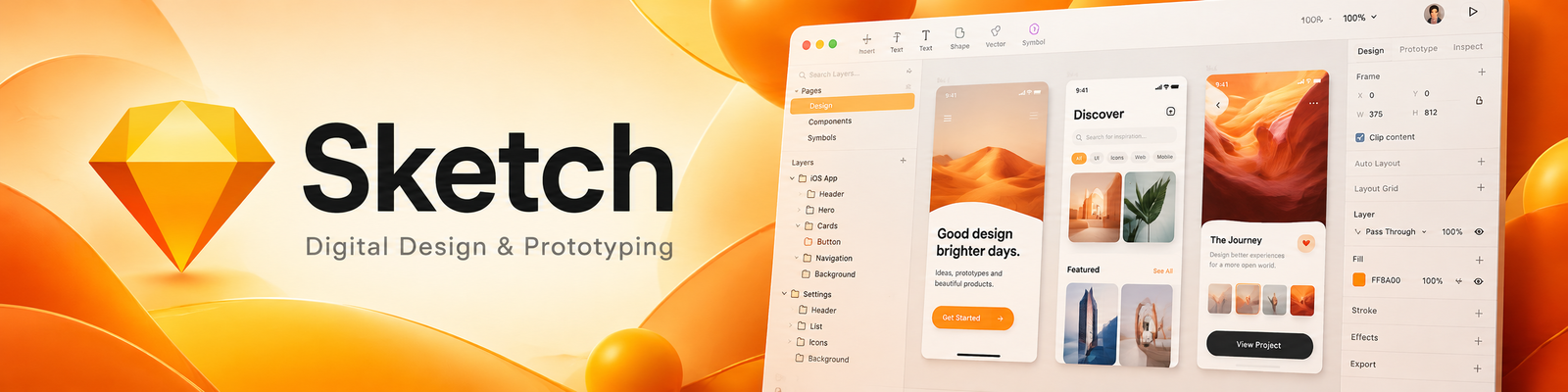
Sketch is a digital design platform built for UI/UX designers, offering powerful vector editing, prototyping, and collaboration tools for creating modern web and mobile interfaces.
💭 What is Sketch?
Sketch is a design toolkit for professionals that makes it easy to create, prototype, and share beautiful interfaces.
Originally known for revolutionizing web and app design on Mac, Sketch now includes cloud collaboration, real-time feedback, and developer handoff features — making it a full ecosystem for modern product design teams.
It’s perfect for UI/UX designers, web developers, agencies, and startups who want a clean, efficient tool for digital design.
⚙️ Key Features
💎 Feature | 💬 What It Does |
🧱 Vector-Based Design | Create crisp, scalable graphics with precision tools. |
🔗 Prototyping Tools | Link screens together and test interactive flows. |
☁️ Sketch Cloud Collaboration | Share designs and get feedback instantly from teammates. |
💬 Commenting & Feedback | Clients and teams can annotate designs in real time. |
💡 Developer Handoff | Auto-generate specs, measurements, and assets for devs. |
🎨 Symbols & Libraries | Reuse components across projects to stay consistent. |
🧩 Plugins & Integrations | Extend functionality with 1,000+ community-made plugins. |
❤️ Why Creators & Entrepreneurs Love It
- Intuitive and beginner-friendly interface
- Perfect for designing responsive web and mobile layouts
- Loved by UI/UX designers worldwide for speed and simplicity
- Seamless collaboration between designers and developers
- Lightweight alternative to Figma or Adobe XD for Mac users
🧠 How You Can Use Sketch
📱 App Design
Create pixel-perfect mobile interfaces
💻 Web Design
Build landing pages, dashboards, and UI kits
🎯 Prototyping
Simulate app flows and interactive user journeys
🏢 Agency Collaboration
Share files, gather client feedback, and hand off to devs
🎨 Brand Design Systems
Manage components and maintain visual consistency
💰 Pricing Overview
💼 Plan | 💵 Cost | ⚡ Key Features |
🆓 Free Trial | Free trial | Full feature access for 30 days |
💼 Standard License | $10/month per editor | (includes collaboration & cloud) |
🧑💼 Business Plan | Custom pricing | for teams with advanced management tools |
💻 Mac App License | One-time purchase; amount not specified | One-time purchase option available for individual users |
💡 Sketch for Teams includes shared libraries, cloud storage, and comment threads — perfect for remote design teams.
❓ Common Questions
💻 Who is the design app for?
Sketch is a Mac design toolkit for UI/UX designers and product teams.
🧪 Can I make prototypes?
Prototyping tools let you connect screens and demonstrate interface flows.
🧱 Can I reuse design elements?
Symbols and shared libraries help keep repeated components consistent.
🤝 How can I share designs with developers?
Use the collaboration and developer handoff features described above to share designs and specifications.
🏁 Final Thoughts
Sketch remains one of the most trusted design tools for Mac users — simple, powerful, and perfect for digital product design.
Whether you’re building your first app or managing a large design team, Sketch gives you everything you need to design, prototype, and collaborate beautifully.