

🎨 Design & Creative Resources

Design / Digital Art
Create, Sketch, Paint & Animate — All in One App
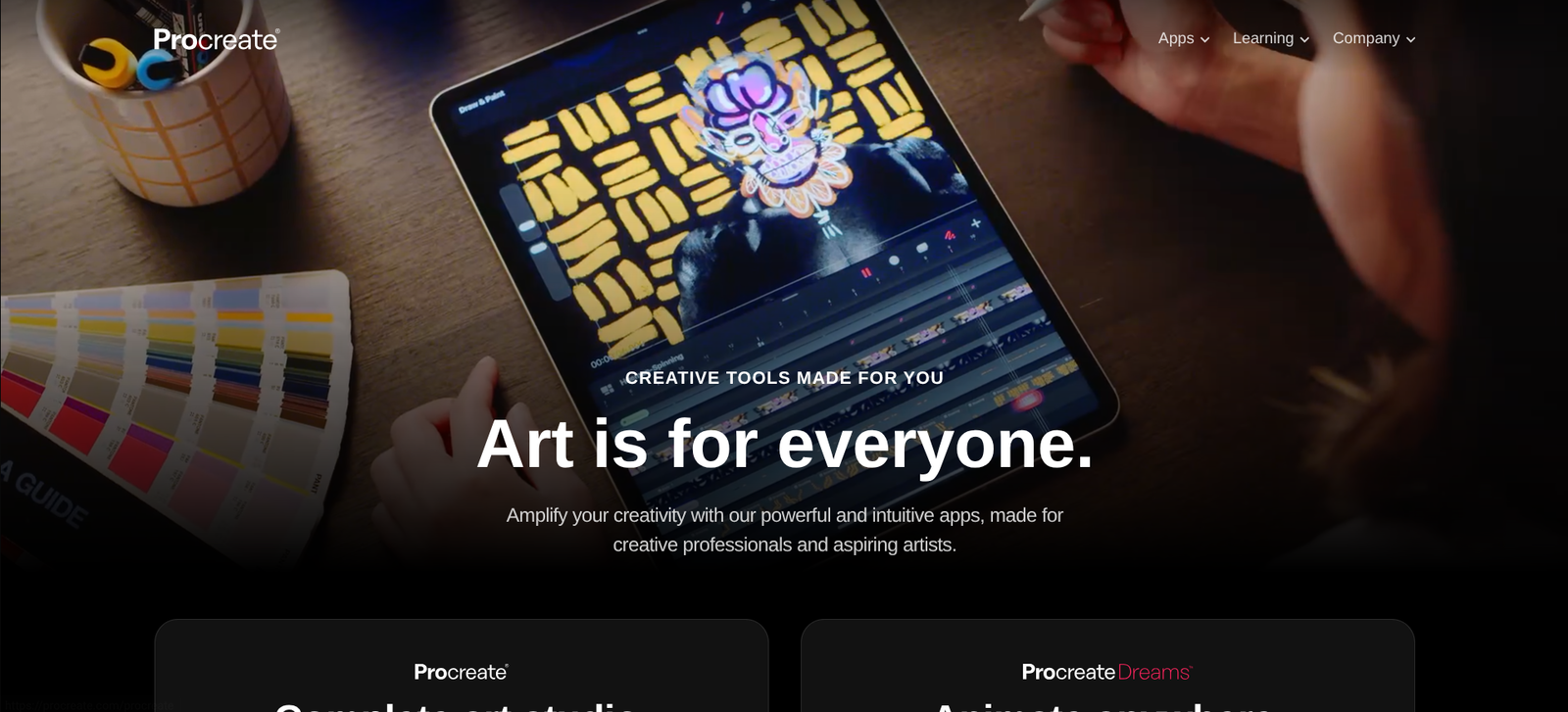
Procreate is a powerful digital illustration app built exclusively for iPad, empowering artists to sketch, paint, and animate with natural brushes, advanced layers, and lightning-fast performance.
👉 Get Procreate on the App Store
💭 What is Procreate?
Procreate is a professional-grade digital art app trusted by millions of artists, illustrators, and designers worldwide.
It offers a full creative suite — from concept sketches to detailed paintings and animations — all optimized for the iPad’s performance and Apple Pencil precision.
Whether you’re a beginner experimenting with art or a professional illustrator, Procreate’s intuitive interface and rich toolset make it the go-to choice for creating stunning digital artwork.
⚙️ Key Features
💎 Feature | 💬 What It Does |
🖌️ 250+ Handcrafted Brushes | Paint, ink, sketch, and texture with realistic results. |
✍️ Custom Brush Studio | Design your own unique brushes from scratch. |
🧠 Advanced Layer System | Blend, mask, and group layers with total control. |
🎥 Animation Assist | Create smooth, frame-by-frame animations. |
🌈 Color Dynamics | Use full color control with palettes, history, and harmony tools. |
⚡ Time-Lapse Replay | Export your drawing process as a video. |
🖥️ Ultra-Fast Performance | 120fps canvas support for buttery-smooth drawing. |
❤️ Why Creators & Entrepreneurs Love It
- One-time purchase — no subscription required
- Perfect for beginners and professionals alike
- Apple Pencil integration for precision and pressure sensitivity
- Great for digital art, comics, tattoo design, and concept art
- Huge online community, tutorials, and brush packs
🧠 How You Can Use Procreate
🖌️ Digital Painting
Create professional-quality artwork and illustrations
✏️ Sketching & Concept Art
Bring ideas to life with fast, responsive tools
🎬 Animation
Make short loops or complex frame-by-frame animations
📚 Graphic Design
Design logos, posters, and digital layouts
🧠 Learning & Practice
Build drawing skills through daily studies
💰 Pricing Overview
💼 Plan | 💵 Cost | ⚡ Key Features |
💵 One-Time Purchase | $12.99 | (App Store only — no subscription required) |
🧑🎨 Procreate Pocket | $5.99 | (iPhone version with similar features) |
🧩 Free Updates — Regular new tools, brushes, and features
💎 Brush & Texture Packs — Optional purchases from artists and marketplaces
💡 One payment gets you the full app — no hidden fees, no monthly plans.
👉 Buy Procreate on the App Store
❓ Common Questions
📱 Which device is the main app designed for?
Procreate is designed for iPad. The page also lists Procreate Pocket as a separate iPhone option.
🖌️ Can I customize brushes?
Brush Studio lets you create and adjust brushes to suit your drawing style.
🎞️ Can I animate artwork?
Animation Assist supports frame-by-frame animation projects.
💾 How can I share my work?
The setup steps describe exporting artwork as PNG or PSD and sharing a time-lapse video of the drawing process.
🏁 Final Thoughts
Procreate is the ultimate digital art app for iPad — powerful, intuitive, and affordable.
It gives artists everything they need to create professional artwork, animations, and illustrations, all in the palm of their hand.