

⚙️ Productivity & Business Tools

Productivity / Workspace
Write, Plan, and Get Organized — All in One Place
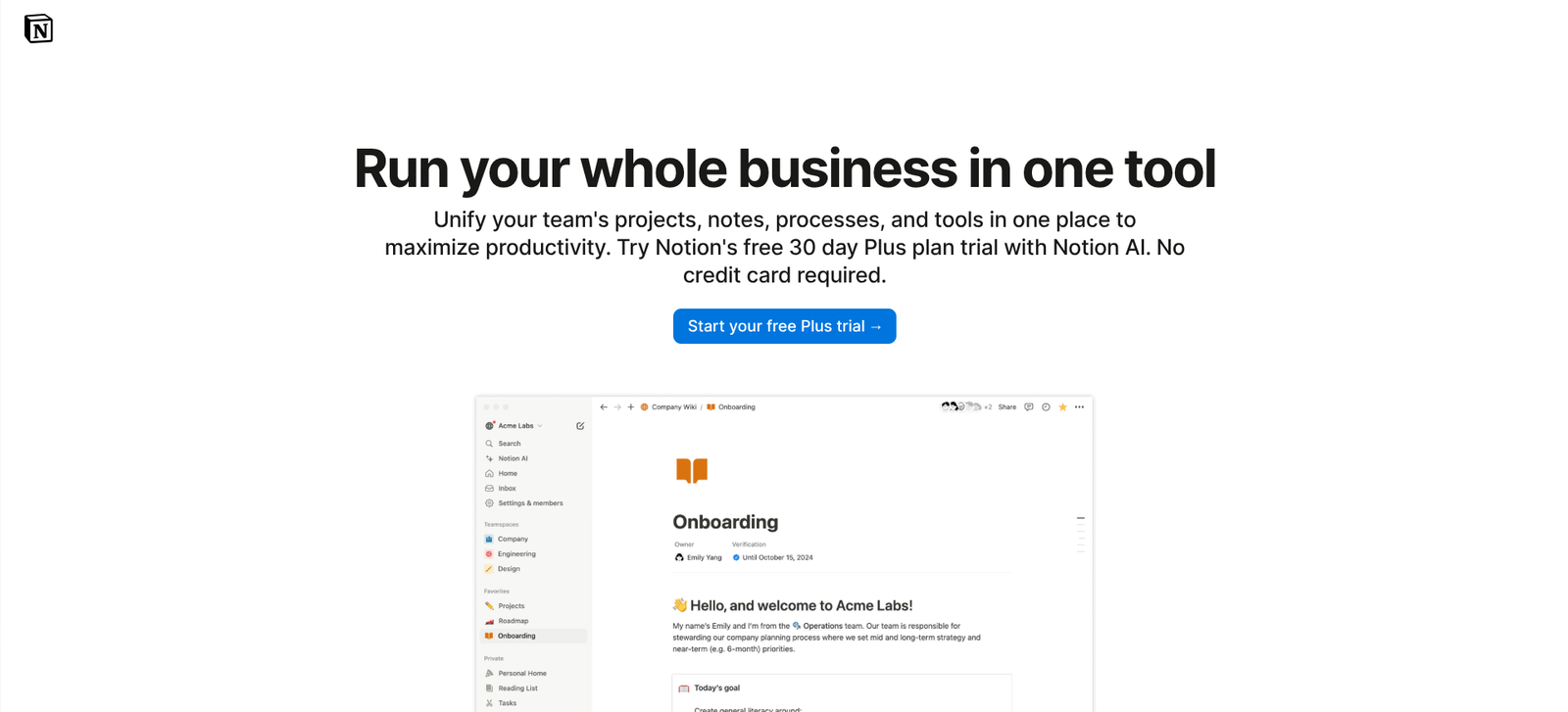
Notion is a flexible platform that combines notes, docs, tasks, wikis, and databases — designed to adapt to you and your team. (notion.so)
💭 What is Notion?
Notion brings together writing, planning, collaboration, and database workflows in a single workspace. You can:
- Capture notes and ideas. (Notion)
- Build tasks and project boards. (Notion)
- Create wikis or knowledge bases. (notion.so)
- Use databases to track almost anything. (Notion)
It’s ideal for creators, freelancers, teams, and students who want a single tool to organize their work and life.
⚙️ Key Features
💎 Feature | 💬 What It Does |
✍️ Rich Content Editor | Build pages with text, images, embeds, tables, and more. (Notion) |
📊 Databases & Tables | Track tasks, projects, inventory, reading lists — customizable. (Notion) |
🗂️ Boards & Views | Kanban boards, calendars, lists, timelines — view your work how you like. (Notion) |
🤝 Collaboration | Share pages, comment, mention teammates, real-time updates. (Notion) |
☁️ Cross-Platform Sync | Web, desktop (Mac/Windows), mobile apps — stay organized everywhere. (Notion) |
🧩 Templates & Integrations | Pre-built templates plus integrations with tools like Slack, GitHub, Figma. (Notion) |
🤖 AI-Assisted Work | Notion’s AI features help write content, analyze data, create summaries. (notion.so) |
❤️ Why Creators & Entrepreneurs Love It
- All-in-one platform — replace multiple apps and tools
- Highly customizable — build the workflow that fits you
- Free tier for personal use — low barrier to start (Notion)
- Great for both personal life and professional teams
- Strong community of templates, resources, and user-feedback (Reddit)
🧠 How You Can Use Notion
📒 Personal Notes & Journals
Capture thoughts, ideas, reading lists 📅 Task & Project Management
Manage your to-dos, team tasks, deadlines 🧠 Knowledge Base / Wiki
Collect and organize information in one place 🛠️ Small Business & Startups
Track deals, users, projects, content calendars 🎓 Study & Education
Create study plans, track courses, manage assignments
💰 Pricing Overview
💼 Plan | 💵 Cost | ⚡ Key Features |
🆓 Free (Personal) | Free | Personal use, unlimited pages & blocks (with some limits) (Notion) |
💼 Personal Pro | Not specified | More storage, unlimited file uploads, other enhancements |
👥 Team & Enterprise | Not specified | For teams: permissions, admin tools, SSO, advanced collaboration |
💡 Notion offers a fully functional free tier, making it easy to try before upgrading.
❓ Common Questions
📝 What can I organize?
Use pages and databases for notes, projects, tasks, wikis, reading lists, and other information.
📊 Can I view information in different ways?
Database views can present work as boards, calendars, lists, timelines, and tables.
👥 Can I collaborate with others?
Share pages, comment on work, and mention teammates to coordinate in one workspace.
🌱 What is a practical first project?
Start with a simple dashboard for your notes and tasks, then expand it as your needs become clearer.
🏁 Final Thoughts
Notion is a versatile and powerful hub for work and life — whether you're organizing tasks, building a knowledge base, or collaborating with a team.
If you’re looking for a tool to streamline everything into one workspace, Notion is a top contender.