

⚙️ Productivity & Business Tools

Productivity / Data Collection
Collect Information, Feedback, or Leads Effortlessly — 100% Free
Google Forms is a simple yet powerful tool that allows you to create customizable online forms, surveys, and quizzes for any purpose — personal, business, or education.
👉 Create a Free Form with Google Forms
💭 What is Google Forms?
Google Forms is part of Google Workspace, offering an intuitive drag-and-drop interface for building forms, collecting responses, and analyzing data automatically through connected Google Sheets.
It’s ideal for students, teachers, small businesses, event organizers, and marketers who need an easy, no-code solution for data collection, feedback, or registration.
You can design forms visually, share them instantly, and track responses in real time — all for free.
⚙️ Key Features
💎 Feature | 💬 What It Does |
🧩 Drag-and-Drop Builder | Easily create forms, surveys, and quizzes. |
💬 Question Variety | Supports multiple choice, dropdowns, scales, and file uploads. |
🎨 Custom Themes | Add colors, images, and branding to match your style. |
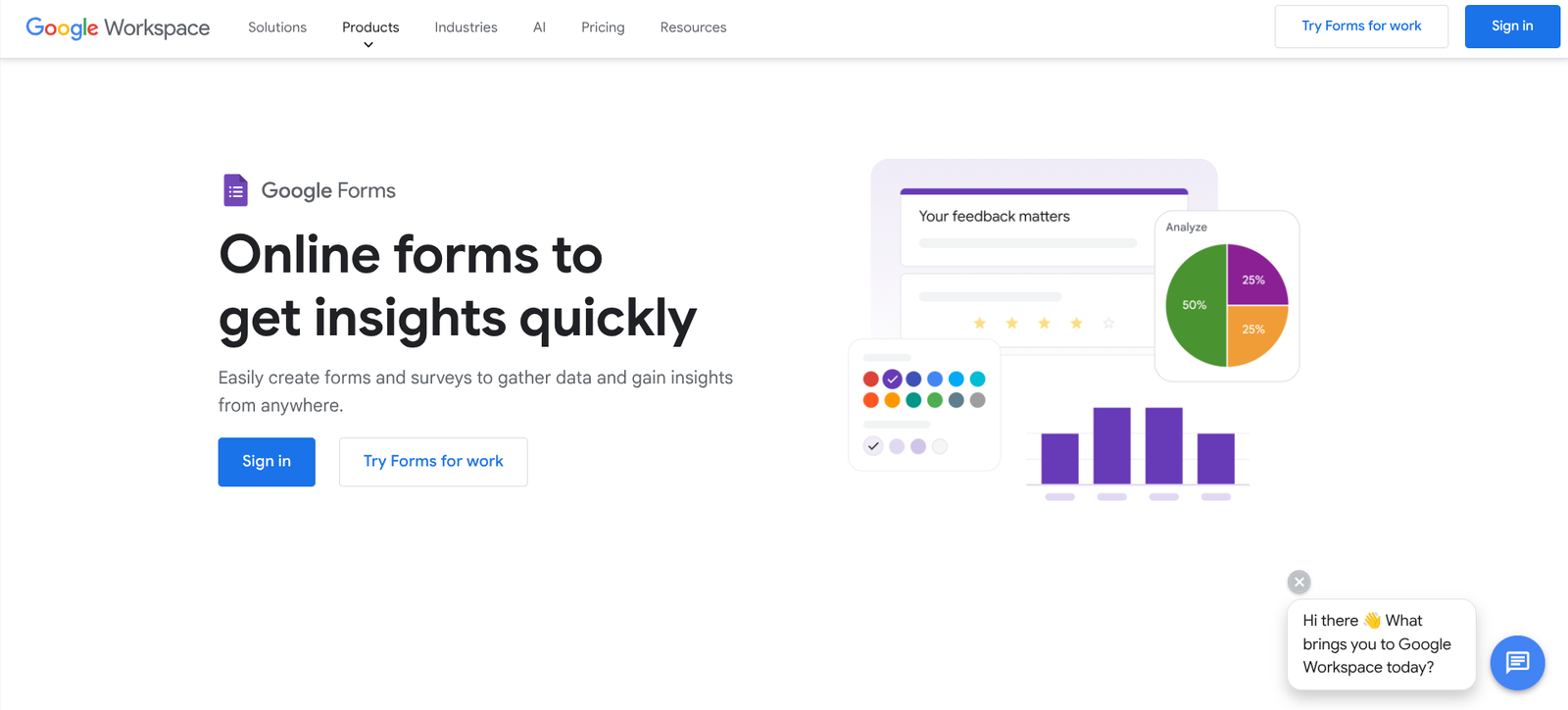
📊 Automatic Charts & Summaries | Instantly visualize responses with graphs. |
🔗 Google Sheets Integration | Sync responses directly to Sheets for analysis. |
🕒 Real-Time Collaboration | Edit and review forms with teammates simultaneously. |
📱 Mobile-Friendly | Works perfectly on phones, tablets, and desktops. |
❤️ Why Creators & Entrepreneurs Love It
- 100% free to use with unlimited responses
- Instantly syncs with other Google Workspace tools
- No coding or technical skills required
- Fast, secure, and reliable data collection
- Ideal for surveys, quizzes, feedback, or event registration
🧠 How You Can Use Google Forms
📋 Surveys & Feedback
Collect opinions, reviews, or research data
🎓 Education
Create self-grading quizzes and student forms
💼 Business
Manage client intake, employee check-ins, or project feedback
🎉 Events
Build RSVP and registration forms for free
📈 Marketing
Capture leads and measure campaign performance
💰 Pricing Overview
💼 Plan | 💵 Cost | ⚡ Key Features |
🆓 Free (Personal) | $0 | Unlimited forms and responses with a Google account |
💼 Business Standard | $12/user/month | added storage and admin tools via Google Workspace |
🚀 Business Plus & Enterprise | Not specified | Advanced analytics, branding, and collaboration tools |
💡 For most users, the free version of Google Forms is more than enough — simple, fast, and effective.
👉 Try Google Workspace for More Features
❓ Common Questions
📋 What can I create?
Build surveys, quizzes, feedback forms, registrations, and client-intake questionnaires.
🎓 Can quizzes be graded automatically?
Quiz mode supports automatic grading for suitable question types.
📊 Where can I review responses?
View summaries in Forms or connect the responses to Google Sheets for further analysis.
👥 Can teammates help edit?
Real-time collaboration lets you work with others on the same form.
🏁 Final Thoughts
Google Forms is the ultimate free tool for collecting data, feedback, and insights — simple enough for beginners yet powerful enough for professionals.
Whether you’re conducting surveys, teaching classes, or managing events, Google Forms helps you collect and organize information effortlessly.