

🎨 Design & Creative Resources

Video Editing / Post-Production

Hollywood-Level Video Editing, Color, and Audio — All for Free
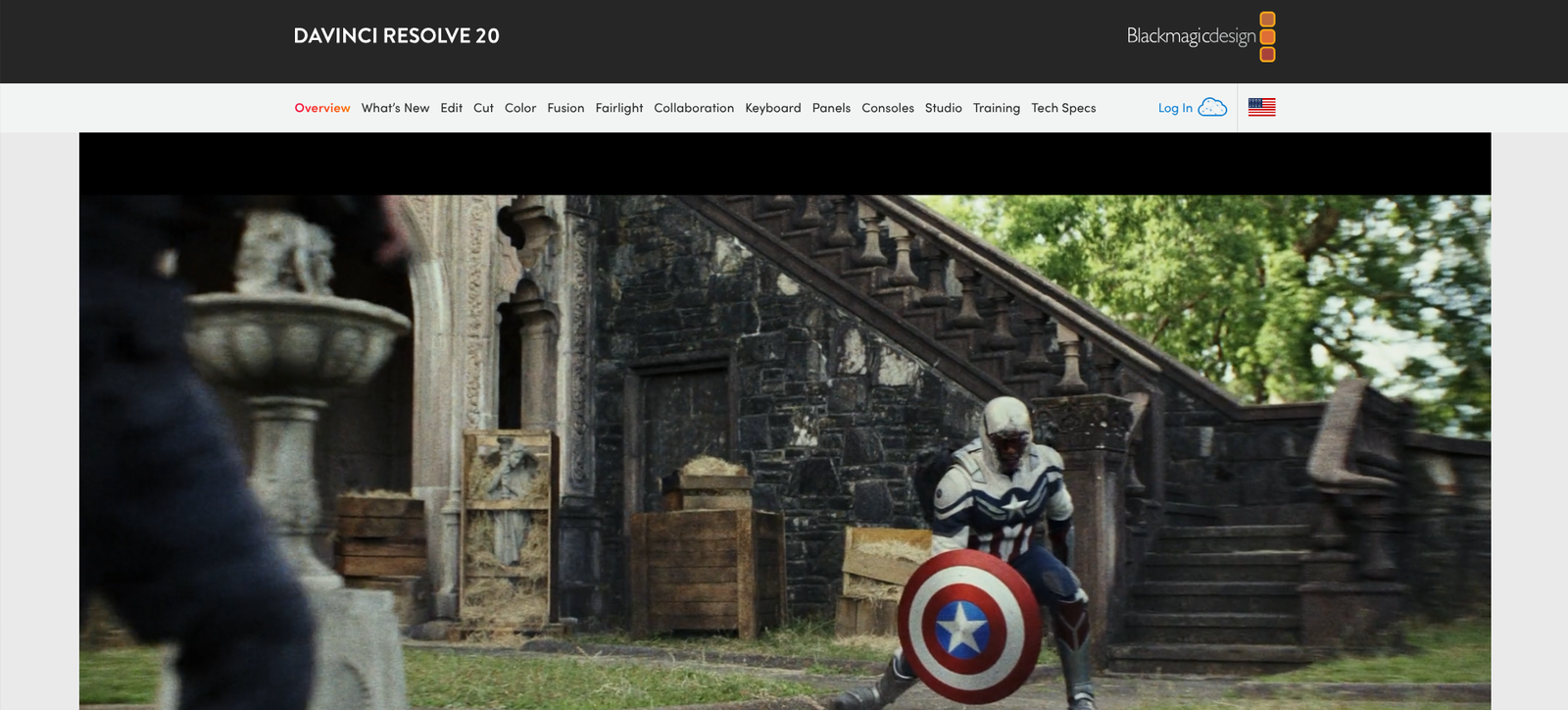
DaVinci Resolve is one of the most powerful video editing tools available, combining professional editing, color correction, visual effects, and audio post-production in a single program.
💭 What is DaVinci Resolve?
DaVinci Resolve is a professional-grade video editor used by major studios, YouTubers, and independent creators alike.
It’s known for its powerful color grading tools, cinematic effects, and audio suite — giving creators everything they need to produce professional-quality videos without expensive subscriptions.
It’s ideal for video editors, filmmakers, YouTubers, and course creators who want full creative control and pro-level results.
⚙️ Key Features
💎 Feature | 💬 What It Does |
🎞️ Video Editing Suite | Professional timeline editing with transitions, effects, and layers. |
🎨 Color Correction & Grading | Industry-leading color tools for cinematic looks. |
💥 Visual Effects (Fusion) | Add motion graphics, VFX, and green screen effects. |
🎧 Fairlight Audio | Full audio editing, mixing, and mastering tools. |
📷 Cut Page Mode | Fast, streamlined workflow for social and short-form content. |
🧠 AI Tools | Auto color matching, face detection, and smart editing features. |
💻 Multi-User Collaboration | Team editing support for larger productions. |
❤️ Why Creators & Entrepreneurs Love It
- Free version is extremely powerful — no watermark or time limits
- All-in-one post-production tool (edit, color, sound, VFX)
- Professional quality trusted by filmmakers
- Perfect for YouTube, short films, and online courses
- Works on Windows, Mac, and Linux
- Upgrade optional — only pay for studio features if you need them
🧠 How You Can Use DaVinci Resolve
🎥 YouTubers & Content Creators
Edit videos, add effects, and color grade easily
🎬 Filmmakers
Craft cinematic projects with professional color grading
🎓 Course Creators
Produce clean, polished lessons with great audio
📱 Social Media Editors
Edit reels and vertical videos fast with the Cut Page
🎧 Podcasters & Audio Producers
Mix and master high-quality sound
💰 Pricing Overview
💼 Plan | 💵 Cost | ⚡ Key Features |
🆓 DaVinci Resolve (Free) | $0 | Full-featured version with professional tools |
💎 DaVinci Resolve Studio | One-time $295 | adds advanced AI tools, 4K+, and multi-user collaboration |
💳 Payment Model — One-time purchase (no subscription)
🖥️ Platforms — Windows, macOS, Linux
💡 The free version is enough for 90% of creators — upgrade only for advanced color or multi-user workflows.
👉 Download DaVinci Resolve Free
❓ Common Questions
Is DaVinci Resolve really free?
Yes — it’s completely free and includes most professional features.
Can I use it for YouTube videos?
Absolutely — many top creators edit their entire channels in Resolve.
What’s the difference between Free and Studio versions?
Studio adds extra tools like noise reduction, HDR color, and AI motion tracking.
Is it beginner-friendly?
It has a learning curve, but there are tons of tutorials and templates online.
🏁 Final Thoughts
DaVinci Resolve is one of the best free editing tools ever made — giving creators studio-quality editing and color grading in one package.
Whether you’re crafting short social videos or full productions, it’s the perfect choice for creators who want professional results without the subscription cost.