

🎓 Education & Learning

Learning / Digital Art

Learn Professional Digital Art & Design Fundamentals Online
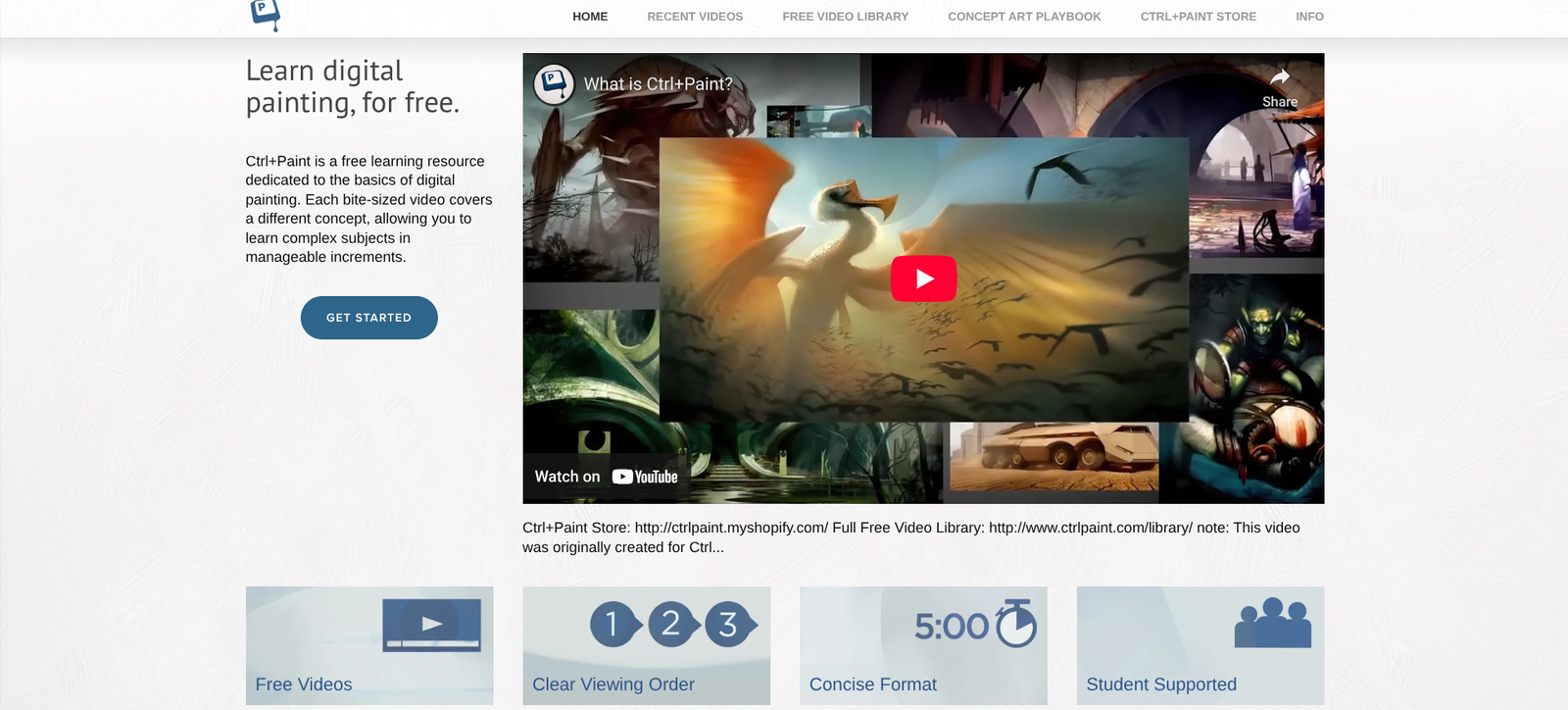
Ctrl+Paint is a digital painting and concept art learning library designed to help artists build their creative foundations, develop digital skills, and grow into confident professionals.
👉 Start Learning on Ctrl+Paint
💭 What is Ctrl+Paint?
Ctrl+Paint is a video-based learning platform created by concept artist Matt Kohr, offering clear, structured lessons on digital art, design, and creative thinking.
It’s ideal for artists, illustrators, and designers who want to transition from traditional to digital media — or simply strengthen their fundamentals.
The lessons are bite-sized, easy to follow, and beginner-friendly, progressing from sketching and composition to full digital painting workflows.
⚙️ Key Features
💎 Feature | 💬 What It Does |
🎥 Free Video Library | Hundreds of free lessons on drawing, painting, and design. |
🧠 Structured Learning Paths | Organized playlists for beginners and professionals alike. |
💻 Digital Workflow Tutorials | Learn Photoshop tools, layer management, and brush control. |
🎨 Traditional Art Basics | Covers gesture, anatomy, perspective, and composition. |
🖋️ Premium Downloads | Paid series for in-depth concept art and illustration training. |
🧩 Self-Paced Learning | Study anytime — no deadlines or subscriptions required. |
❤️ Why Creators & Entrepreneurs Love It
- Learn digital art fundamentals from a professional concept artist
- Free, high-quality lessons with optional premium deep-dives
- Focuses on creative process, not just software shortcuts
- Great for both beginners and experienced artists
- Self-paced and affordable — no subscription needed
🧠 How You Can Use Ctrl+Paint
🖌️ Digital Painting 101
Learn brushwork, blending, and texture
📏 Design & Composition
Master balance, shape, and storytelling
🎭 Character & Environment Art
Build concept art portfolios
📚 Drawing Foundations
Improve line confidence and form understanding
💼 Portfolio Preparation
Learn to present polished artwork professionally
💰 Pricing Overview
💼 Plan | 💵 Cost | ⚡ Key Features |
🆓 Free Library | $0 | Hundreds of video lessons and guides |
💼 Premium Videos | $10–$20 each | one-time purchase per course |
💎 Bundle Packs | Discounted sets | for structured learning paths |
💡 There’s no subscription — you buy only what you need and own it forever.
👉 Explore the Ctrl+Paint Library
❓ Common Questions
🎨 Who created Ctrl+Paint?
Concept artist Matt Kohr created the video-based learning library.
🌱 Is it suitable for beginners?
Bite-sized lessons build foundations in sketching, composition, and digital painting workflows.
📚 Are free lessons available?
The free library includes hundreds of lessons and guides, with premium videos available for deeper study.
🖥️ Do I have to use Photoshop?
Some workflow lessons focus on Photoshop, but the art fundamentals can apply to other digital painting tools.
🏁 Final Thoughts
Ctrl+Paint is a goldmine for digital artists who want to improve their craft without being overwhelmed.
It bridges the gap between traditional art skills and digital techniques — making it the perfect companion for your creative journey.